For more information, click the Help icon in the Dell Imaging Toolbox.
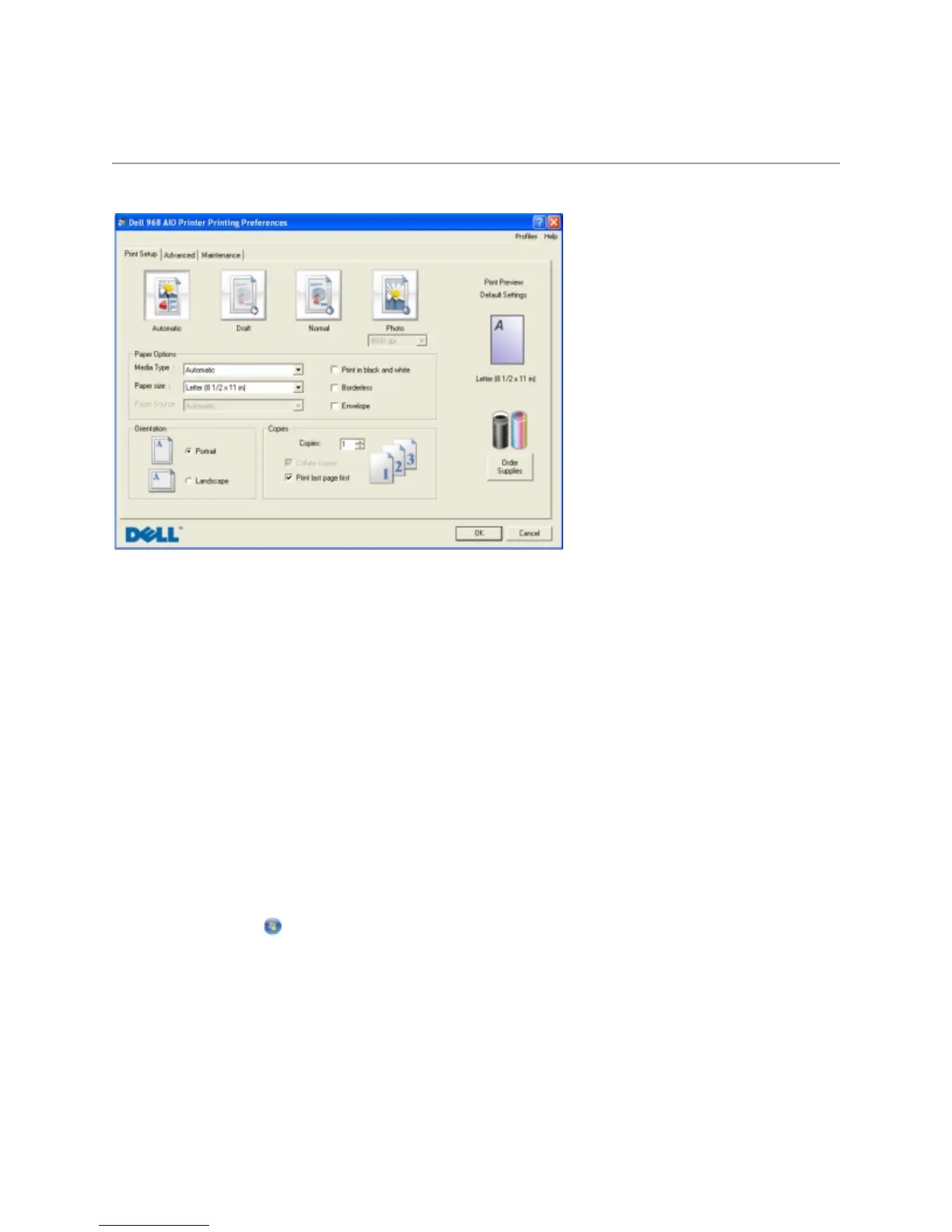
UsingPrintingPreferences
You can change your printer settings in Printing Preferences depending on the type of project you
want to create.
To access Printing Preferences when a document is open:
1. Click File Print.
The Print dialog box opens.
2. Click Preferences, Properties, Options, or Setup (depending on the program or operating
system).
The Printing Preferences dialog box opens.
To access Printing Preferences when a document is not open:
1. In Windows Vista:
a. Click Control Panel.
b. Click Hardware and Sound.
c. Click Printers.
In Windows XP, click Start Settings Control Panel Printers and Other Hardware
Printers and Faxes.
In Windows 2000, click Start Settings Printers.



 To Next Page