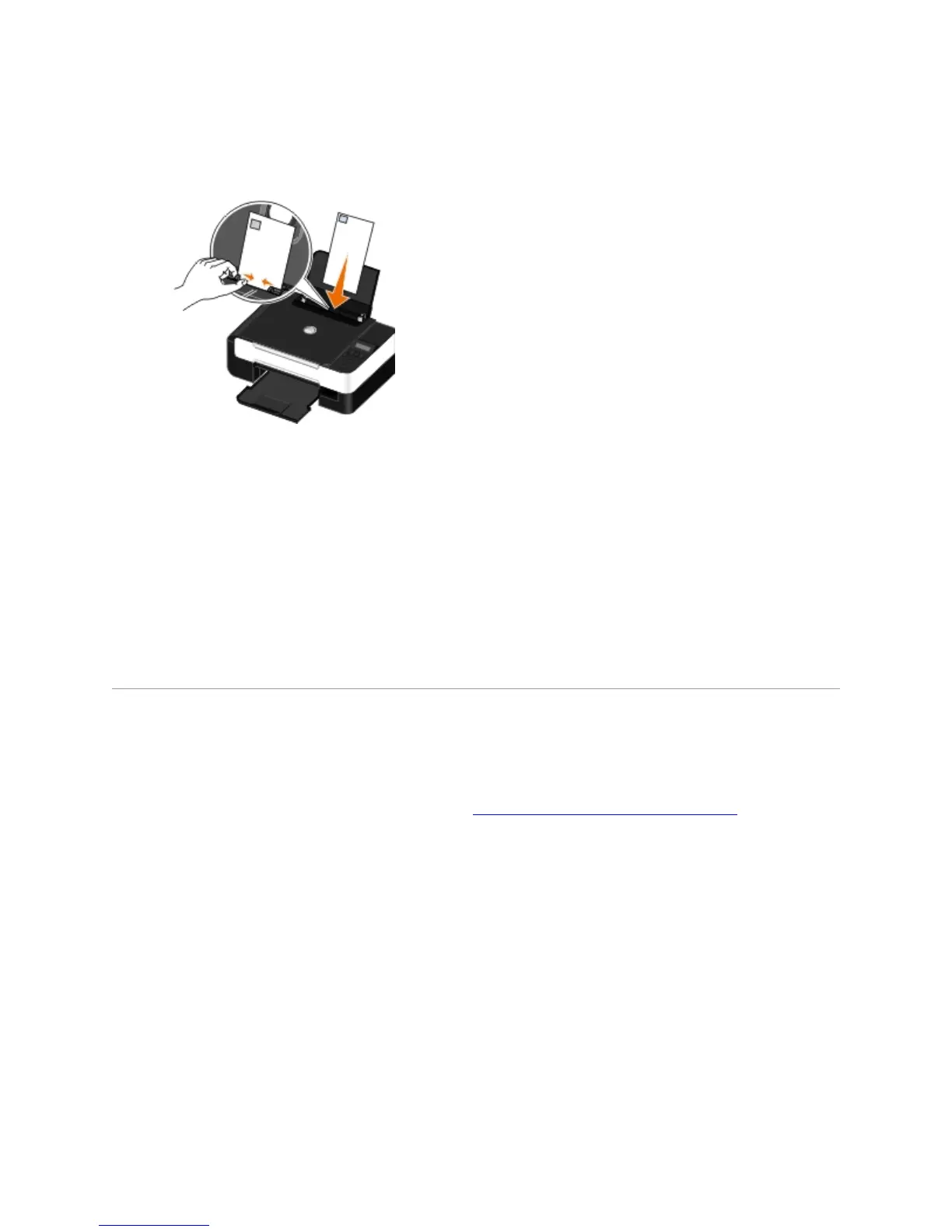
7.
If mailing internationally, load the envelope this way:
8.
9. On the Print Setup and Advanced tabs, make any necessary changes for your document.
10. When you finish customizing your settings, click OK.
The Printing Preferences dialog box closes.
11. Click OK or Print.
PrintingMoreThanOnePageonaSheetofPaper
1. Turn on your computer and printer, and ensure that they are connected.
2. Load the paper. For more information, see Loading Paper into the Paper Support
.
3. With your document open, click File Print.
4. Click Preferences, Properties, Options, or Setup (depending on the program or operating
system).
The Printing Preferences dialog box opens.
5. On the Advanced tab, select N-up from the Layout drop-down list.
6. From the Pages per sheet drop-down list, select how many pages you want to be printed on
one sheet.
7. Select the Print Page Borders check box if you want borders between pages.



 To Next Page