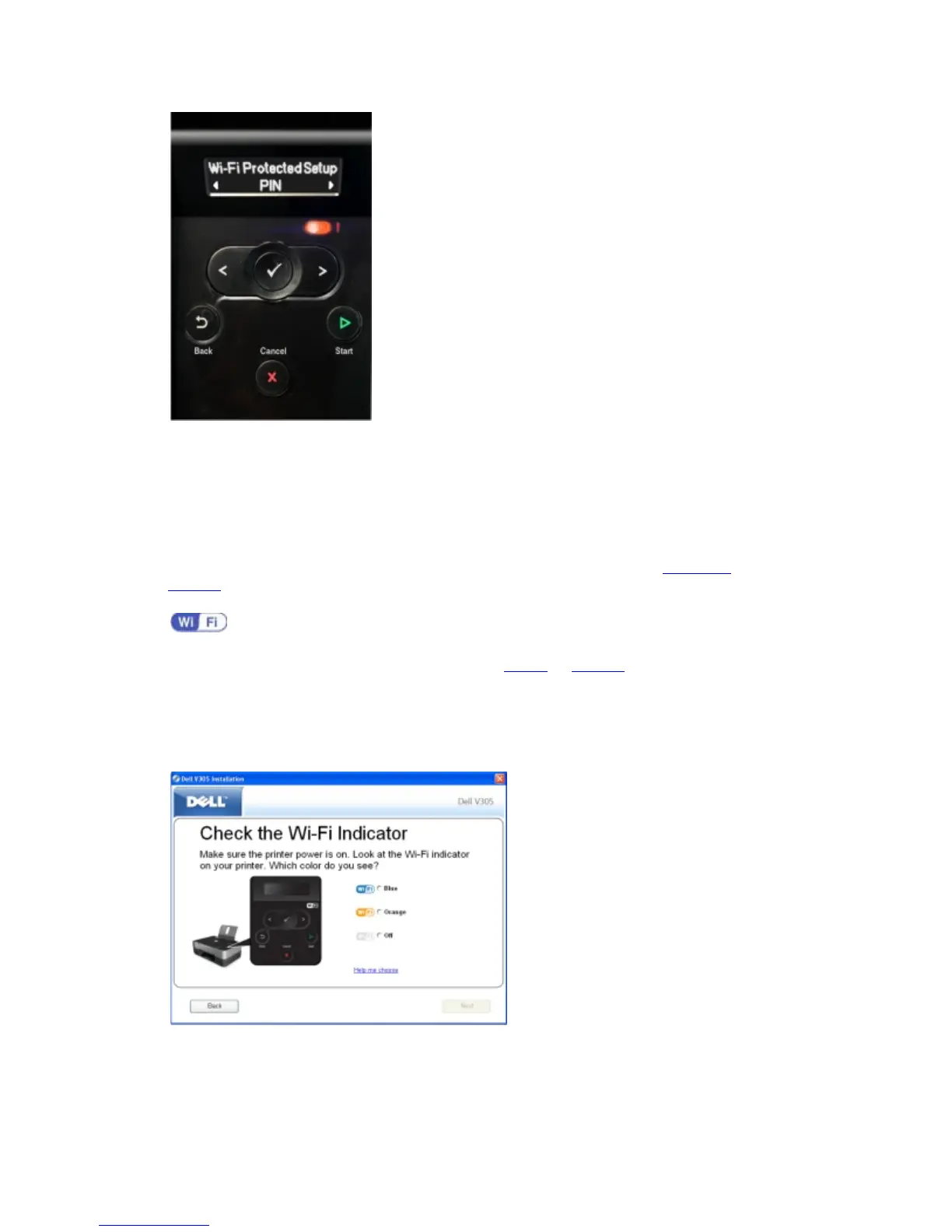
13. Type the PIN provided on your printer operator panel into the PIN field on your router WPS
page within two minutes.
If setup is successful, Wi-Fi Protected Setup Successful appears on the printer operator
panel.
Check if the printer's Wi-Fi LED turns blue. For more information, see Wi-Fi LED
. Continue with
step 14
.
If setup is not successful or times out, perform step 8
to step 13 again.
14. Close the router WPS page.
15. Follow the instructions on the installation screen to complete setup.
Using the Push Button Method



 To Next Page