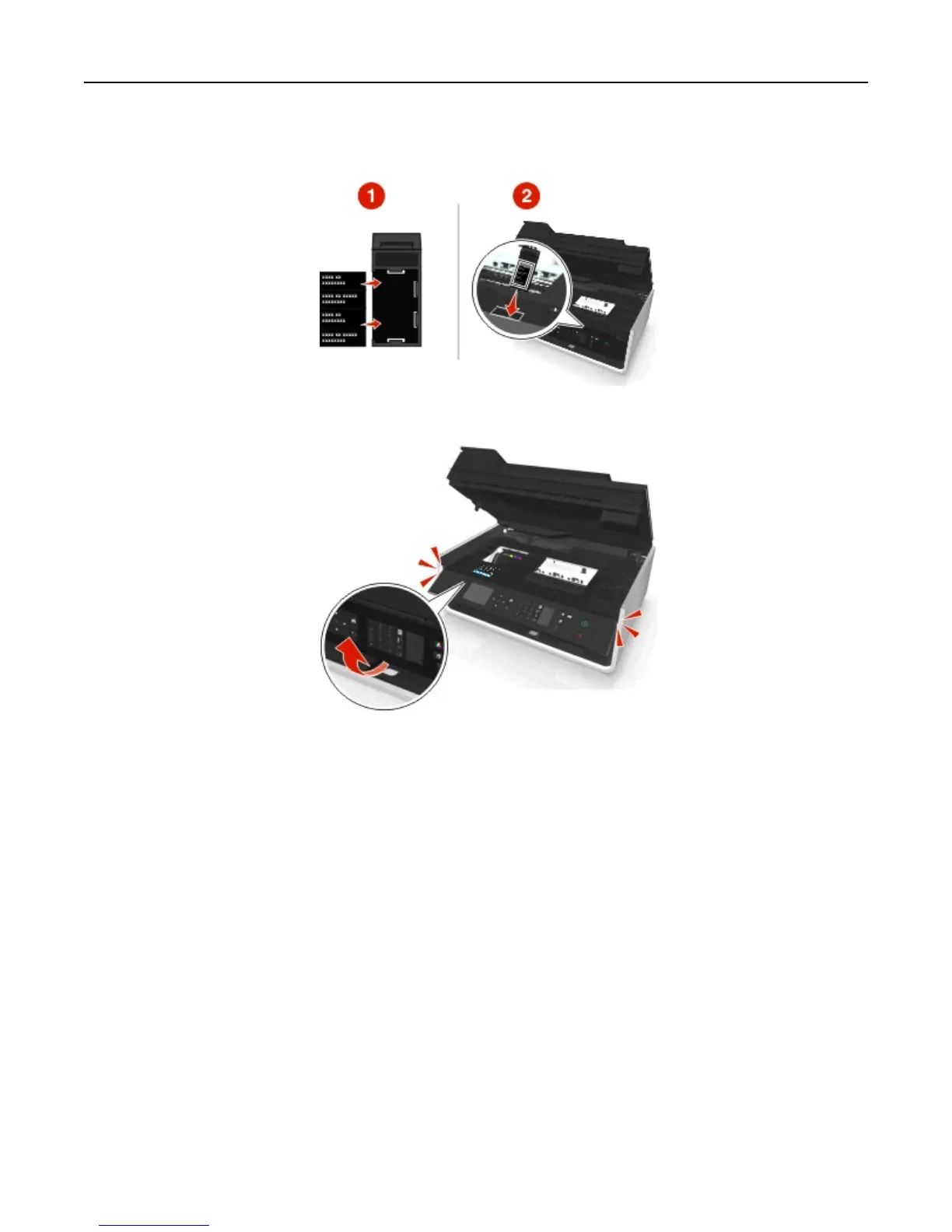
6 Insert the preferred language sheet into the language sheet holder, and then attach the language sheet holder to
the printer control panel.
7 Raise the printer control panel until it clicks into place.
8 Close the printer, and then fully extend the paper exit tray.
Using the printer control panel buttons and menus 19












 To Next Page