Using the printer control panel buttons and menus
Replacing the language sheet
A language sheet is used to label buttons on the printer control panel. Language sheets can be replaced anytime,
depending on which language you want to use. Some languages are available only in select printer models.
Note: Your printer comes with a preinstalled English language sheet, depending on your country or region.
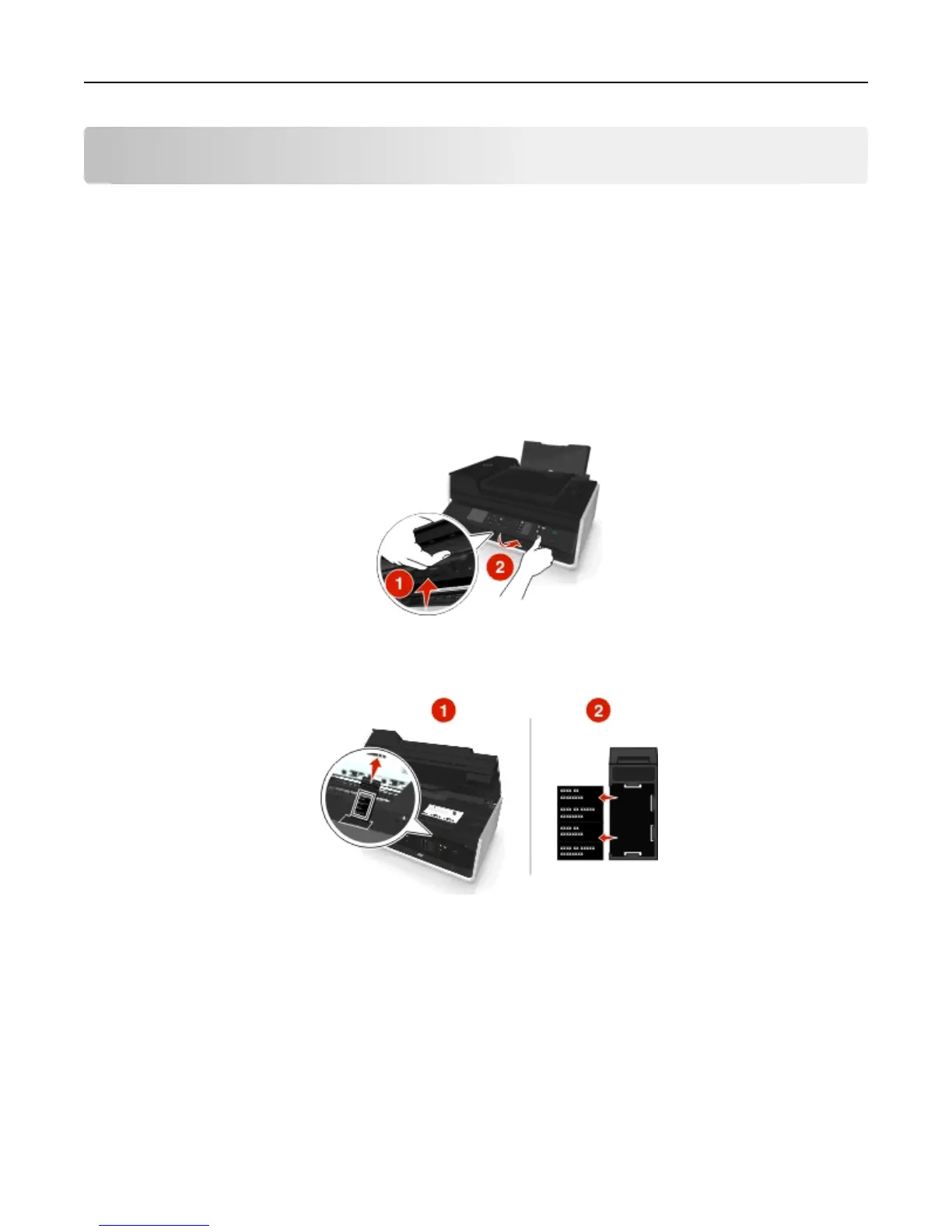
1 Remove the language sheet from the documentation folder that came with the printer.
2 If necessary, insert the paper exit tray into the printer.
3 Press the latch under the printer control panel to release it, and then push the panel back to its shipping position.
4 Open the printer.
5 Remove the language sheet holder from the printer control panel.
Using the printer control panel buttons and menus 18












 To Next Page