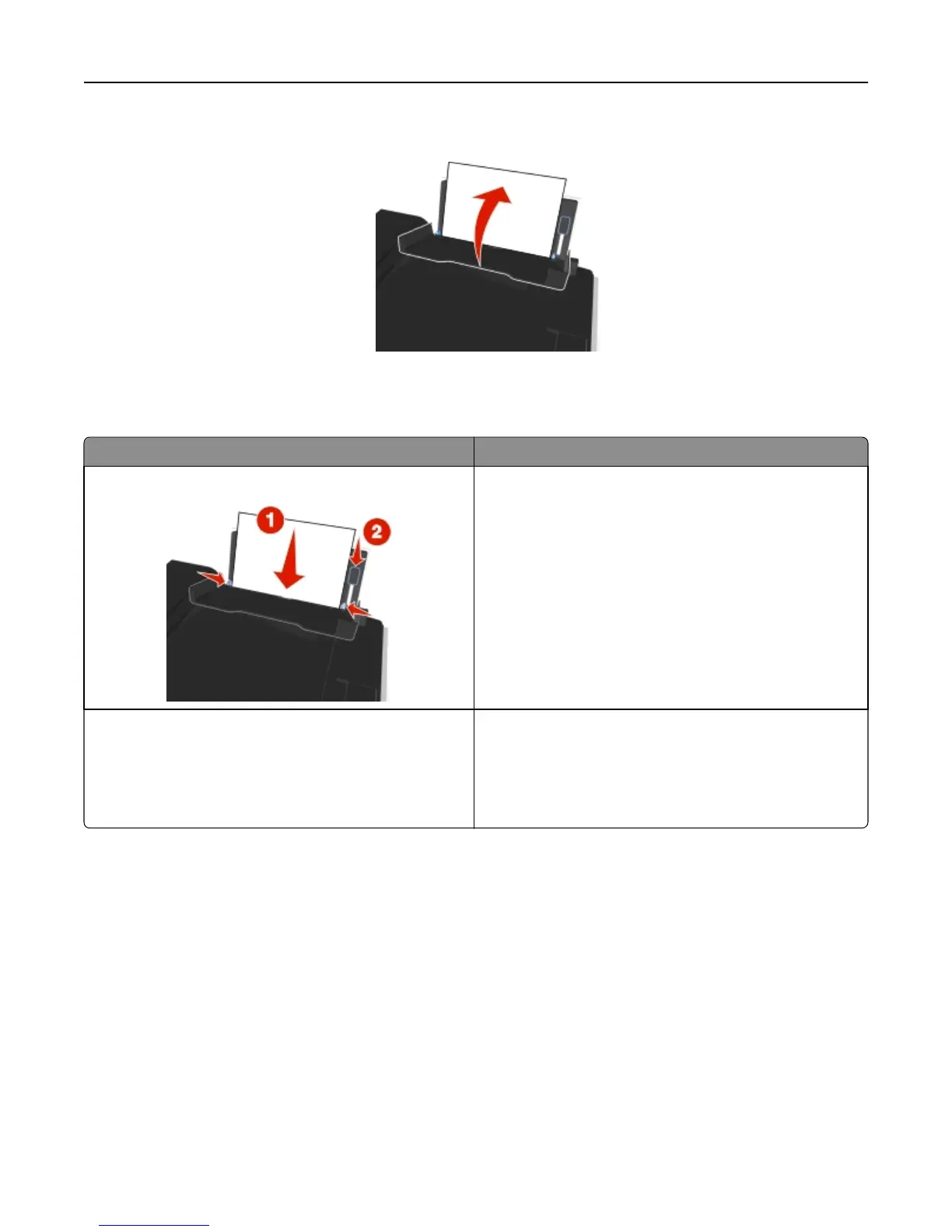
5 Close the paper feed guard.
6 From the printer control panel, select or confirm your paper settings.
Paper and specialty media guidelines
Load up to Make sure that
100 sheets of plain paper
• The paper guides rest against the edges of the paper.
• You load letterhead paper with the printable side faceup
and the top of the letterhead going into the printer first.
25 sheets of heavyweight matte paper
• The printable side of the paper is faceup.
• The paper guides rest against the edges of the paper.
Note: Draft mode is available but is not recommended for
use with expensive paper such as heavyweight matte,
labels, photo cards, and glossy paper.
Loading paper and original documents 30












 To Next Page