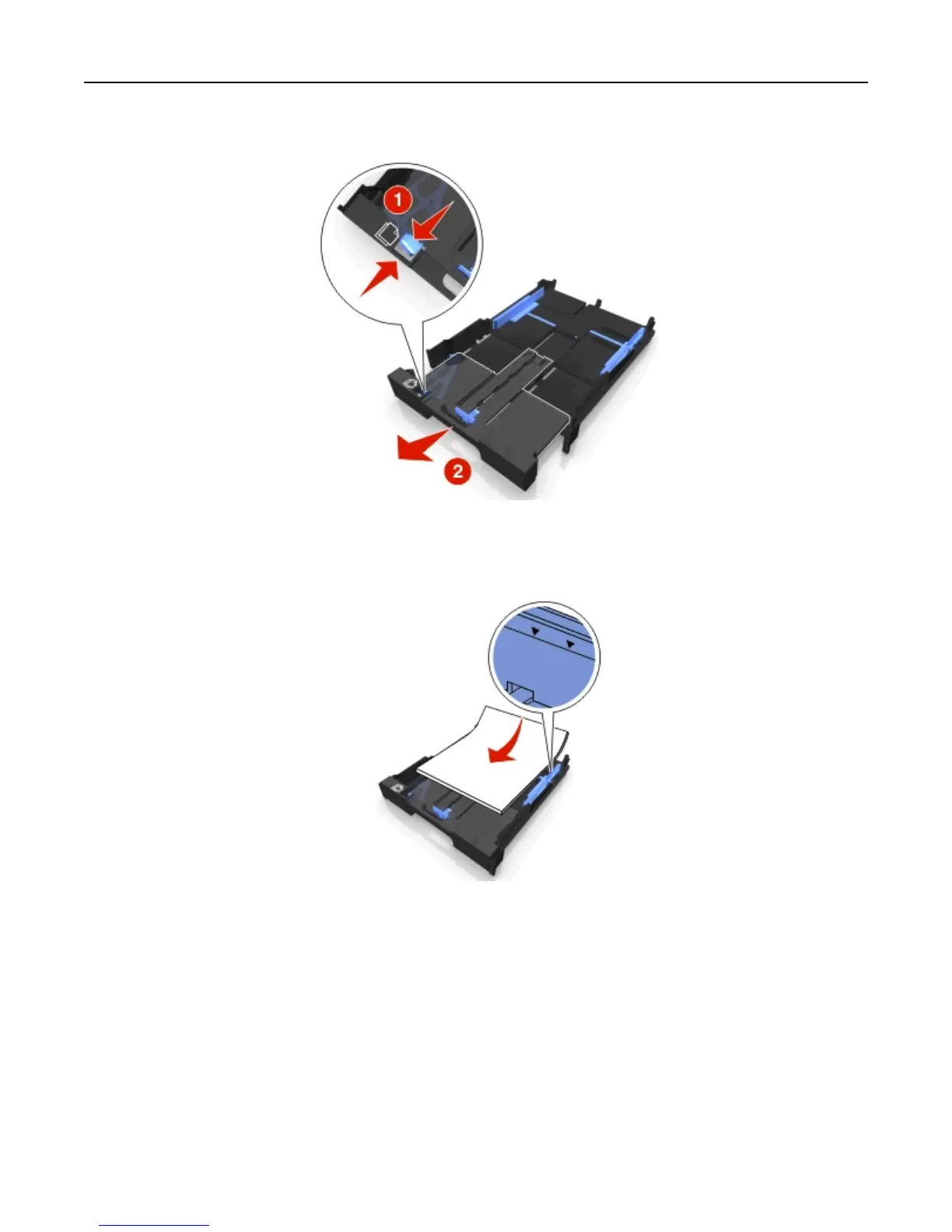
3 If you are loading A4‑ or legal‑size paper, then squeeze the tab and pull to extend the tray.
Note: When you pull the extension out, the first stop accommodates A4‑size paper. When the extension is fully
out, it accommodates legal‑size paper.
4 Load the paper facedown.
Loading paper and original documents 30












 To Next Page