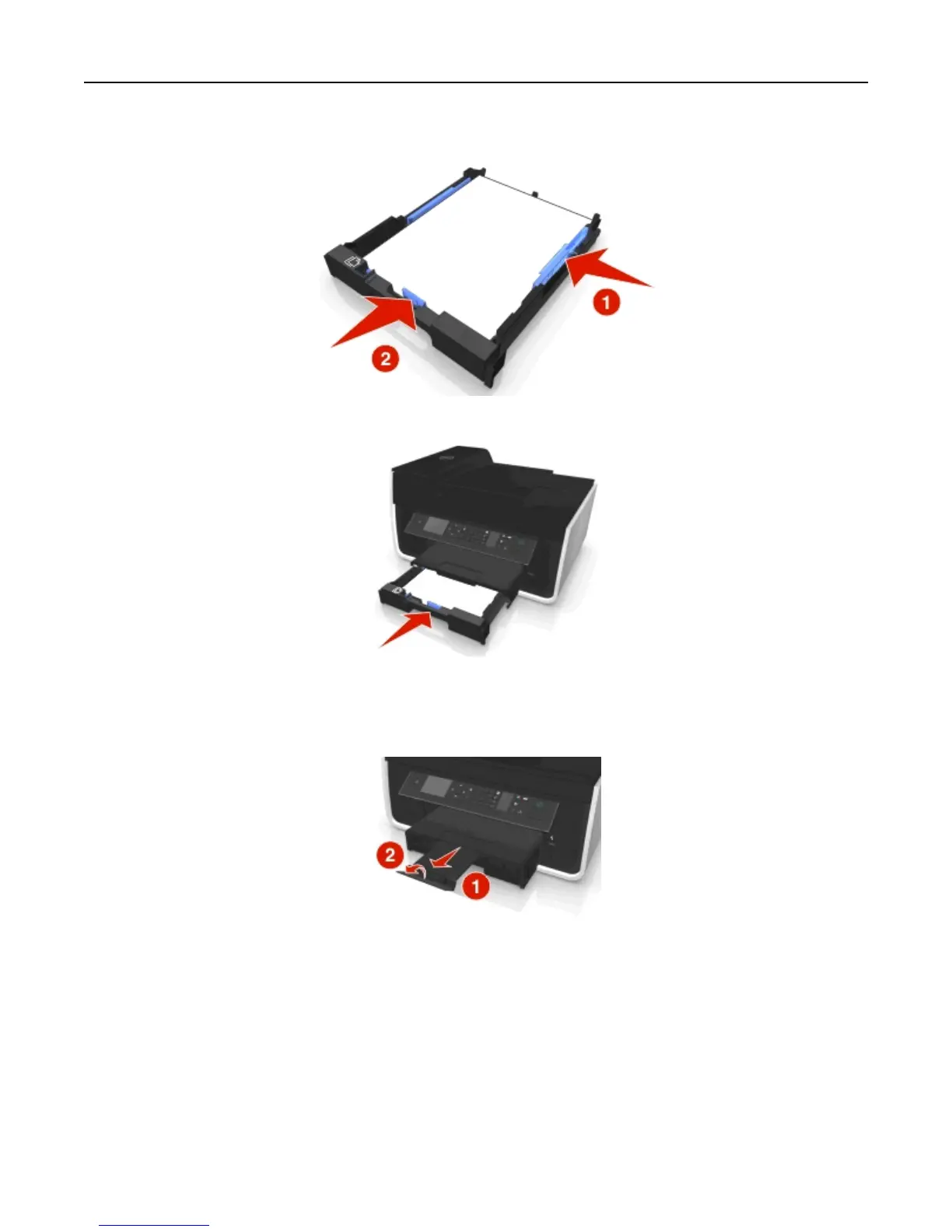
5 Adjust the paper guides to rest gently against the left, right, and bottom edges of the paper.
6 Insert the tray.
Note: If you extended the tray to accommodate A4- or legal-size paper, then the tray sticks out from the front of
the printer when inserted.
7 Flip up the paper stop to catch the paper as it exits.
Note: If you loaded A4‑ or legal‑size paper, then extend the paper stop.
Loading paper and original documents 31












 To Next Page