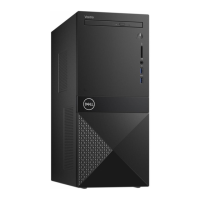
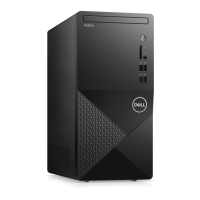
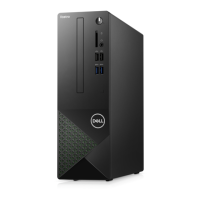
Disassembly and reassembly
Topics:
• Recommended tools
•
Cover
• Front Bezel
• Cooling shroud
• Expansion card
• Hard drive
• Optical drive
• WLAN card
• Heat sink assemblyassembly
• Memory modules
• Power supply unit
• System fan
• Coin-cell battery
• System board
Recommended tools
The procedures in this document require the following tools:
● Small flat blade screwdriver
● Phillips # 1 screwdriver
● Small plastic scribe
Cover
Removing the cover
1. Follow the procedure in Before working inside your computer.
2. Follow the steps to remove the cover:
a. Remove the two 6-32xL6.35 screws that secure the cover to the computer [1].
b. Slide the computer cover towards the back of the computer [2].
2
8 Disassembly and reassembly


 To Next Page