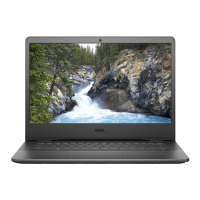
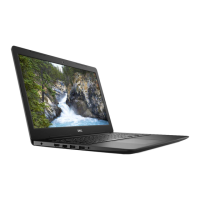
Installing the Display Bezel
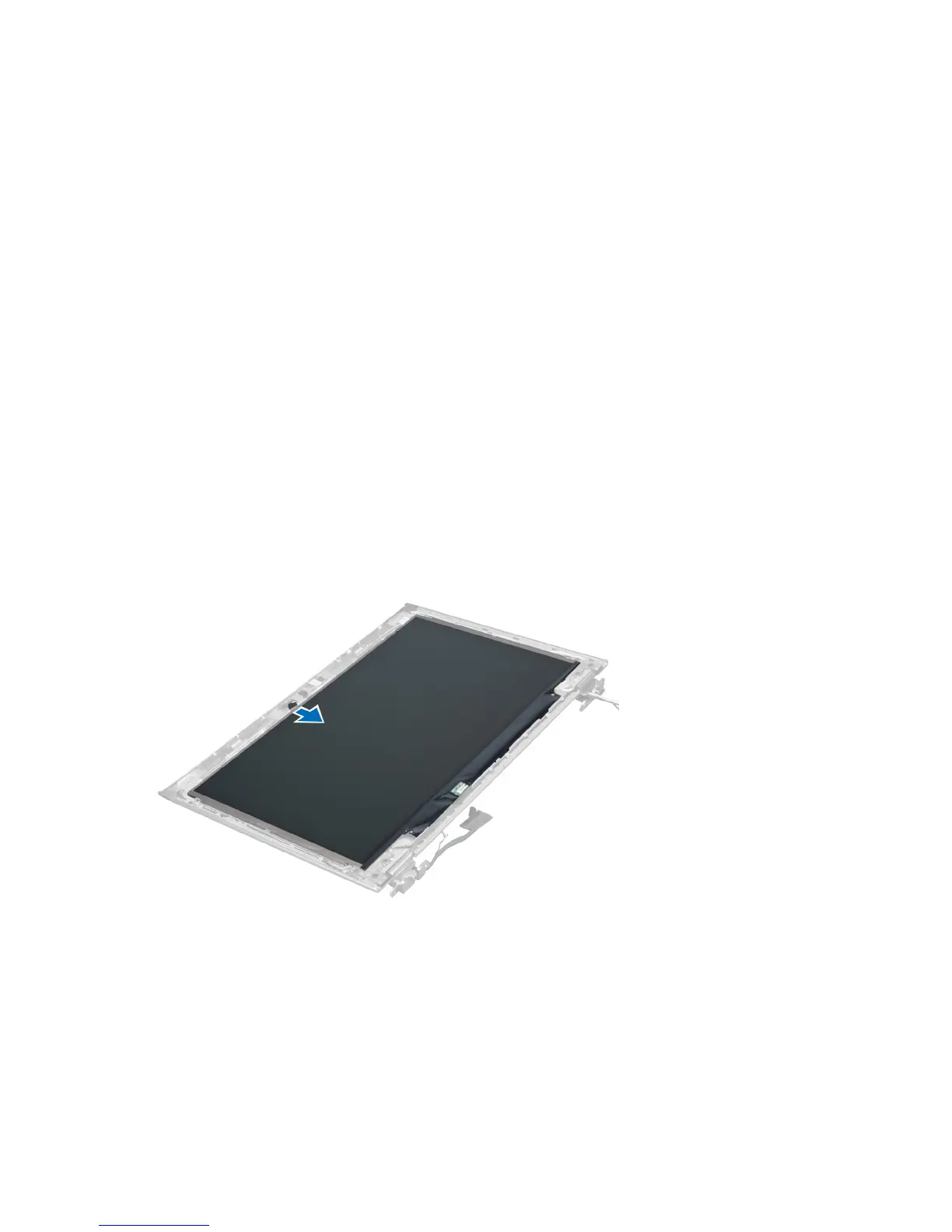
1. Align the display bezel with the display assembly and gently snap it into place.
2. Install :
a) display hinge cover
b) battery
c) palmrest
d) keyboard
e) access panel
3. Follow the procedures in
After Working Inside Your Computer
.
Removing the Display Panel
1. Follow the procedures in
Before Working Inside Your Computer
.
2. Remove:
a) access panel
b) keyboard
c) palmrest
d) battery
e) display hinge cover
f) display assembly
g) display bezel
3. Disconnect the camera cable from its connector on the camera module.
4. Remove the screws that secure the display panel to the display back cover.
24


 To Next Page