i input and output board
j touchpad
k speakers
l heatsink
m display assembly
n power button with ngerprint
o power adapter port
p system board
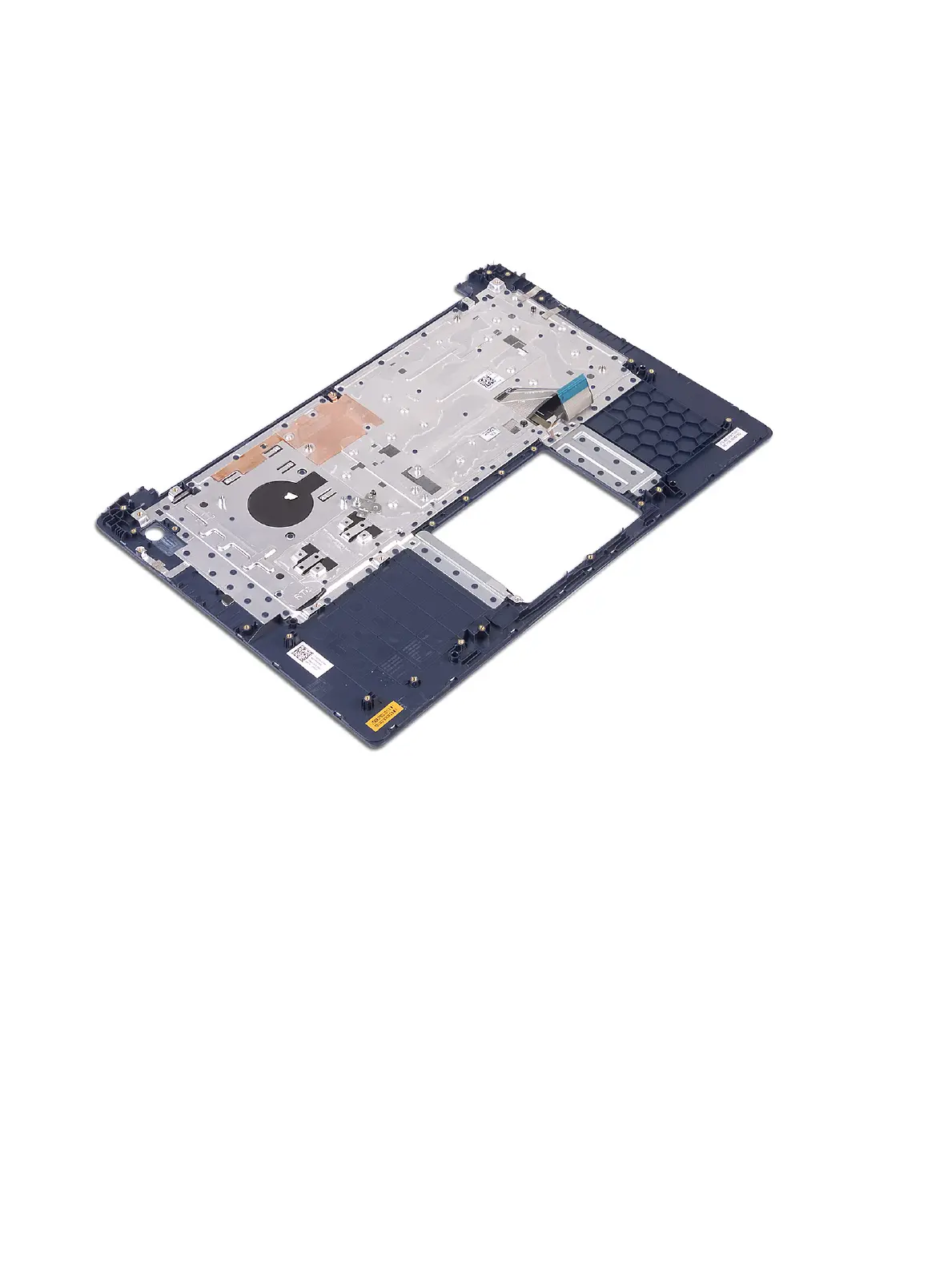
3 After removing the above components, we are left with the palm-rest and keyboard assembly.
Display bezel
Removing the display bezel
1 Follow the procedure in Before working inside your computer.
2 Remove the:
a base cover
b battery
c WLAN
d display assembly
3 To remove display bezel:
a Using a plastic scribe pry the edges of the display bezel.
Removing and installing components
71





 To Next Page