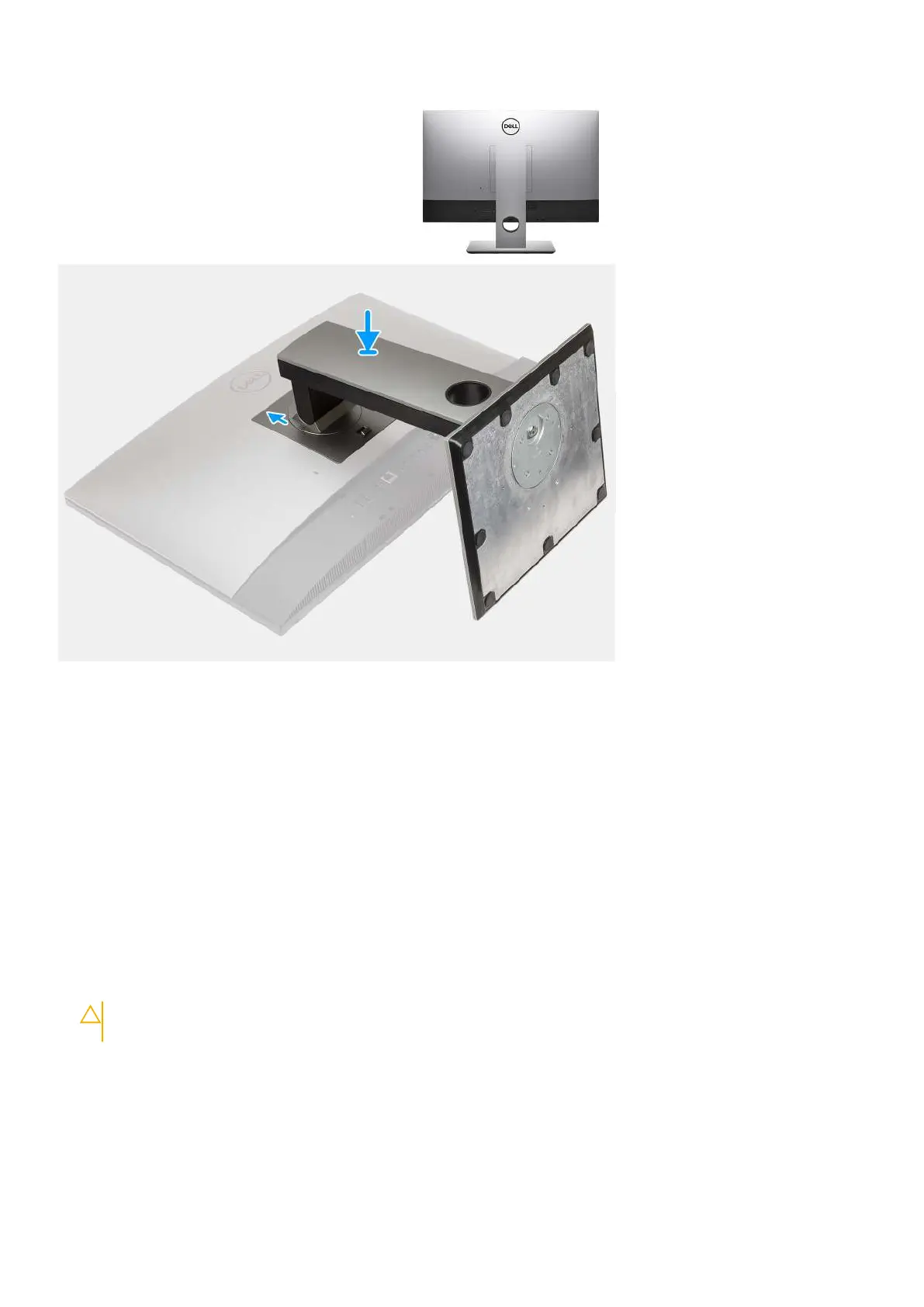
Steps
1. Align the tabs on the stand with the slots on the back cover.
2. Slide the stand upward until it clicks into place.
Next steps
1. Follow the procedure in After working inside your computer.
Cable cover—optional
Removing the cable cover
Prerequisites
1. Follow the procedure in Before working inside your computer.
CAUTION:
When servicing the system, place it on an elevated, clean, and flat surface. It is recommended to
remove the stand to avoid accidental damage to the system display during servicing.
2. Remove the stand.
About this task
The following image provides a visual representation of the cable cover removal procedure.
Removing and installing components
19









 To Next Page