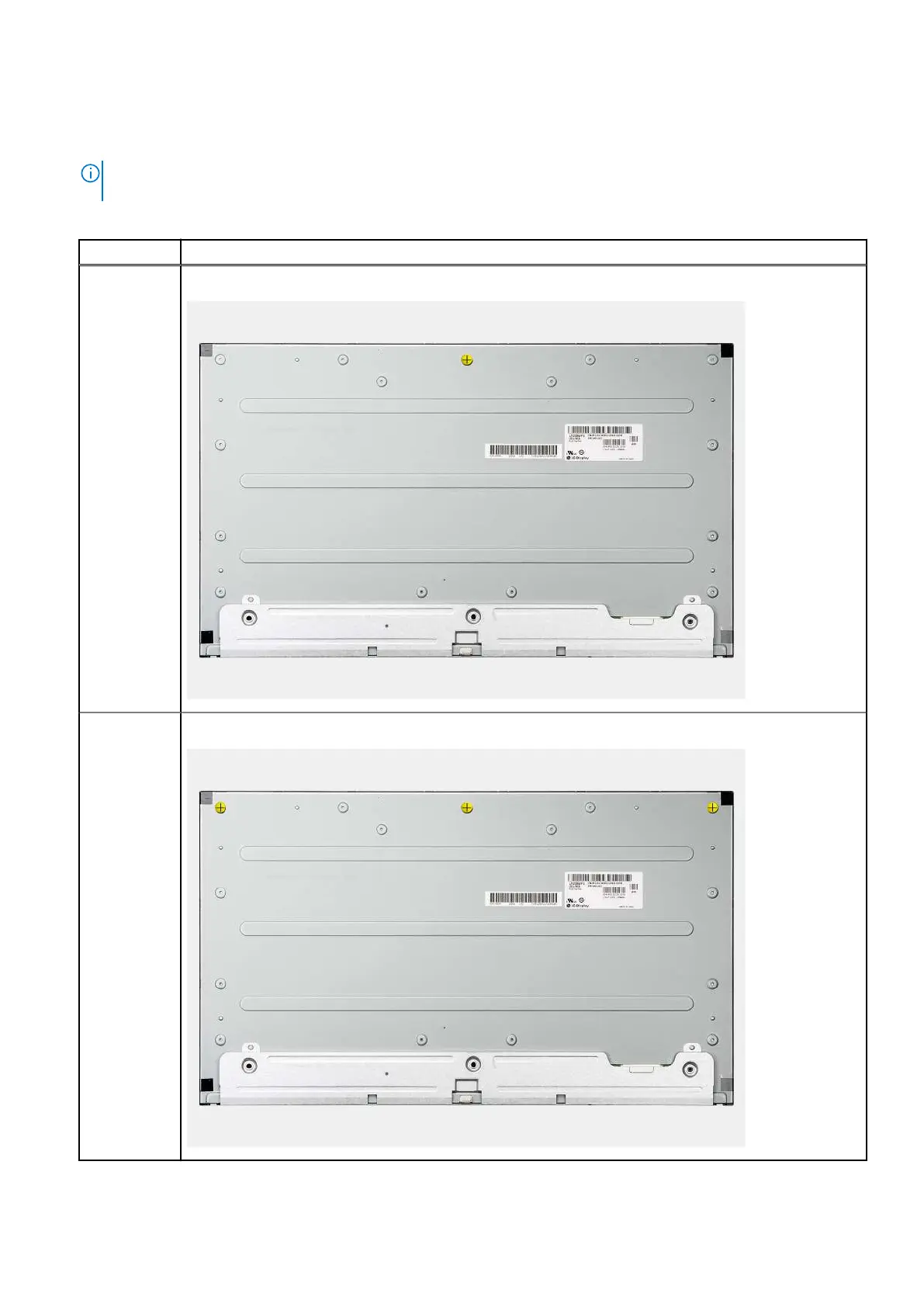
4. Replace the nine screws (M3x5) to secure the display panel to the middle frame and display-assembly base.
5. Remove the three jig screws from the display panel and replace with three screws (M3x5) to secure the display panel to the
middle frame and display assembly base.
NOTE: The jig screw is shipped with the replacement display panel. It is used to align the display panel to the display-
assembly base.
Table 3. Number of jig screws
Display type Number of jig screws
Touch display One
Non-touch
display
Three
Removing and installing components 83









 To Next Page