18 Status Indicator Information, Troubleshooting, and Specifications
Print Status
Error Status
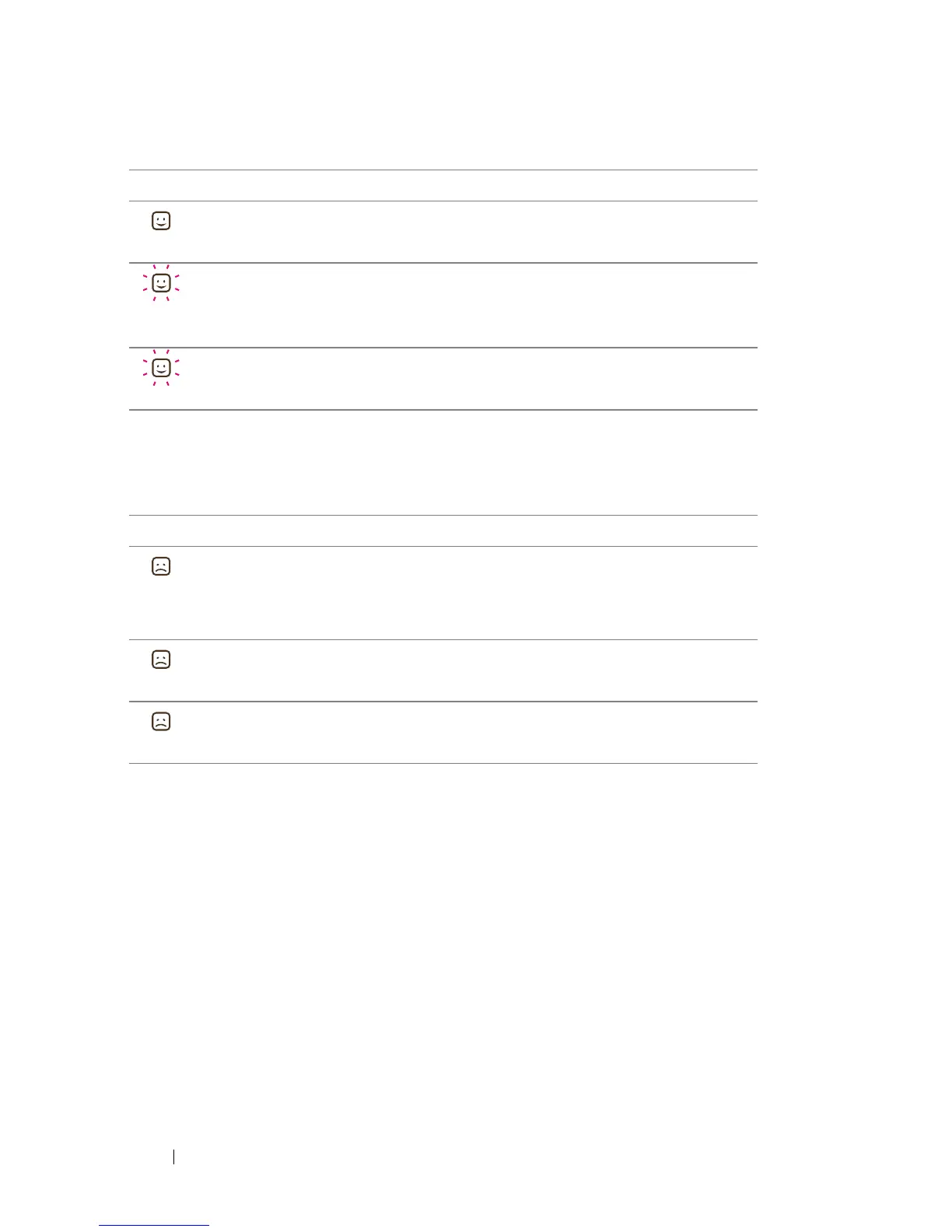
LED Status Description
Ready indicator: on The printer is ready to receive data
Ready indicator:
0.5 second per blink
The printer is receiving data through
Bluetooth
/PictBridge
Printing is in progress
Ready indicator:
2 seconds per blink
The printer is cooling
LED Status Description
Error indicator: on Paper jam
No paper
Other errors
Error indicator: on Media cover open
Error indicator: on Non Dell-branded ZINK photo paper is
used












 To Next Page