8 Installing and Charging the Battery
Charging the Battery
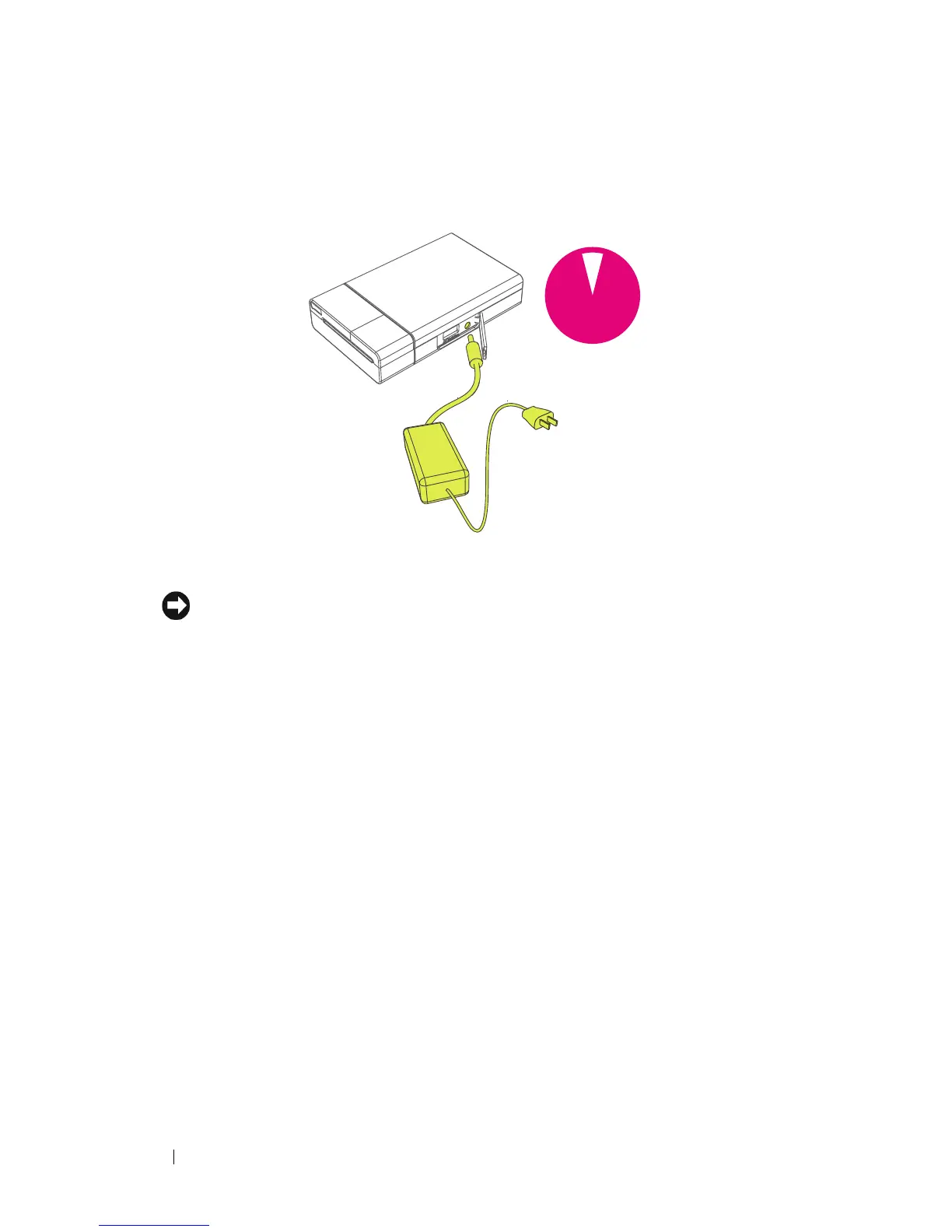
Connect the AC adapter to the printer and a power source.
NOTICE: Charge the battery for 1.5 hours in order to ensure that the battery is fully
charged before you use the printer. If the battery has not been fully charged,
potential damage to hardware or loss of data might happen.
1.5
hours












 To Next Page