Installing and Charging the Battery 7
2
Installing and Charging the Battery
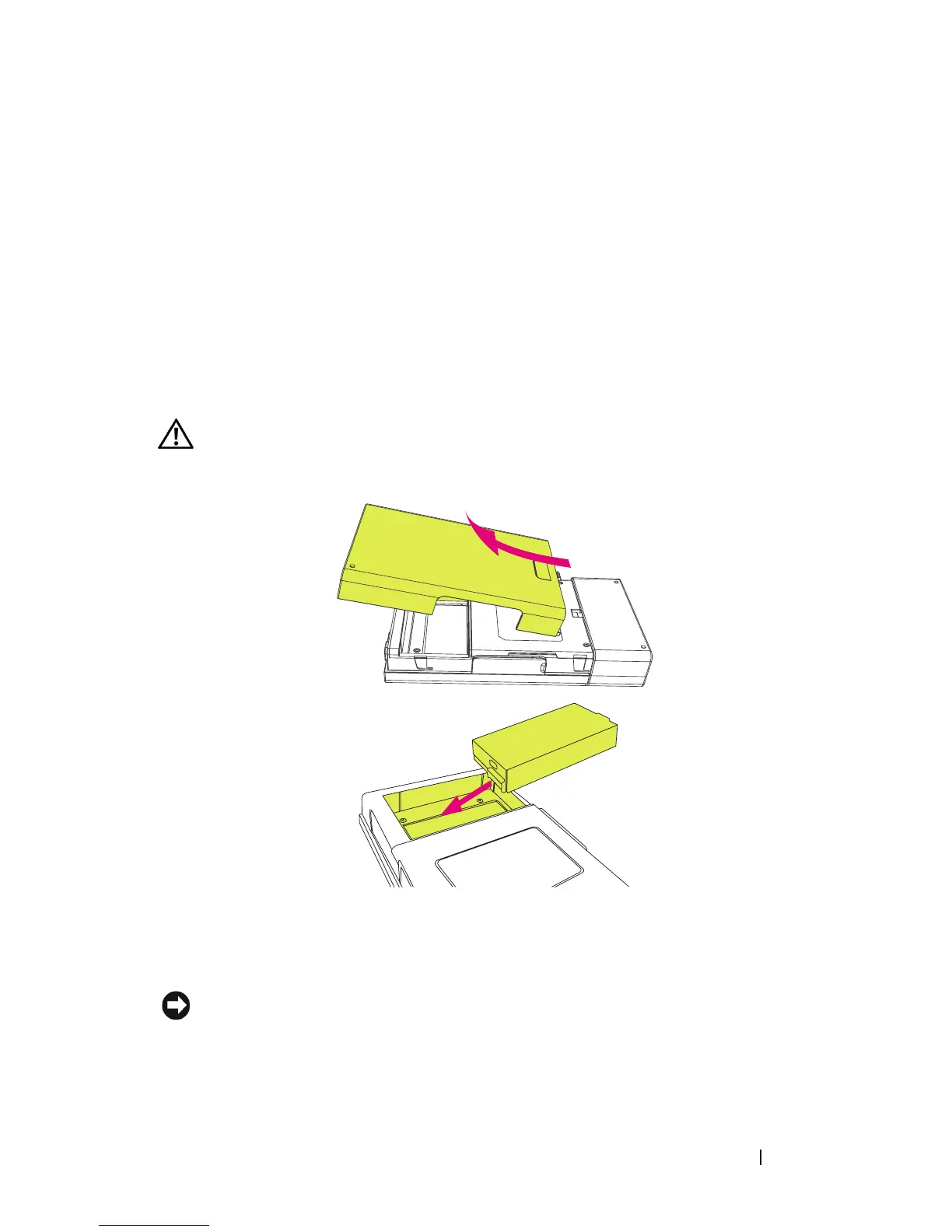
Installing the Battery
CAUTION: Use only the battery that shipped with your printer. Using any other
batteries may result in product damage or malfunction.
1
Remove the battery cover.
2
Insert the battery. Ensure that the battery is inserted in the correct
orientation as shown above.
NOTICE: Inserting the battery incorrectly can result in potential loss of data or
damage to hardware.
3
Replace the battery cover.












 To Next Page