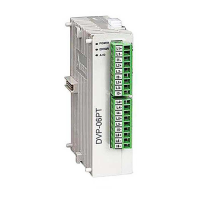
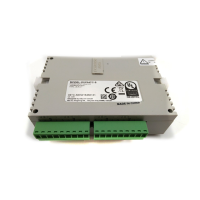
Load Cell Module DVP02LC-SL
DVP-PLC Operation Manual
11
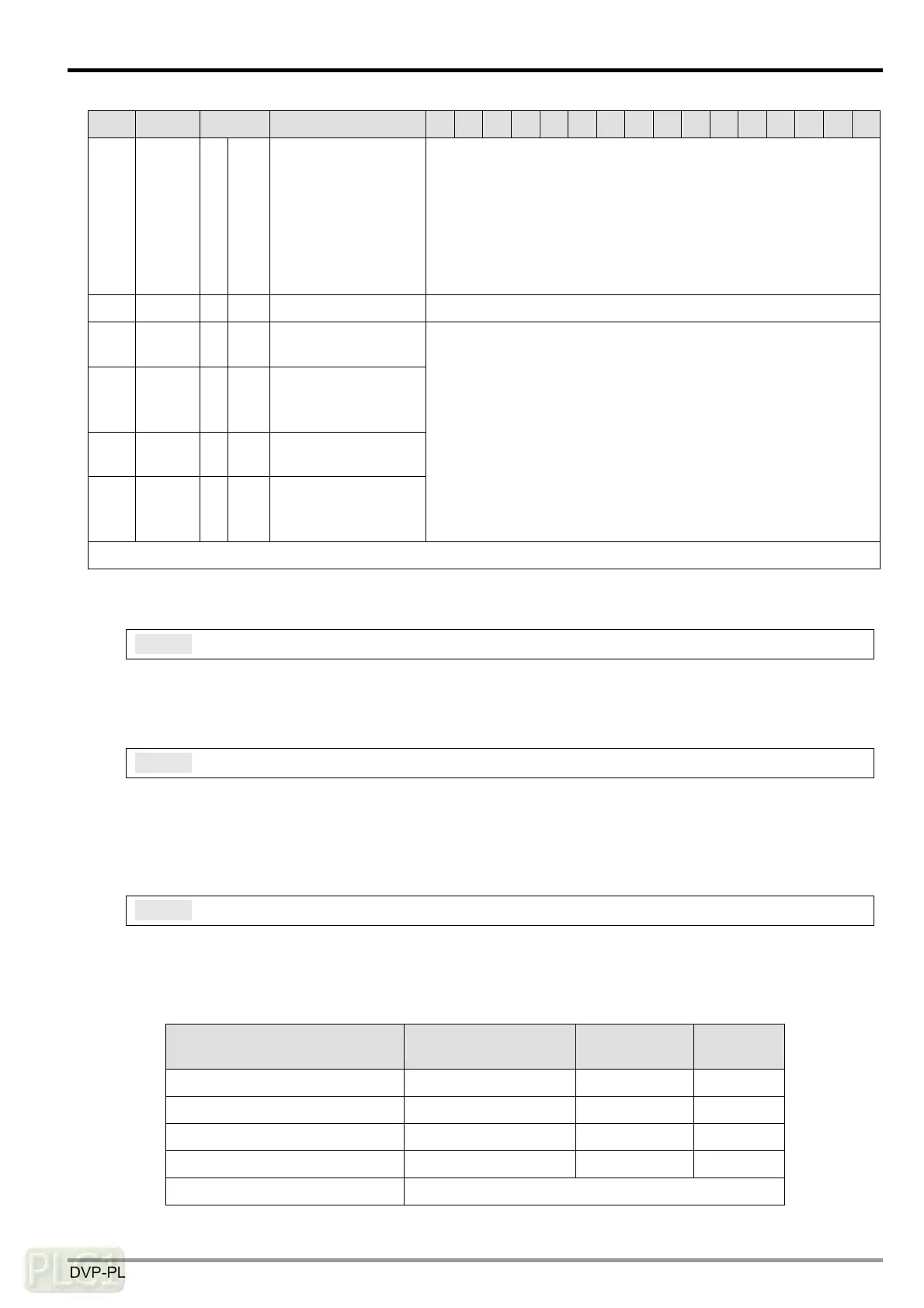
CR# Address Attribute Content b15 b14 b13 b12 b11 b10 b9 b8 b7 b6 b5 b4 b3 b2 b1 b0
#50 H’1032 X R Status code
b0 (H’0001): CH1 zero point weight (empty)
b1 (H’0002): CH2 zero point weight (empty)
b2 (H’0004): CH1 exceeds max. weight (overload)
b3 (H’0008): CH2 exceeds max. weight (overload)
b4 (H’0010): CH1 measured value is stable.
b5 (H’0020): CH2 measured value is stable.
b6 to b15: Reserved
#51 H’1033 X R Error code Storing all error statuses. See the “Error Code” table.
#52 H’1034 O R/W
RS-232 node
address
#53 H’1035 O R/W
RS-232
communication
format
#54 H’1036 O R/W
RS-485 node
address
#55 H’1037 O R/W
RS-485
communication
format
For CR#52 and CR#54, the default value is K1 and the range is
K1 to K255.
For CR#53 and CR#55, the default value is H’0000 and the
range is “ASCII, 9600, 7, E, 1”. See the “Communication Format”
table.
Symbols: O means latched; X means non-latched; R means able to read data; W means able to write data.
5.2 Explanations on Control Registers
CR#0: Model name
Explanations:
The model code of DVP02LC-SL is H’4206.
CR#1: Firmware version
Explanations:
The high byte is the ones digit, and the low byte is the tenths and hundredths digits, e.g. V1.01 =
H’0101.
CR#2: Eigenvalue
Explanations:
Since load cells of different brands own different specifications, please set up eigenvalues for
DVP02LC-SL following the instructions and specification of the load cell you use.
Specification Eigenvalue you need
Value to be
set in CR#2
Note
0 < eigenvalue ≤ 1 mV/V 1 mV/V H’0000
1 < eigenvalue ≤ 2 mV/V 2 mV/V H’0001 Default
2 < eigenvalue ≤ 4 mV/V 4 mV/V H’0002
4 < eigenvalue ≤ 6 mV/V 6 mV/V H’0003
Eigenvalue > 6 mV/V Not supported



 To Next Page