EasyManua.ls Logo

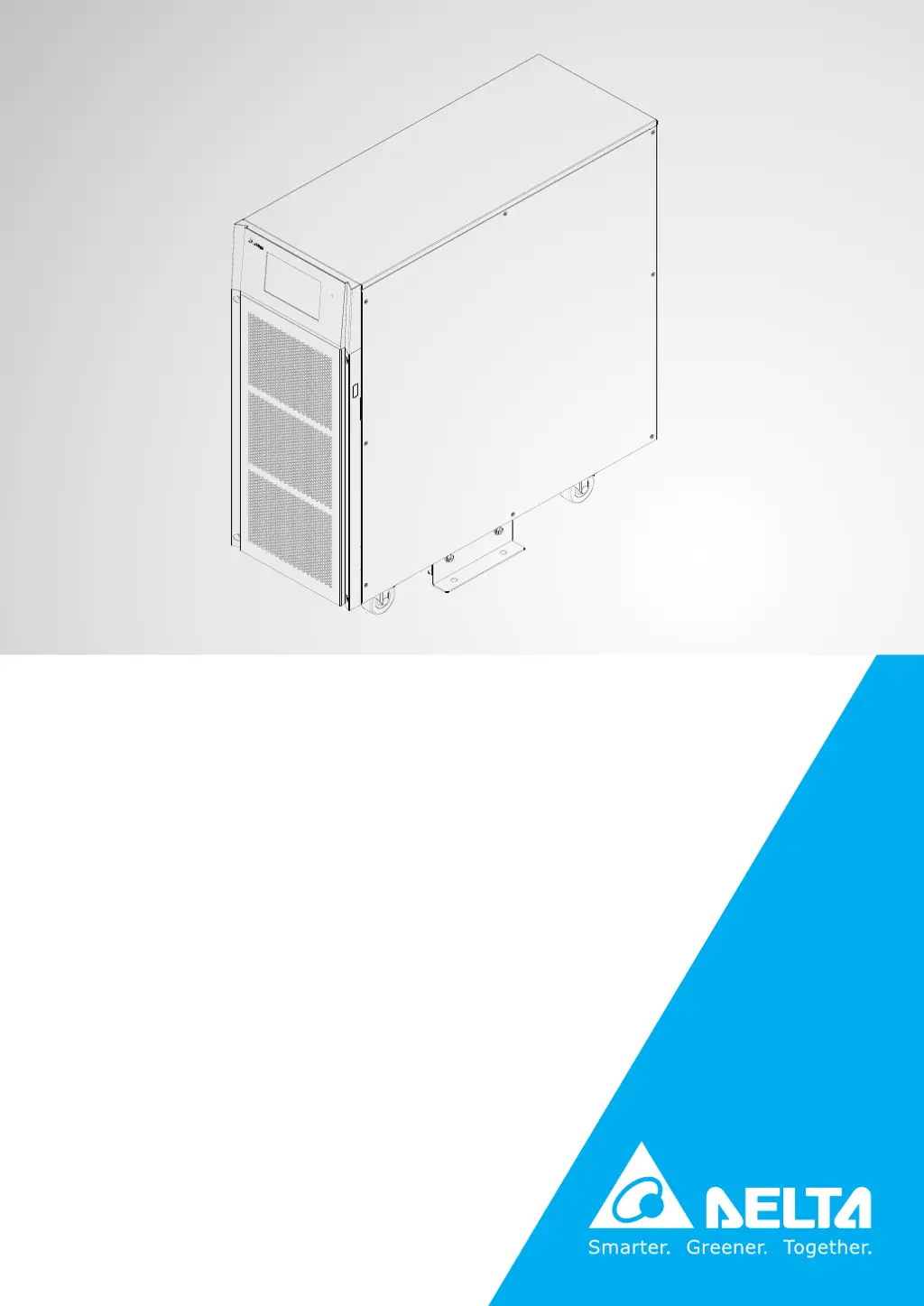
Delta Ultron HPH-20K - User Manual

Delta Ultron HPH-20K
132 pages
Print Icon
To Next Page IconTo Next Page
Loading...
Delta UPS - Ultron Family
The power behind competitiveness
www.deltapowersolutions.com
HPH Series, Three Phase
20/30/40 kVA
User Manual

Table of Contents

Questions and Answers

  • L
    Lauren AllenAug 13, 2025
    What to do if my Delta Ultron HPH-20K is overloaded?
    • D
      Daniel EllisAug 14, 2025
      If your Delta UPS is overloaded, it means the connected equipment is drawing more power than the UPS can supply. To resolve this, remove some unnecessary devices to reduce the total load.
  • H
    hectorwatkinsAug 17, 2025
    How to fix an over temperature issue on a Delta Ultron HPH-20K UPS?
    • Z
      zachary48Aug 17, 2025
      If your Delta UPS is overheating, take the following steps: 1. Ensure the UPS is in a well-ventilated area. 2. Reduce the amount of load on the UPS. 3. Check if the fans are running correctly.
  • S
    Shannon RomeroAug 21, 2025
    What to do if my Delta UPS has a battery low shutdown?
    • N
      Nicole BriggsAug 21, 2025
      If your Delta UPS is experiencing a battery low shutdown, it indicates that the battery voltage is low. To resolve this, charge the batteries.
  • E
    Ethan MoranAug 25, 2025
    What to do if my Delta Ultron HPH-20K says 'battery reversed'?
    • M
      martinezadamAug 26, 2025
      If the Delta UPS indicates that the batteries are reversed, it means the batteries are connected with incorrect polarity. Please check the batteries' polarity to ensure they are correctly connected.
  • K
    kaufmanallisonAug 28, 2025
    What to do if my Delta Ultron HPH-20K shows 'input phase sequence fail'?
    • F
      Frank GuerreroAug 28, 2025
      If your Delta UPS shows an input phase sequence failure, it indicates that the input phase sequence is incorrect. Check the input phase sequence to ensure it is correct.
  • A
    alyssa99Sep 1, 2025
    How to fix LCD error or no response on Delta Ultron HPH-20K UPS?
    • J
      Jessica StantonSep 1, 2025
      If your Delta UPS LCD shows an error or is not responding, it could be due to an LCD failure, communication issue, or noise interference. Try resetting the LCD by simultaneously pressing the UP and DOWN function keys for about 5 seconds.
  • B
    Brandon ClarkSep 5, 2025
    What to do if Delta UPS displays 'PFC ambient over temp. fail'?
    • M
      michelle60Sep 5, 2025
      If your Delta UPS shows a PFC ambient over temperature failure, it means the UPS temperature is too high. Here's what you can do: 1. Make sure the UPS is in a well-ventilated area. 2. Reduce the load on the UPS. 3. Check that the fans are running normally.
  • A
    Adam HowardSep 9, 2025
    What to do if my Delta Ultron HPH-20K says 'bypass phase sequence fail'?
    • A
      athompsonSep 9, 2025
      If your Delta UPS displays a bypass phase sequence failure, it means the bypass phase sequence is incorrect. Please check the bypass phase sequence.

Summary

Important Safety Instructions

Installation Warnings

Crucial safety guidelines for UPS installation, including location and environment.

Connection Warnings

Essential precautions for connecting the UPS to power sources and loads.

Usage Warnings

Important safety considerations for operating the UPS and avoiding interference.

Operation Modes

Communication Interfaces

Installation and Wiring

Installation Environment

Recommended conditions and space requirements for UPS installation.

UPS Installation

Step-by-step instructions for physically installing the UPS.

Wiring Procedures

Detailed steps and precautions for connecting the UPS wiring.

Parallel Units Wiring

Wiring guidelines for connecting multiple UPS units in a parallel system.

External Battery Cabinet Connection Precautions

Safety and connection guidelines for external battery cabinets.

UPS Operation

Pre Start-up & Pre Turn-off Warnings

Critical checks and warnings before starting or shutting down the UPS.

Start-up Procedures

Step-by-step guide for powering on the UPS in various modes.

Turn-off Procedures

Step-by-step guide for safely shutting down the UPS.

Touch Panel Display and Settings

Measurement

Accessing real-time UPS measurements like voltage, current, and frequency.

Setup Menu

Configuration options for bypass, mode, output, battery, and parallel settings.

Maintenance

Technical Specifications

Delta Ultron HPH-20K Specifications

General IconGeneral
TopologyDouble Conversion Online
Frequency50/60 Hz
Output Power20 kW
EfficiencyUp to 96%
Battery TypeSealed Lead-Acid (VRLA)
CommunicationRS-232, USB, SNMP
Operating Temperature0°C to 40°C
Capacity20kVA

Related product manuals