EasyManua.ls Logo

Delta Ultron HPH series - User Manual

Delta Ultron HPH series
240 pages
Print Icon
To Next Page IconTo Next Page
Loading...
Delta UPS - Ultron Family
The power behind competitiveness
www.deltapowersolutions.com
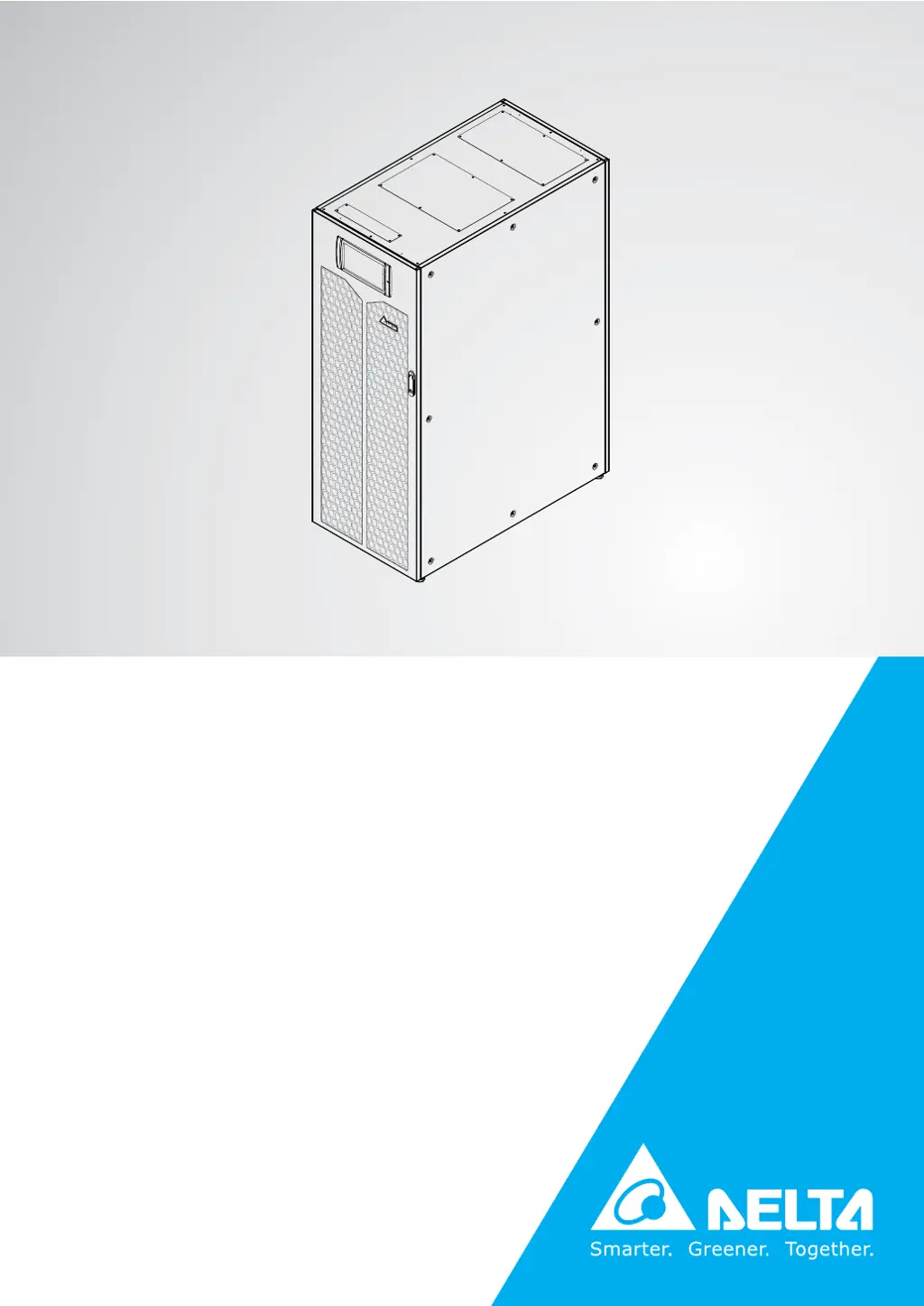
HPH Series, Three Phase
160/ 200 kVA
User Manual

Table of Contents

Questions and Answers

Summary

Important Safety Instructions

Installation Warnings

Crucial warnings for UPS installation, including ventilation and authorized personnel.

Connection Warnings

Essential warnings for UPS grounding, parallel connections, and protective device installation.

Usage Warnings

Key precautions for safe UPS operation, environmental conditions, and load compatibility.

Storage Warnings

Guidelines for proper UPS storage to prevent damage from environmental factors.

Standard Compliance

Lists the applicable safety and EMC standards the UPS complies with.

Introduction

General Overview

High-level description of the HPH series UPS, its technology, and core features.

Package Inspection

Instructions for inspecting UPS packaging for external or internal damage and missing items.

Functions & Features

Details the advanced functions and capabilities of the HPH series UPS.

Exterior and Dimensions

Provides the physical description and external dimensions of the UPS unit.

Front View

Illustrates and describes the components visible on the front of the UPS.

Internal View

Details the internal components and mechanisms accessible after opening the UPS.

Rear View

Shows the rear panel of the UPS and how to access wiring terminals.

Tri-color LED Indicator & Buzzer

Explains the meaning and function of the tri-color LED indicator and buzzer.

Operation Modes

Single Input

Explains various operating modes for a single input UPS configuration.

Dual Input

Explains various operating modes for a dual input UPS configuration.

Hot Standby Redundancy (Only For Dual Input & At Least Two UPSs)

Details the hot standby redundancy setup for dual input UPS systems.

Common Battery (Only for Parallel UPSs connecting to the Same External Battery Cabinet(s))

Covers the configuration for parallel UPS units sharing a common battery cabinet.

Communication Interfaces

Communication Interfaces on the Front of the UPS with Front Door Open

Describes the communication ports located on the front of the UPS with the door open.

Communication Interfaces at the Rear of the Touch Panel

Details the communication interfaces found at the rear of the UPS touch panel.

Installation and Wiring

Before Installation and Wiring

Provides essential information and warnings before starting UPS installation and wiring.

Installation Environment

Specifies the requirements for the UPS installation environment, including space and weight.

UPS Transportation

Guides on safely moving and transporting the UPS unit to its installation location.

Fixing the UPS

Step-by-step instructions for securely fixing the UPS to the floor using balance supports.

Wiring

Covers critical wiring procedures, pre-wiring warnings, and cable specifications.

External Battery Cabinet Connection Warnings

Important warnings and procedures for connecting external battery cabinets to the UPS.

STS Module

Information on the STS module, including its location and installation.

Power Module

Details about the power modules, their location, and illustration.

UPS Operation

Pre Start-up & Pre Turn-off Warnings for Single Unit and Parallel Units

Critical warnings before starting or shutting down UPS units, covering single and parallel configurations.

Start-up Procedures

Step-by-step instructions for starting up the UPS in various operational modes.

Turn-off Procedures

Step-by-step instructions for safely shutting down the UPS in different modes.

LCD Display & Settings

LCD Display Hierarchy

Overview of the LCD menu structure and navigation paths.

How to Turn on the LCD

Instructions on powering on the UPS's LCD screen for interaction.

ON; OFF Button

Explains the function and operation of the ON/ OFF button on the touch panel.

Introduction of Touch Panel and Function Keys

Details the touch panel interface, including keys and their functions.

Password Entry

Information on accessing Administrator functions and managing passwords.

Main Screen

Illustrates the different main screen displays based on the UPS's current operational status.

Main Menu

Describes the primary menu buttons (Measurement, Setup, Maintenance) for accessing functions.

Power Flow & Summary & System Status

Guides on viewing Power Flow, Summary, and System Status information.

Check System Readings

Instructions for checking various system readings like input, output, and battery status.

UPS Settings

Covers configuration settings for the UPS, including bypass, mode, output, and battery parameters.

System Maintenance

Information on system maintenance, alarms, events, tests, and diagnostics.

Optional Accessories

Maintenance

Troubleshooting

Appendix 1 Technical Specifications

Appendix 2 Warranty

Summary

Important Safety Instructions

Installation Warnings

Crucial warnings for UPS installation, including ventilation and authorized personnel.

Connection Warnings

Essential warnings for UPS grounding, parallel connections, and protective device installation.

Usage Warnings

Key precautions for safe UPS operation, environmental conditions, and load compatibility.

Storage Warnings

Guidelines for proper UPS storage to prevent damage from environmental factors.

Standard Compliance

Lists the applicable safety and EMC standards the UPS complies with.

Introduction

General Overview

High-level description of the HPH series UPS, its technology, and core features.

Package Inspection

Instructions for inspecting UPS packaging for external or internal damage and missing items.

Functions & Features

Details the advanced functions and capabilities of the HPH series UPS.

Exterior and Dimensions

Provides the physical description and external dimensions of the UPS unit.

Front View

Illustrates and describes the components visible on the front of the UPS.

Internal View

Details the internal components and mechanisms accessible after opening the UPS.

Rear View

Shows the rear panel of the UPS and how to access wiring terminals.

Tri-color LED Indicator & Buzzer

Explains the meaning and function of the tri-color LED indicator and buzzer.

Operation Modes

Single Input

Explains various operating modes for a single input UPS configuration.

Dual Input

Explains various operating modes for a dual input UPS configuration.

Hot Standby Redundancy (Only For Dual Input & At Least Two UPSs)

Details the hot standby redundancy setup for dual input UPS systems.

Common Battery (Only for Parallel UPSs connecting to the Same External Battery Cabinet(s))

Covers the configuration for parallel UPS units sharing a common battery cabinet.

Communication Interfaces

Communication Interfaces on the Front of the UPS with Front Door Open

Describes the communication ports located on the front of the UPS with the door open.

Communication Interfaces at the Rear of the Touch Panel

Details the communication interfaces found at the rear of the UPS touch panel.

Installation and Wiring

Before Installation and Wiring

Provides essential information and warnings before starting UPS installation and wiring.

Installation Environment

Specifies the requirements for the UPS installation environment, including space and weight.

UPS Transportation

Guides on safely moving and transporting the UPS unit to its installation location.

Fixing the UPS

Step-by-step instructions for securely fixing the UPS to the floor using balance supports.

Wiring

Covers critical wiring procedures, pre-wiring warnings, and cable specifications.

External Battery Cabinet Connection Warnings

Important warnings and procedures for connecting external battery cabinets to the UPS.

STS Module

Information on the STS module, including its location and installation.

Power Module

Details about the power modules, their location, and illustration.

UPS Operation

Pre Start-up & Pre Turn-off Warnings for Single Unit and Parallel Units

Critical warnings before starting or shutting down UPS units, covering single and parallel configurations.

Start-up Procedures

Step-by-step instructions for starting up the UPS in various operational modes.

Turn-off Procedures

Step-by-step instructions for safely shutting down the UPS in different modes.

LCD Display & Settings

LCD Display Hierarchy

Overview of the LCD menu structure and navigation paths.

How to Turn on the LCD

Instructions on powering on the UPS's LCD screen for interaction.

ON; OFF Button

Explains the function and operation of the ON/ OFF button on the touch panel.

Introduction of Touch Panel and Function Keys

Details the touch panel interface, including keys and their functions.

Password Entry

Information on accessing Administrator functions and managing passwords.

Main Screen

Illustrates the different main screen displays based on the UPS's current operational status.

Main Menu

Describes the primary menu buttons (Measurement, Setup, Maintenance) for accessing functions.

Power Flow & Summary & System Status

Guides on viewing Power Flow, Summary, and System Status information.

Check System Readings

Instructions for checking various system readings like input, output, and battery status.

UPS Settings

Covers configuration settings for the UPS, including bypass, mode, output, and battery parameters.

System Maintenance

Information on system maintenance, alarms, events, tests, and diagnostics.

Optional Accessories

Maintenance

Troubleshooting

Appendix 1 Technical Specifications

Appendix 2 Warranty

Delta Ultron HPH series Specifications

General IconGeneral
ModelDelta Ultron HPH series
CategoryUPS
Input Voltage220/230/240 V (1-phase) or 380/400/415 V (3-phase)
Output Voltage220/230/240 V (1-phase) or 380/400/415 V (3-phase)
EfficiencyUp to 96%
Frequency50/60 Hz
TopologyOnline double conversion
Harmonic Distortion (THDi)< 3%
Battery TypeVRLA / Lithium-ion
Communication InterfaceSNMP, Modbus
Operating Temperature0°C to 40°C
Humidity0-95% non-condensing

Related product manuals