EasyManua.ls Logo

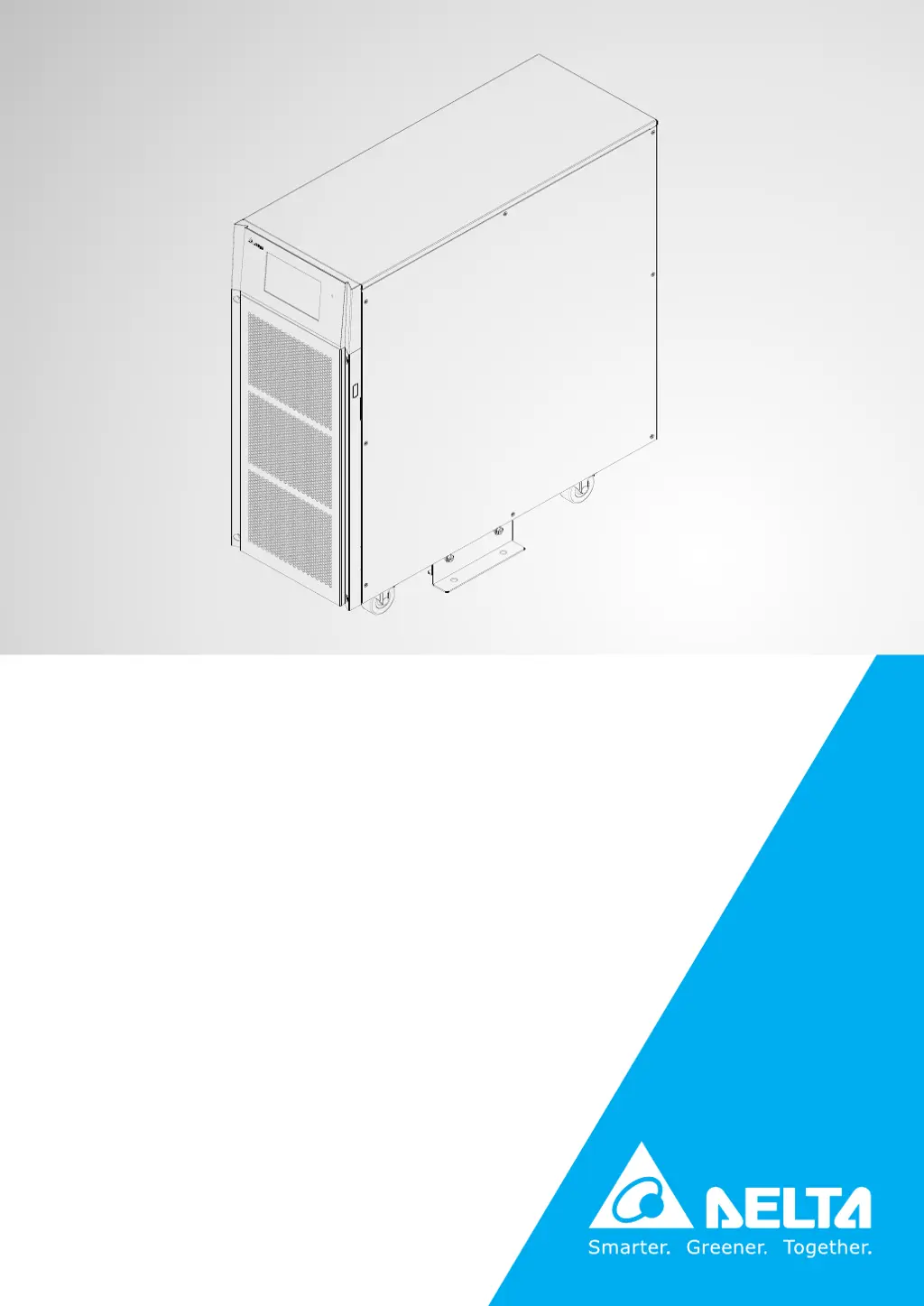
Delta Ultron HPH-30K - User Manual

Delta Ultron HPH-30K
132 pages
Print Icon
To Next Page IconTo Next Page
Loading...
Delta UPS - Ultron Family
The power behind competitiveness
www.deltapowersolutions.com
HPH Series, Three Phase
20/30/40 kVA
User Manual

Table of Contents

Questions and Answers

  • R
    Robert BakerAug 12, 2025
    What to do if my Delta Ultron HPH-30K is overloaded?
    • S
      Stephanie RayAug 12, 2025
      If your Delta UPS is overloaded, it means the connected equipment is drawing more power than the UPS can supply. To resolve this, remove some unnecessary devices to reduce the total load.
  • U
    umarquezAug 15, 2025
    How to fix an over temperature issue on a Delta Ultron HPH-30K UPS?
    • S
      shelby10Aug 15, 2025
      If your Delta UPS is overheating, take the following steps: 1. Ensure the UPS is in a well-ventilated area. 2. Reduce the amount of load on the UPS. 3. Check if the fans are running correctly.
  • A
    Amy BeltranAug 19, 2025
    What to do if my Delta Ultron HPH-30K has a battery low shutdown?
    • R
      rodriguezmarkAug 19, 2025
      If your Delta UPS is experiencing a battery low shutdown, it indicates that the battery voltage is low. To resolve this, charge the batteries.
  • S
    Sharon CareyAug 25, 2025
    What to do if my Delta Ultron HPH-30K says 'battery reversed'?
    • K
      Kristen PerezAug 25, 2025
      If the Delta UPS indicates that the batteries are reversed, it means the batteries are connected with incorrect polarity. Please check the batteries' polarity to ensure they are correctly connected.
  • H
    harrisontheresaAug 27, 2025
    What to do if my Delta Ultron HPH-30K shows 'input phase sequence fail'?
    • J
      jennifer96Aug 27, 2025
      If your Delta UPS shows an input phase sequence failure, it indicates that the input phase sequence is incorrect. Check the input phase sequence to ensure it is correct.
  • J
    Joshua MclaughlinAug 31, 2025
    How to fix LCD error or no response on Delta UPS?
    • R
      Ruth PriceAug 31, 2025
      If your Delta UPS LCD shows an error or is not responding, it could be due to an LCD failure, communication issue, or noise interference. Try resetting the LCD by simultaneously pressing the UP and DOWN function keys for about 5 seconds.
  • L
    Laurie MillerSep 4, 2025
    What to do if Delta UPS displays 'PFC ambient over temp. fail'?
    • C
      Courtney GuerreroSep 4, 2025
      If your Delta UPS shows a PFC ambient over temperature failure, it means the UPS temperature is too high. Here's what you can do: 1. Make sure the UPS is in a well-ventilated area. 2. Reduce the load on the UPS. 3. Check that the fans are running normally.
  • R
    Rachel DavenportSep 7, 2025
    What to do if my Delta Ultron HPH-30K says 'bypass phase sequence fail'?
    • M
      manningmatthewSep 7, 2025
      If your Delta UPS displays a bypass phase sequence failure, it means the bypass phase sequence is incorrect. Please check the bypass phase sequence.

Summary

Important Safety Instructions

Installation Warnings

Crucial guidelines for safe UPS installation to prevent damage and hazards.

Connection Warnings

Essential warnings for proper electrical connections to ensure safety and prevent leakage.

Usage Warnings

Key advice on safe operation, including interference, load types, and ventilation.

Introduction to Delta UPS

Key Functions and Features

Detailed description of the UPS capabilities, technologies, and operational advantages.

UPS Operation Modes

Communication Interfaces

Installation and Wiring Procedures

Pre-Installation and Wiring Precautions

Essential safety precautions and recommendations before starting UPS installation and wiring.

Electrical Wiring Guidelines

Comprehensive guide on electrical wiring, including precautions, cable specs, and breaker types.

External Battery Cabinet Connection

Important considerations and safety warnings for connecting external battery cabinets to the UPS.

UPS Operation and Modes

Pre-Operation Warnings

Critical checks and warnings before starting up or shutting down the UPS in single or parallel configurations.

UPS Start-up Procedures

Step-by-step guide for initiating UPS operation in various modes like Online, Battery, Bypass.

UPS Turn-off Procedures

Step-by-step instructions for safely shutting down the UPS in different operational modes.

Touch Panel Interface and Settings

System Configuration and Setup Options

Guides for setting up Bypass, Mode, Output, Battery, Parallel, Dry Contact, General, and Control parameters.

UPS Maintenance Guide

Delta Ultron HPH-30K Specifications

General IconGeneral
BrandDelta
ModelUltron HPH-30K
CategoryUPS
LanguageEnglish

Related product manuals