Bass Multi
-
Effects Pedal
www.deltalabeffects.com
14
Expression Pedal Functions
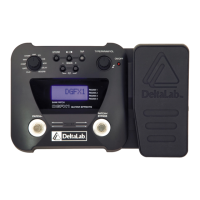
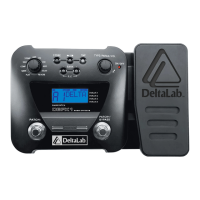
The expression pedal controls various parameters in real-time.
To select which parameters it controls, make sure the EFFECT
SELECT knob is at PLAY mode. Press the TYPE/PARAM/VOL
knob, until “EXP” is displayed. To select the parameter, rotate
the TYPE/PARAM/VOL knob:
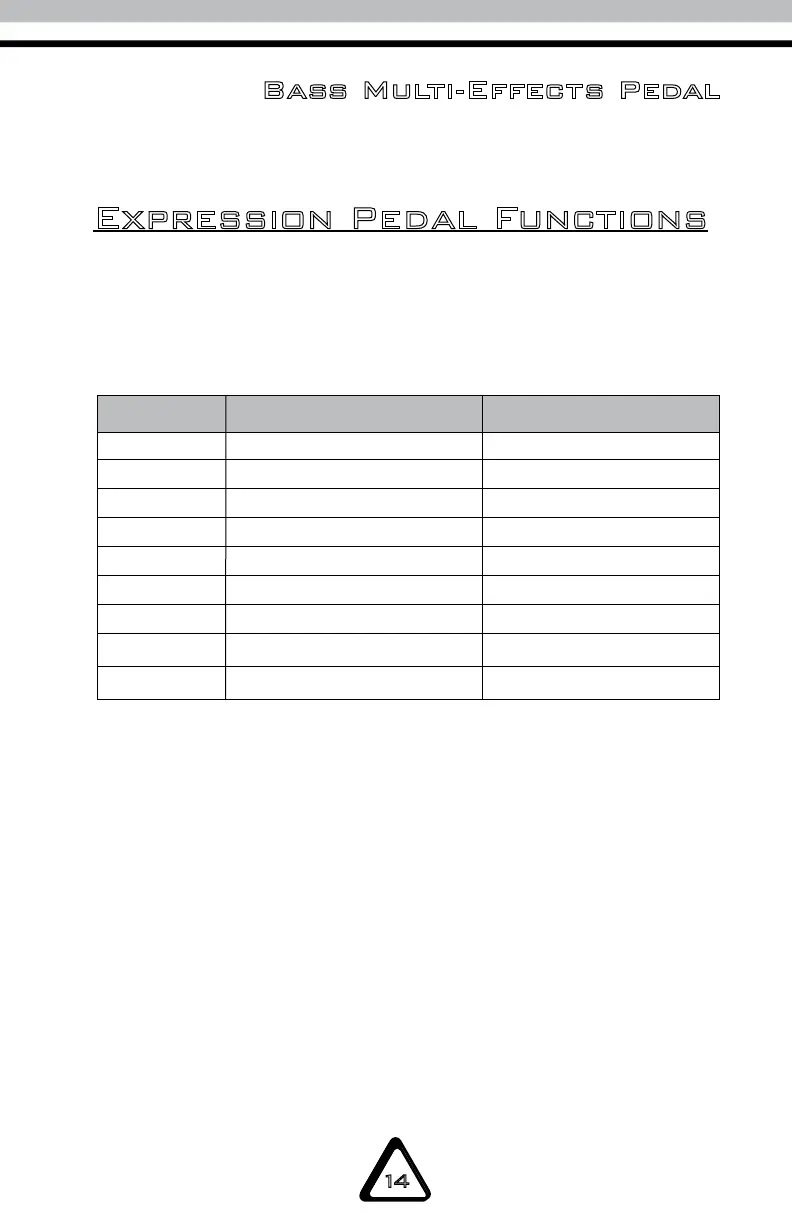
DISPLAY FUNCTION NOTE
UAH Pedal wah
S.dr Stomp drive Except for acoustic
A.g. Amp gain
PIU EQ mid-frequency Polarity up
PId Polarity down
PIH Modulation pitch
d.Fb Delay feedback
d.L Delay level
r.L. Reverb level
Press the TYPE/PARAM/VOL knob until “POLAR” is displayed.
Rotate the TYPE/PARAM/VOL knob to choose whether the
pedal’s polarity is normal or reverse.
To switch back to normal operation, firmly press the pedal’s
toe until it activates the pedal switch. This will put you back to
pedal volume.


 To Next Page