COPYRIGHT © DENAFRIPS
COPYRIGHT © VINSHINE AUDIO 4
3. INSTALLATION AND SETUP
The Terminator is easy to use. Nonetheless, DENAFRIPS advice to read this section to fully
understand the functions and features available.
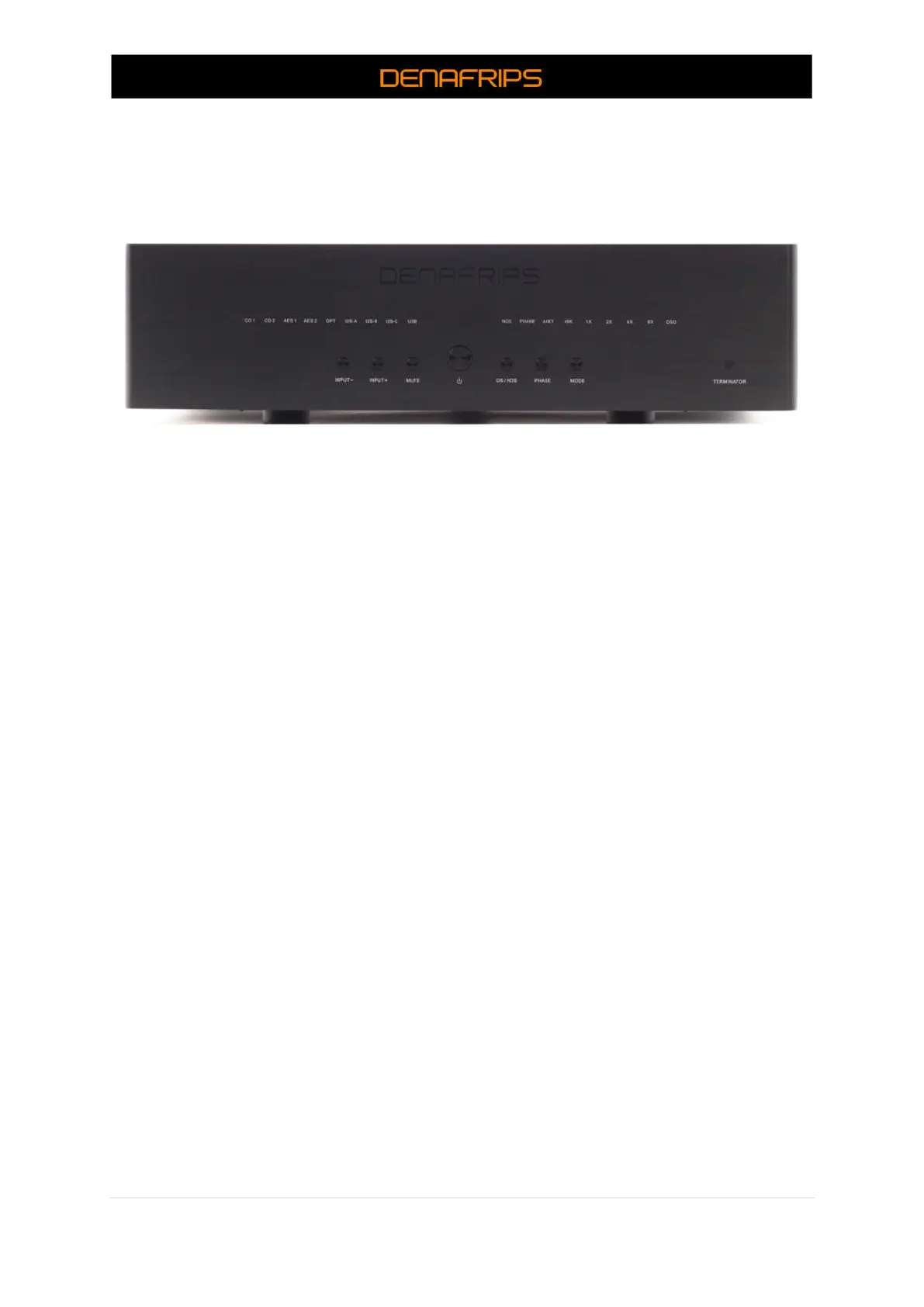
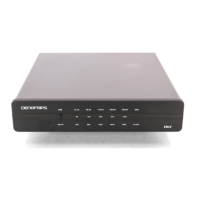
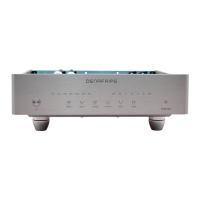
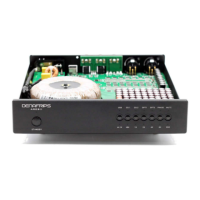
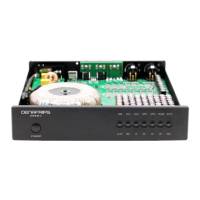
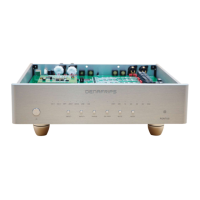
Figure 1. Terminator Front Panel
Description:
(1) Standby Button
Press the button once to switch on the DAC, vice versa, press once to switch the DAC into
standby mode. The Standby LED shall be on when the DAC is in Standby Mode. The LED shall
be off when the DAC is in Operating Mode.
(2) Control Button (From left to right)
a. INPUT +- :
Press the button to select the input source, namely, CO1, CO2, OPT, AES1, AES2,
USB, I2S. Press + to select the next right input. Press – to select the previous left
input. The respective input source LED shall be on to indicate that the input
source is selected.
b. PHASE
Press the button to toggle Phase Output. LED On: Positive Phase, LED Off:
Negative Phase
c. OS/NOS
Press the button to toggle between OS/NOS model. The LED lit to indicate the
DAC is in NOS mode.
d. MUTE
Press the button to enable/disable Mute. When mute, the Input Signal LED will
be blinking from Left to Right.



 To Next Page