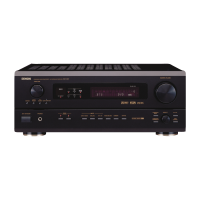
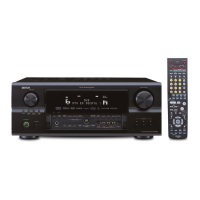
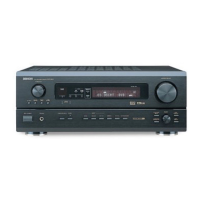
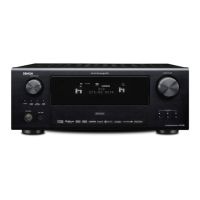
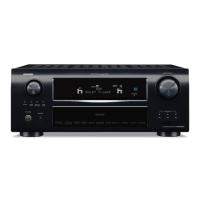
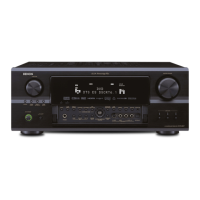
• This setting assigns the digital input jacks of the AVR-2805/985 fer the different input sources.
At the Input Setup Menu select "Digital In Assign".
(Remote contro] unit)
(Remote control unit)
G
(Remote control unit)
J
Display the Digital Inputs screen.
"3. bnput Setup
_1. Digital In Assign
2. Ext. In Subw00fer Level
3. Component In Assign
4. Video Input Mode
5. Auto Tuner Presets
Exit
¢ ih '/, _1C _h '".......... H ;::::[ li'
Select the digital input jack te be assigned te the input source.
,i_: Select the input seurce
3-1. DigitaI tn Assign
_F_61: 4_ IT6_ : OFF
F625]: COAX2 _: OPT4
I_1:OPT1
FfT]: OFF
_; OPT2
F_0x]: OPT5
F_: OPT3
Default _
(2: Select the digital input jack
Select "OFF" fer input sources for which no digital input jacks are used.
•_ If "Yes" is selected fer "Default", the settings are automatically reset to the default
values.
_ Enter the setting.
The Input Setup Menu reappears.
(Remotecontrol unit)
NOTES:
• The OPTICAL 3, 4 jacks on the AVR-2805/985's rear panel are equipped with an optical digital output jack for recording digital signals en a CD
recerder, MD recorder er other digital recerder. Use this for digital recording between a digital audio source (stereo - 2 channel) and a digital
audio recorder.
• Do not connect the output ef the cemponent connected to the OPTICAL 3, 4 OUT jack en the AVR-2805/985's rear panel te any jack other
than the OPTICAL 3, 4 IN jack.
• "PHONO" and "TUNER" cannot be selected on the Digital In Assignment.
37


 To Next Page
 Loading...