Turning the power on
1
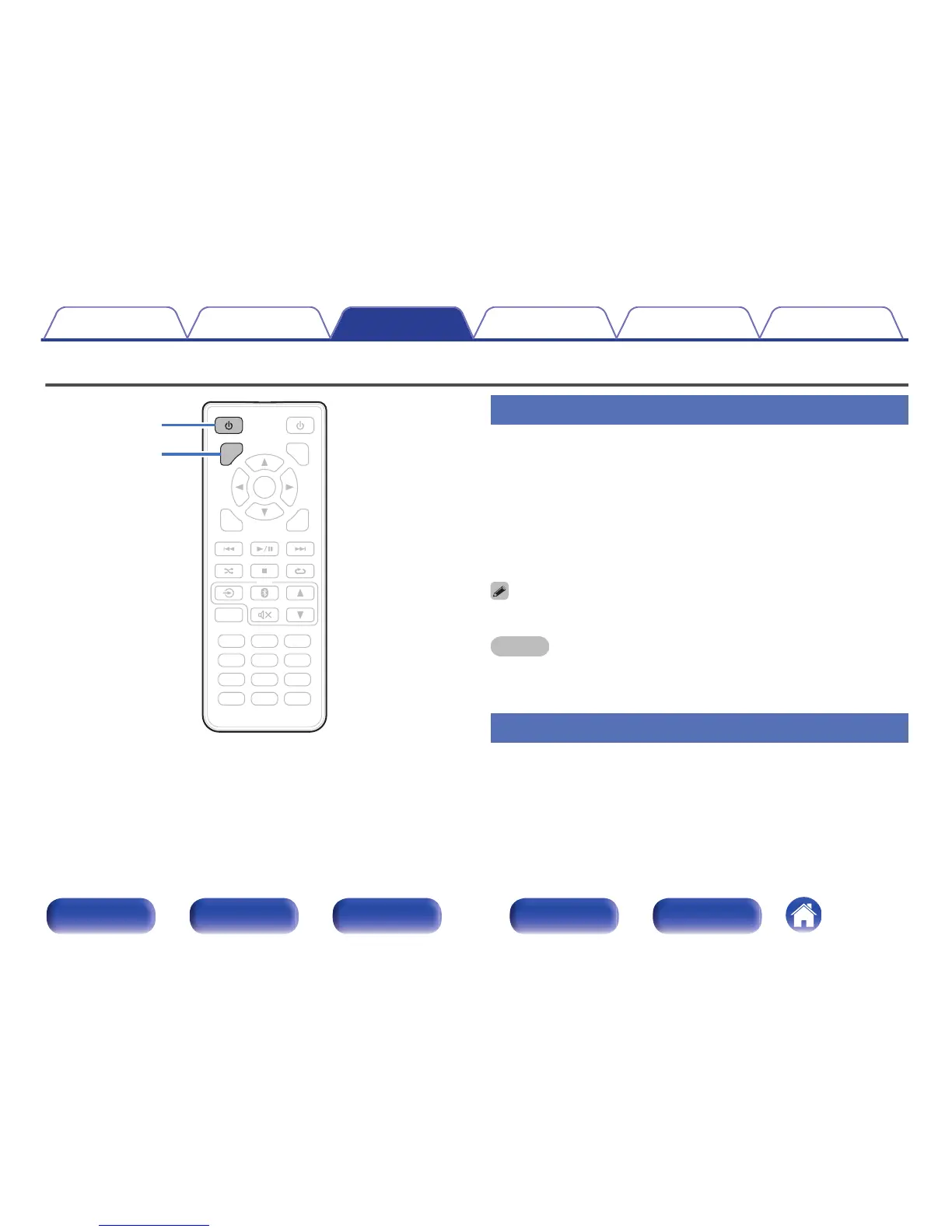
Press CD POWER X to turn on power to the unit.
Turns the display on.
o
When power is switched to standby
1
Press CD POWER X.
Turns the display off.
0
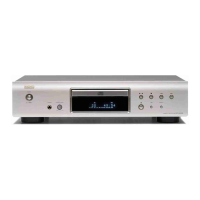
You can also press X on the main unit for this operation.
NOTE
0
When the power is in the standby mode, some circuits are electrified. Before you
go out or travel for a long period of time, disconnect the power cord from the power
outlet.
Switching the display’s brightness
The brightness of the display can be adjusted to one of three levels.
1
Press DIMMER.
Contents Connections Playback Settings Tips Appendix
23
Front panel Display Rear panel Remote Index



 To Next Page