Playing CDs
1
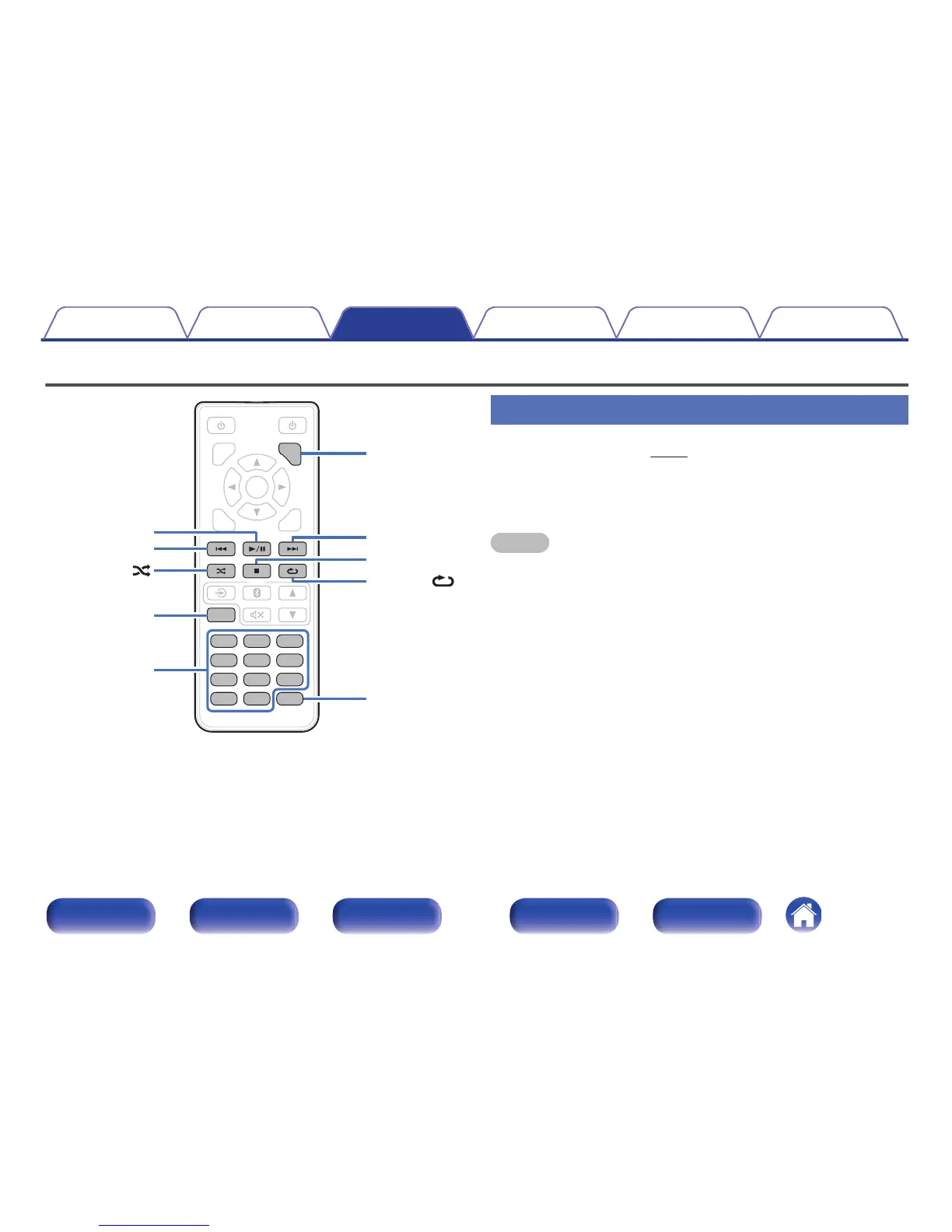
Insert a disc. (v p. 41)
2
Press 1/3.
The 1 indicator lights on the display. Playback starts.
NOTE
0
Do not place any foreign objects in the disc tray. Doing so could damage the set.
0
8 cm discs cannot be used on this unit. Do not insert 8 cm discs into the CD slot.
0
Do not put anything other than a CD to CD slot. Doing so could result in damage.
o
Eject CDs
1
Press 5 while playback is stopped.
Contents Connections Playback Settings Tips Appendix
24
Front panel Display Rear panel Remote Index



 To Next Page