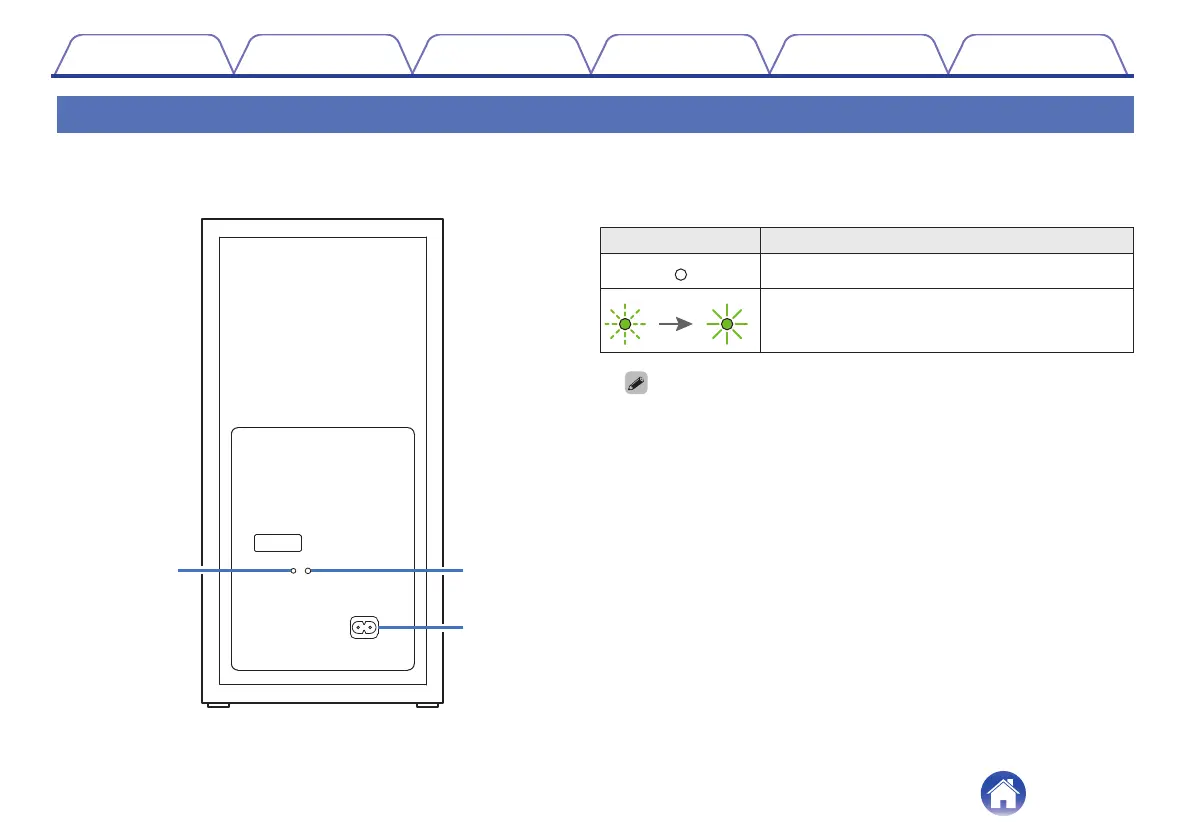
Subwoofer
o
Rear panel
A
Status LED
Displays subwoofer status.
LED indication Status
.
When subwoofer power is on/off (standby)
.
When the sound bar and subwoofer are wirelessly
connected
0
The sound bar and subwoofer are wirelessly connected as the factory default.
If no audio is output from the subwoofer, wirelessly connect the sound bar
and subwoofer again. (v p. 33)
B
BAR SYNC button
Used to wirelessly connect the sound bar and subwoofer. (v p. 33)
C
AC inlet
Used to connect the power cord. (v p. 20)
Contents
Connections Playback Settings Tips Appendix
10



 To Next Page