13
Playing Audio Discs
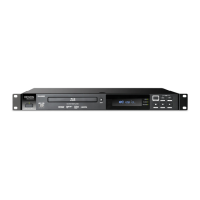
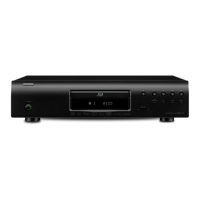
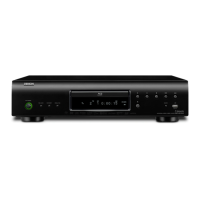
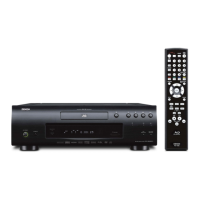
DN-500BD can play and view the following audio disc formats:
Supported CD formats
CD, CD-R, CD-RW, DTS Music Disc (DTS Audio CD, 5.1 Music
Disc), HDCD, Super Video CD (SVCD), Video CD (VCD)
Supported DVD formats
DVD, DVD+R, DVD-R, DVD+RW, DVD-RW
See the Basic Functions section to learn some basic operations.
See Additional Functions to learn more advanced ones.
Basic Functions
To play audio from a CD:
1. Press Eject (
) on DN-500BD or the remote control to open the disc tray.
2. Insert an audio CD into the disc tray, and press Eject (
) on DN-500BD or the remote control again to
close it. (The CD must be properly finalized.) The display will show LoAd when the disc is loading and
then Cd when the CD is loaded.
3. The CD will start playing automatically.
To stop playback, press Stop () on DN-500BD or the remote control.
To pause playback, press Pause () on DN-500BD or the remote control. To resume playback, press
Pause () or Play (
) on DN-500BD or the remote control.
To rewind or fast-forward, press Search Back/Forward (
/ ) on the remote control. Each time you
press the same button, the speed will increase. You can do this up to 5 times before it returns to normal
playback speed. To resume playback, press Play (
) on DN-500BD or the remote control.
To skip to the next track, press Skip Forward (
) on DN-500BD or the remote control.
To skip to the previous track, press Skip Back (
) twice on DN-500BD or the remote control (though if
you are within the first few seconds of the current track, you can press it just once.)
To return to the beginning of the track, press Skip Back (
) once on DN-500BD or the remote
control. If you are within the first few seconds of the current track, though, doing this will skip to the
previous track.


 To Next Page