98
BHT-904B/BHT-914B
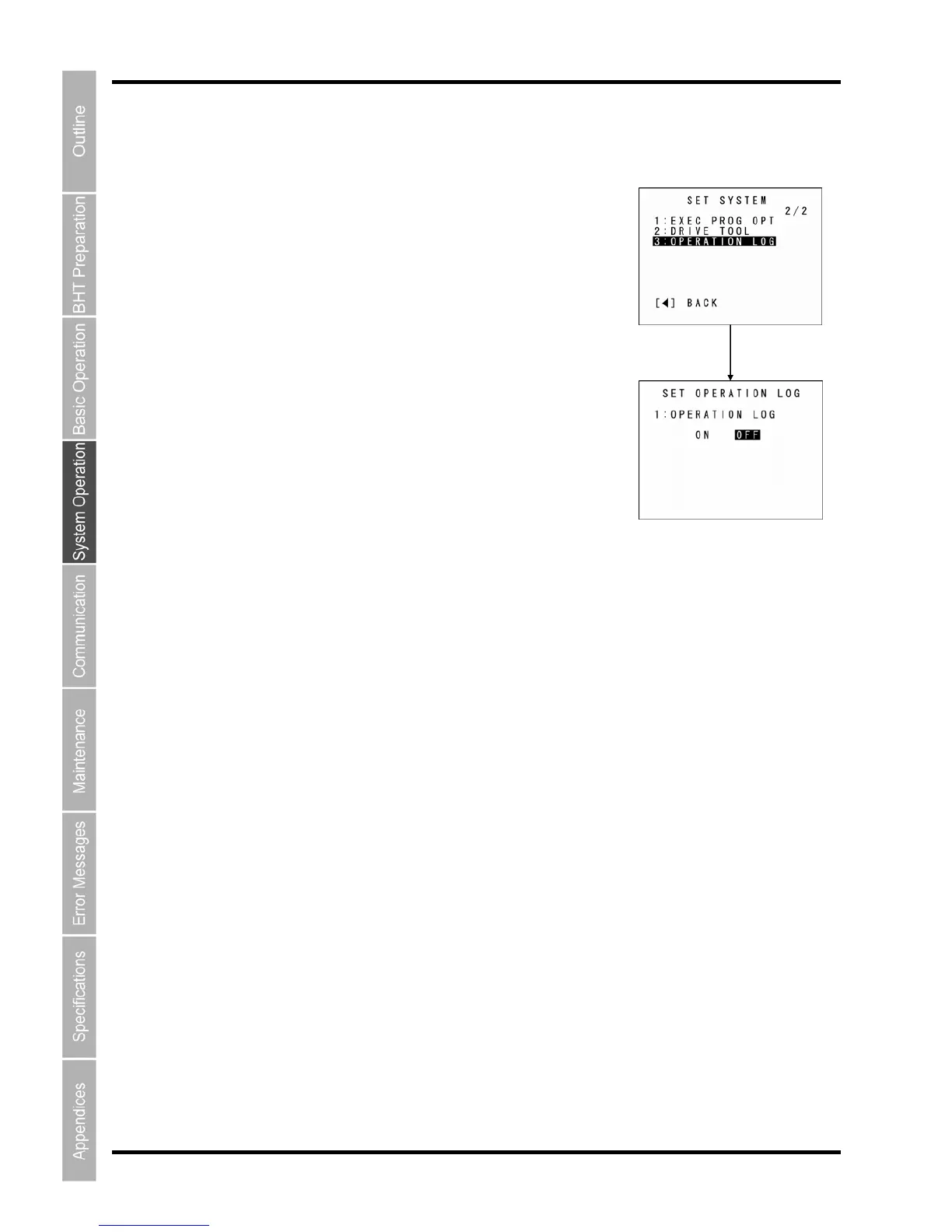
[10] Setting the operation log
Use the following procedure to set the operation log.
1. OPERATION LOG” at the SET SYSTEM 2/2 menu
and then press the ENT key.
2. se the cursor keys ([◄] [►]) to change the setting and then
ress the ENT key.
N”: An operation log file is created.
FF”: An operation log file is not created.
3. ey.
Select “3:
The SET OPERATION LOG menu appears.
The highlighted setting is the current setting.
U
p
“O
“O
Press the ENT k
ENT key
The setting is then updated.



 To Next Page