44
BHT-904B/BHT-914B
4.4.2
System Mode Basic Operation
Menu Selection and Display
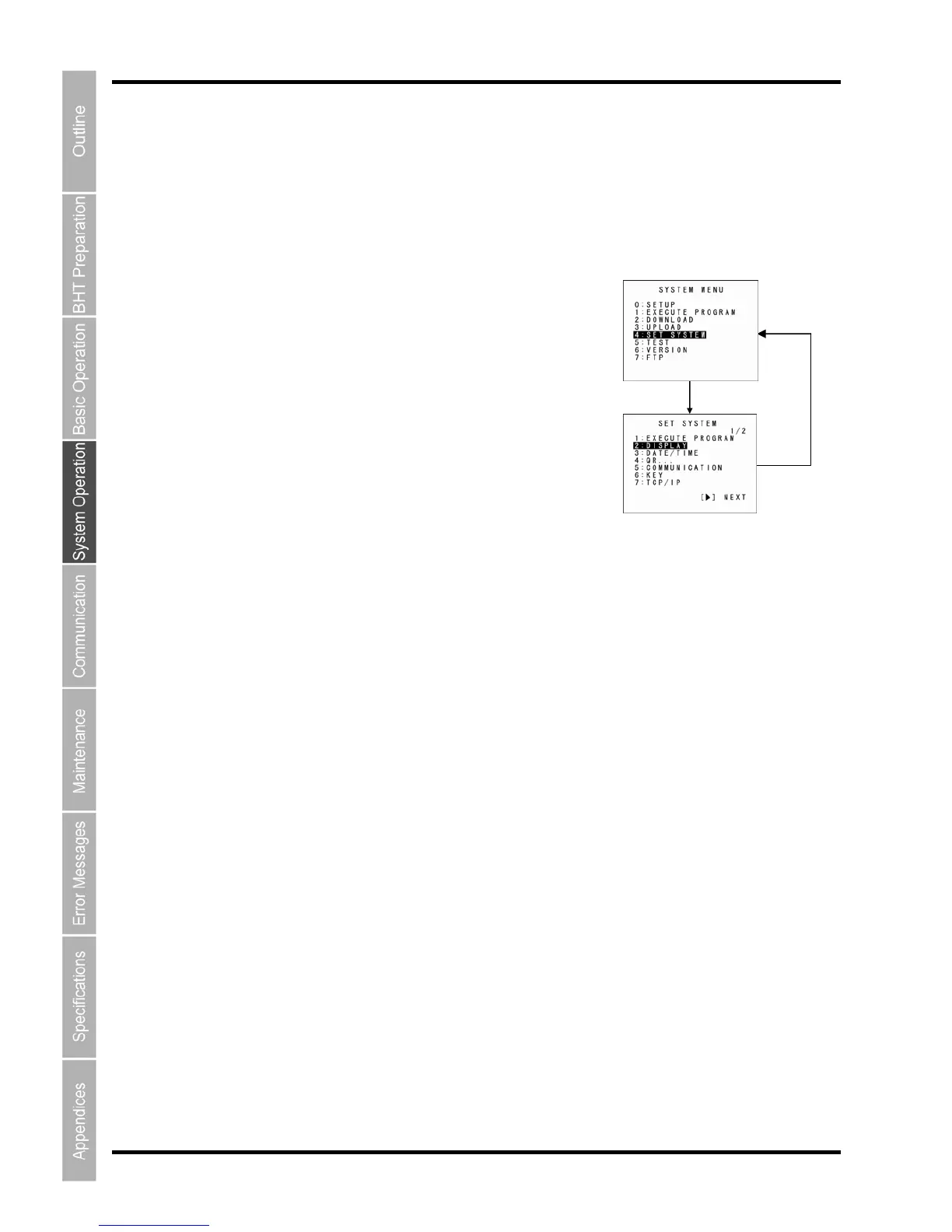
Use the following procedure to select and display each menu.
1. Press the numeric key
corresponding to the menu to
be selected.
Alternatively, press the cursor
keys ([▲] [▼]) to select the
menu.
The selected menu item will be
highlighted.
“SETUP” will be highlighted when
the System Mode is started.
Operation example
2. Press the ENT key.
The selected item is set and the
next screen displays.
Press the Backspace/clear key to return to the previous screen.
The selected item will be highlighted when returning to the previous screen.
3. Repeat the above operation to display the target menu.
ENT key
Select [4: SET SYSTEM] w
the [4] or [▲]/[▼] keys.
ith
Select [2: DISPLAY] with the
[2] or [▲]/[▼] keys.
BS/C key



 To Next Page