43
Barcode Handy Terminal
4.4 System Mode
By starting up the BHT in System Mode and selecting each menu, the following operations can be performed
individually.
● Executing setup
● Executing user programs
● File download/upload
● System environment settings
● BHT operation test
● System information display
● Downloading/uploading files by FTP
● USB communication settings
● File deletion
● Font file deletion
● System settings parameter file download/upload
● Remote wake-up settings
● System message file download/upload
● System update
Refer to each item at the “4.5 SYSTEM MENU” for details of the above operations.
4.4.1
Starting Up System Mode
Use the following procedure to start up System Mode.
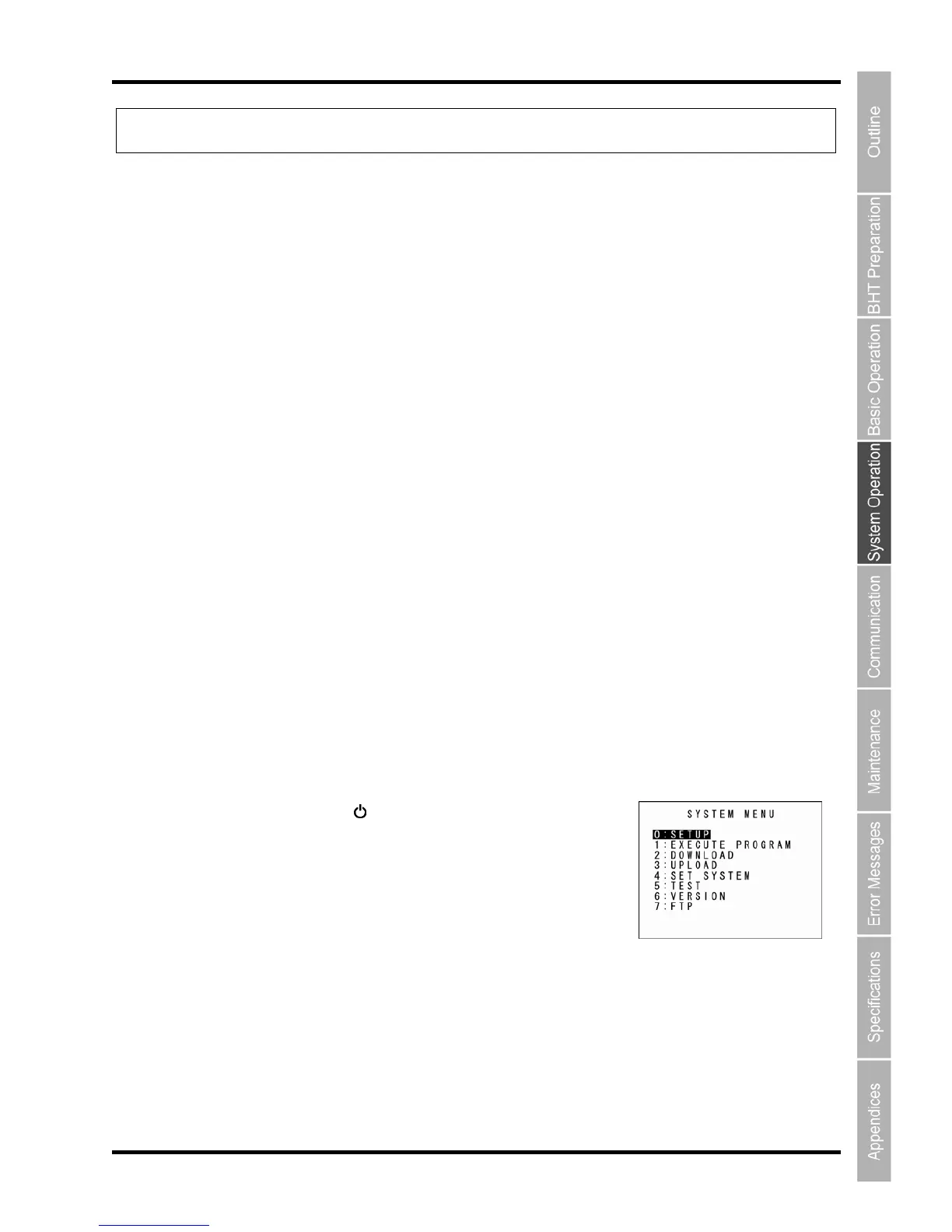
1. Press the Power key ( ) while holding down the SF and [1]
keys.
System Mode starts up and the SYSTEM MENU (screen on right)
displays.
Select and display each menu from the SYSTEM MENU and perform
each operation.
Hold down the SF key and press the appropriate numeric key to display items not displayed at the
SYSTEM MENU.
Refer to “4.4.3 SYSTEM MENU Configuration” for details.



 To Next Page