18
BHT-904B/BHT-914B
5. Press numeric key [1] or [2] and ENT key to select either of the following items.
1: Easy Pack Ad
Activates the easy operation application software.
For details, refer to the manual accompanying with the application.
2: Code scanning demo
A scanning demo commences.
The scanning demo is a program that allows barcodes to be read without a user program. Press the
trigger switch to enable barcode reading.
Refer to "Chapter 3 Basic Operation" – “3.1 Reading Barcodes” and read a barcode.
Point The easy operation application software “Easy Pack Ad for BHT-900” is activated by
selecting [1: Easy Pack Ad].
2.5 Easy Pack Ad for BHT-900
The BHT-900 is shipped with the simple job application [Easy Pack Ad for BHT-900] that was used with the BHT.
2.5.1 Features
[Easy Pack Ad for BHT-900] has the features listed below.
・[Easy Pack Ad for BHT-900] is prepared with the following jobs.
Collect : Enter multiple part numbers (Part No.) and the corresponding quantities (Qty.), and then save a
record of the data in the "JISSEKI.CSV" file.
1:1 Verify : Two sets of data are read in order, and then compared. If the two sets of data do not match, an
error is reported.
1:n Verify : A set of data is read and repeatedly compared to a master data file. If the data does not match
with the master data, an error is reported.
・When the BHT is directly connected to a PC using a USB cable, achievement files can be obtained in the desired
folder via drag-and-drop in Windows Explore. Refer to "5.2 USB Communication" for further details.
2.5.2 Activating the Application
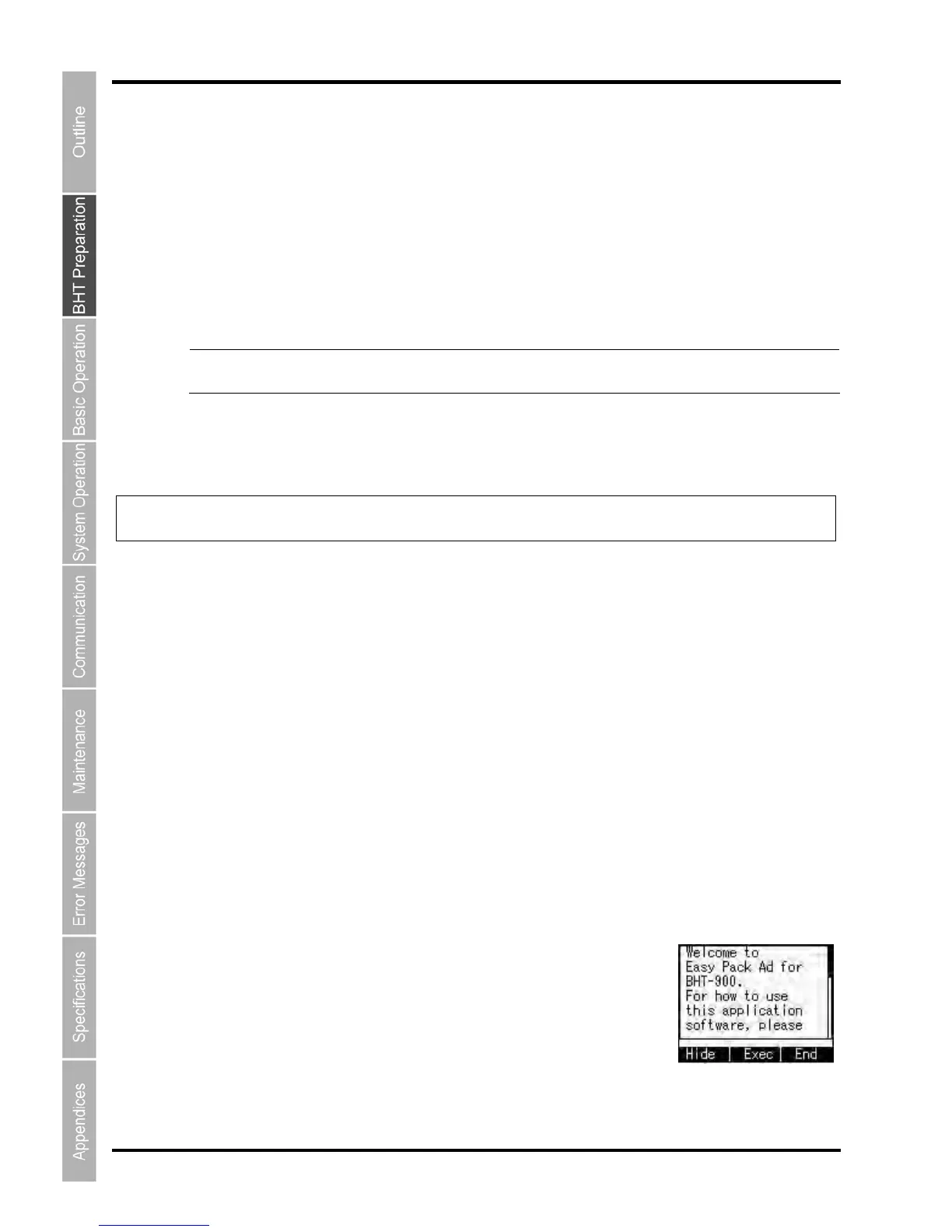
1. Select “1: Easy Pack Ad” in step 4 of 2.4 and then press the ENT key.
The screen on the right appears.



 To Next Page