114
BHT-904B/BHT-914B
[9] PING test
Use the following procedure to run the PING test.
1. Select “9: PING” at the TEST menu and then press the ENT key.
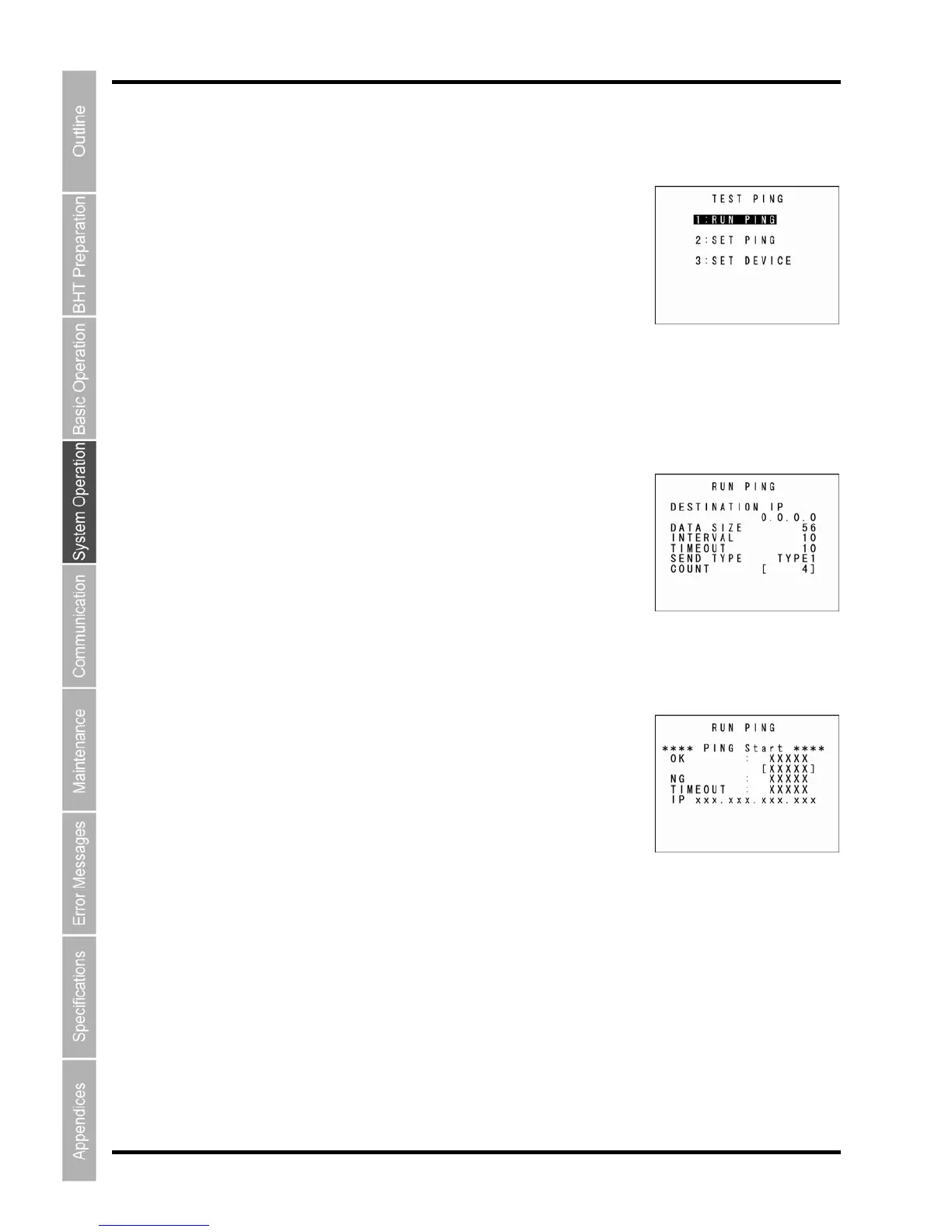
The TEST PING screen displays as shown on the right.
PING”: Runs the PING test.
“2: SET PING”: Displays the PING parameter setting screen.
E”: Displays the PING device setting screen.
t Screen)
1. Select “1: RUN PING” at the TEST PING menu and then press the
be entered.
,
enter the desired
alue using the numeric keys.
o delete a single character, press the Backspace/clear key. To delete
the entire entry, press and hold the Backspace/clear key or press the
simultaneously.
2. Press the ENT key.
When the PING test starts running, the message shown displays as
shown on the right.
Press the Backspace/clear key to abort the PING test.
“1: RUN
“3: SET DEVI
C
Refer to the follo
wing section for details of the above items.
Press the Backspace/clear key to return to the TEST menu.
“1: RUN PING” (PING Tes
ENT key.
The current setting values display, and the BHT waits for the transmission
count to
To change the number of echo requests displayed
v
T
SF and Backspace/clear keys



 To Next Page