118
BHT-904B/BHT-914B
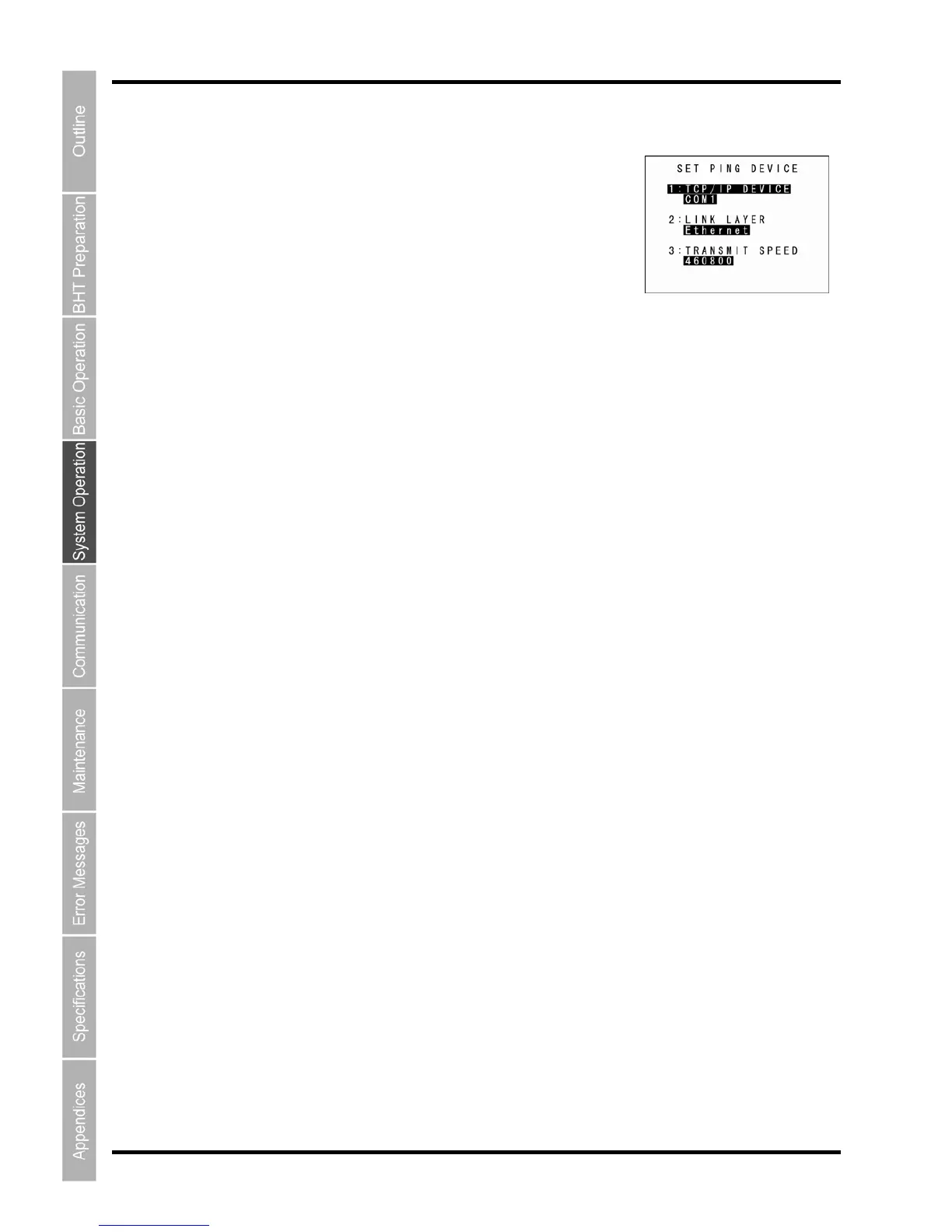
1. elect “3: SET DEVICE” at the TEST PING menu and then press
.
c ey to return to the TEST PI
NG menu.
“3: SET DEVICE” (PING Device Setting Screen)
S
the ENT key
The TCP/IP communication device, link layer, and transmission speed
display.
ress the Ba kspace/clear kP



 To Next Page