121
Barcode Handy Terminal
[2] U-911 System Information Display
information.
1.
2.
Select “6: VERSION” at the
ENT
ays as shown on the right.
ress the M2 key.
the right.
Pr re rn M INFORMATION screen.
e CU-911, the screen
ear key to return to the SYSTEM INFORMATION
C
Use the follow
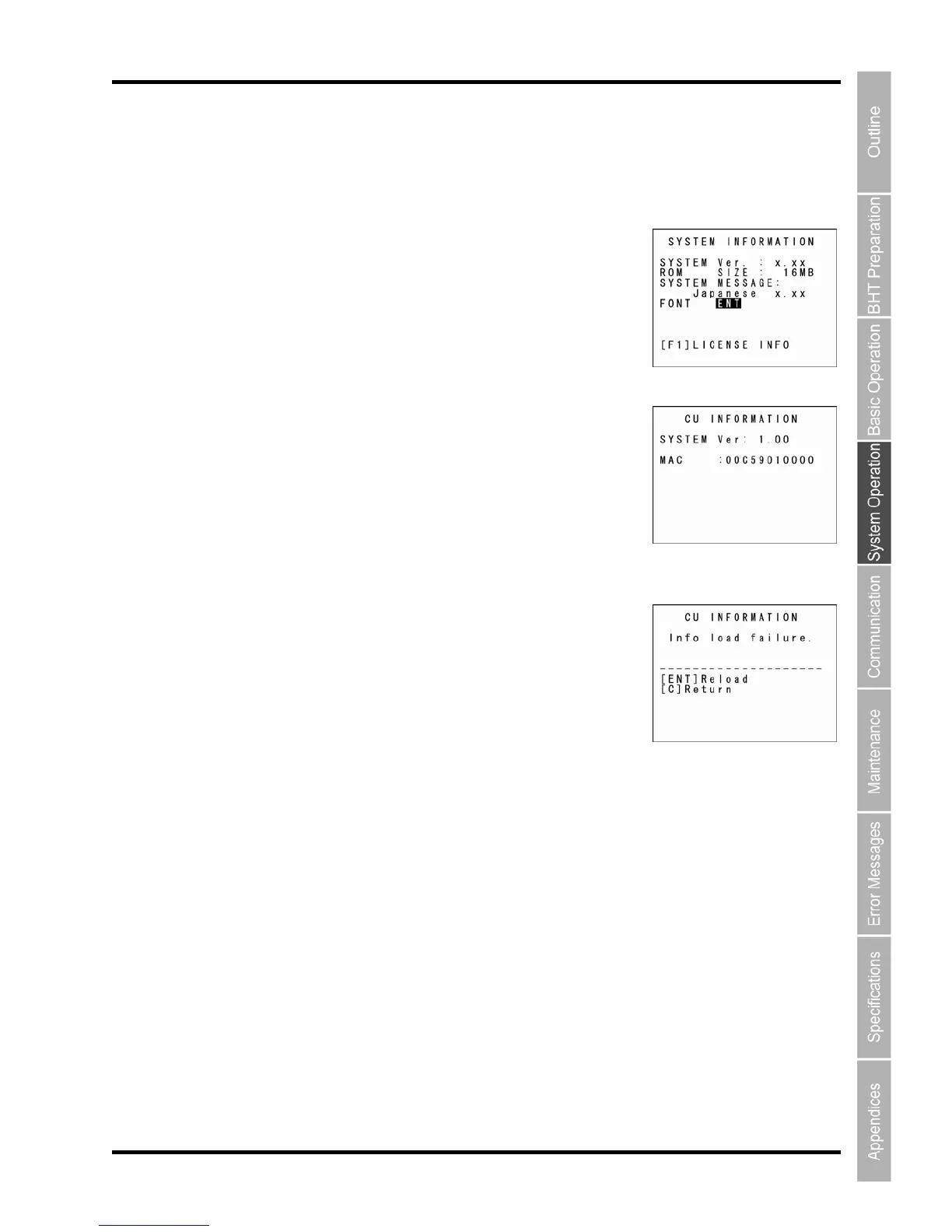
ing procedure to display CU-911 system
Place the BHT on the CU-911.
SYSTEM MENU and then press the
key.
The SYSTEM INFORMATION screen displ
3. P
The CU-911 INFORMATION screen displays as shown on
[SYSTEM Ver.]: System program information
[MAC ADDRESS]: MAC address
ess the M1 key to tu to the SYSTE
If the M2 key is pressed when the BHT is not on th
displays as shown on the right.
Press the Backspace/cl
screen.



 To Next Page