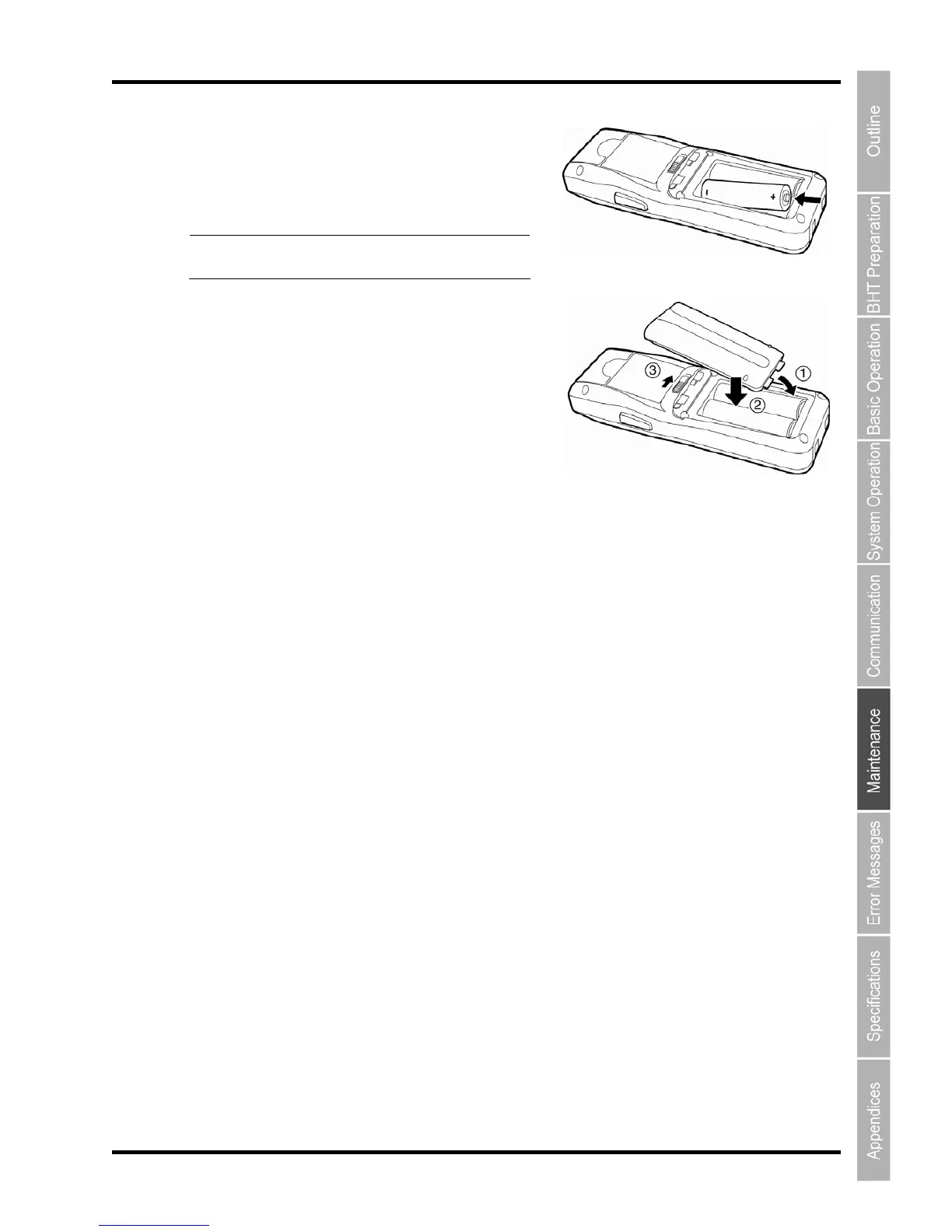
4. Check the battery terminals on a new battery and
indications on the BHT unit and then insert the
battery in the direction indicated by the arrow.
(Refer to “Chapter 2 BHT Preparation” – “2.2 Loading
the Battery”.)
Point Do not use batteries other than those
specified by DENSO WAVE.
5. Insert the battery cover tab (1), and then close the
battery cover (2). The battery cover is now locked in
position (3).



 To Next Page