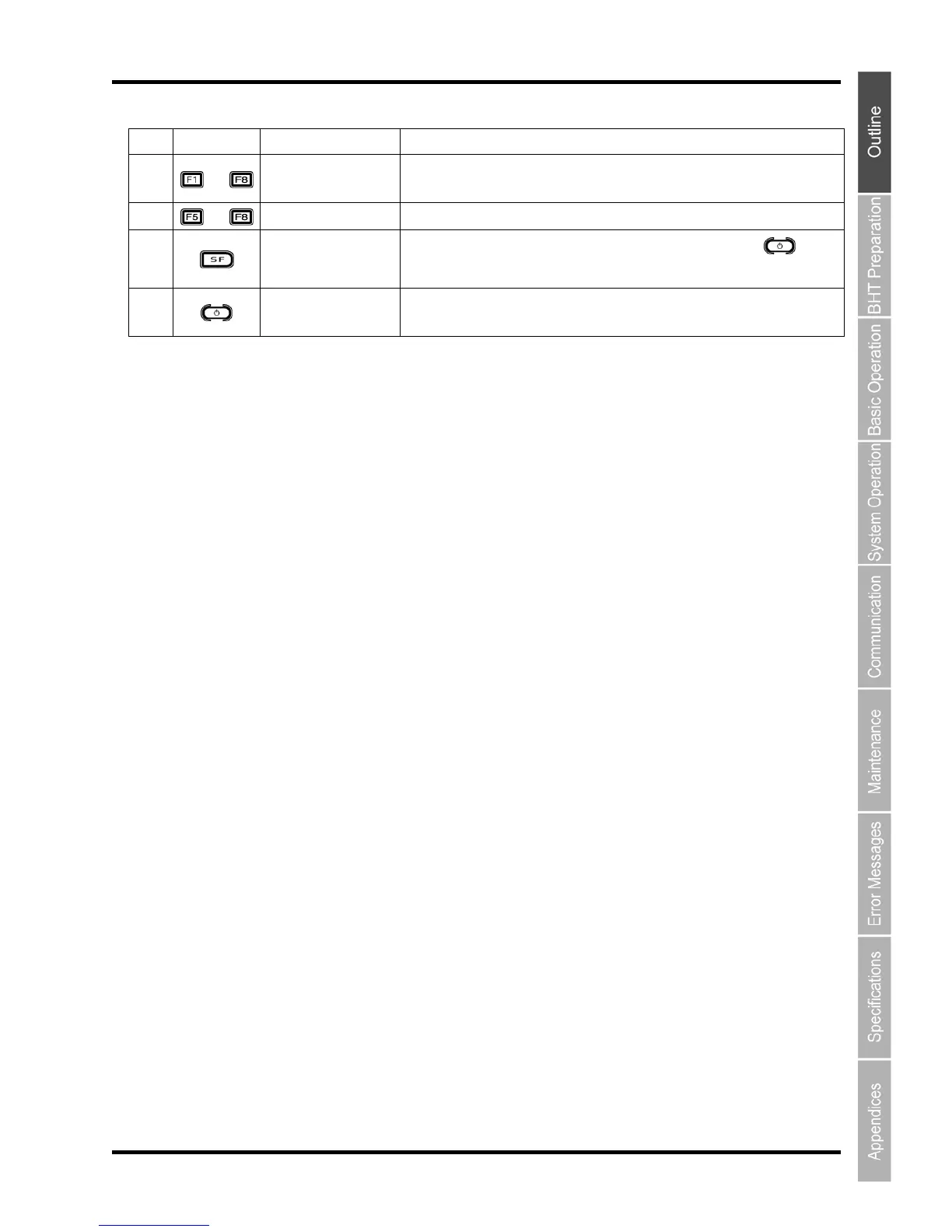
NO. Key Name Function and Description
(9)
~
Function keys
Used to select functions.
* The functions of the function keys are assigned at user programs. For details,
refer to the Programmer’s Manual.
(10)
~
Cursor keys Used to move the cursor and select menus.
(11)
Shift key
Used in combination with other keys such as the numeric keys and
key for
special input procedures.
(12)
Power key
Turns ON or OFF.
* After data backup, hold down the Power key for at least 1 seconds. For details,
refer to "2.6 Turning OFF the Power".



 To Next Page