51
Barcode Handy Terminal
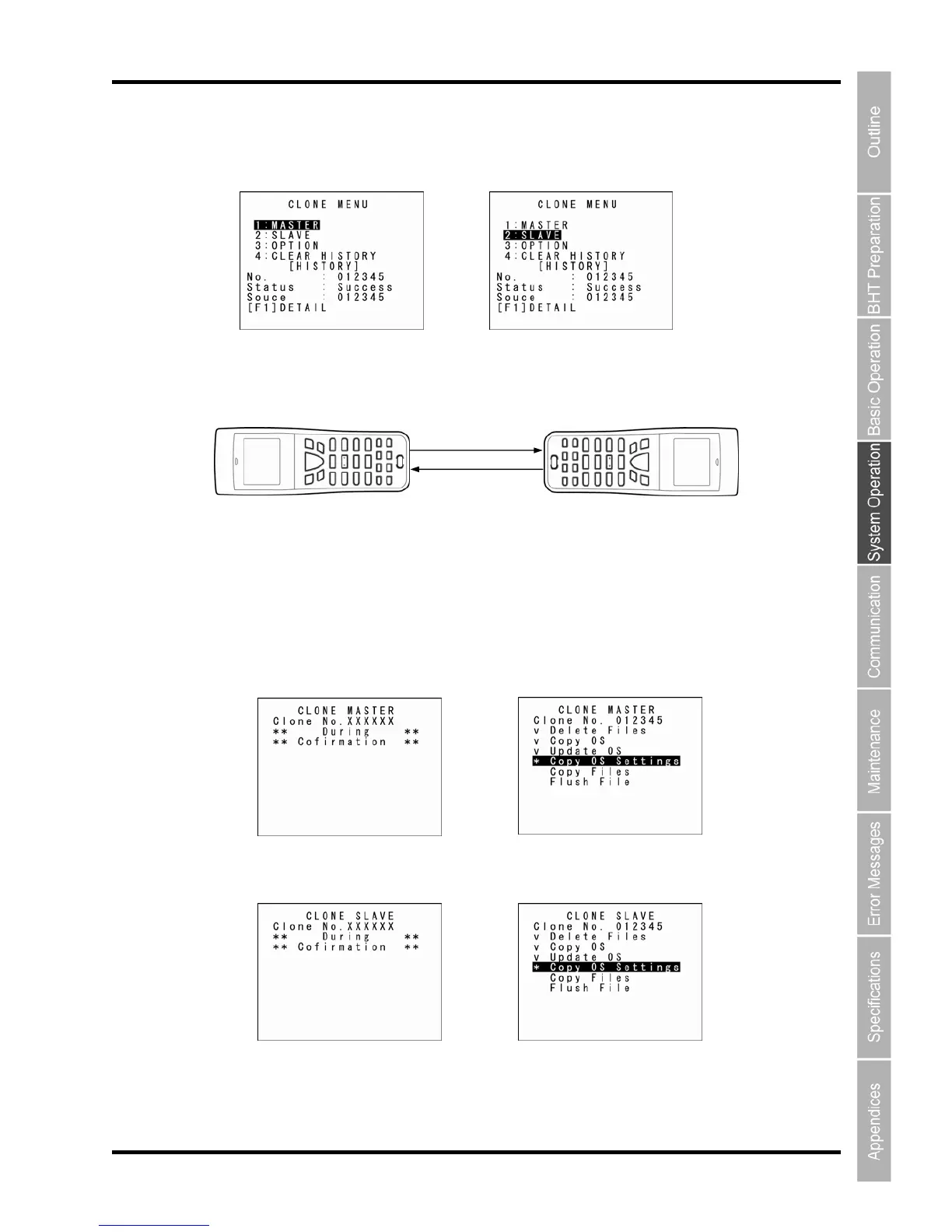
5. Select “2: SLAVE” from the slave-side CLONE MENU.
Master Side Slave Side
6. Align the BHTs as shown below and then press ENT key on the transmitting device.
The status of the data transmission progress is displayed as shown on the screens below.
“
Slave Side
→
Slave BHT
(to be tested)
Data
Max. 15 cm
Master BHT
“v”: Data transmission is co
mplete.
”: When flashing, data transmission is in progress.
Master Side
→



 To Next Page