63
Barcode Handy Terminal
[1] Setting the auto-start execution program
Use the following procedure to set the auto-start execution program.
1. Select “1: EXECUTE PROGRAM” at the SET SYSTEM menu and
then press the ENT key.
n on the
be the program currently set as the auto-start
2. Use the cursor keys ([
3. Pr
Th e auto-start execution program.
Pr he SET SYSTEM menu.
Th
do
Pr
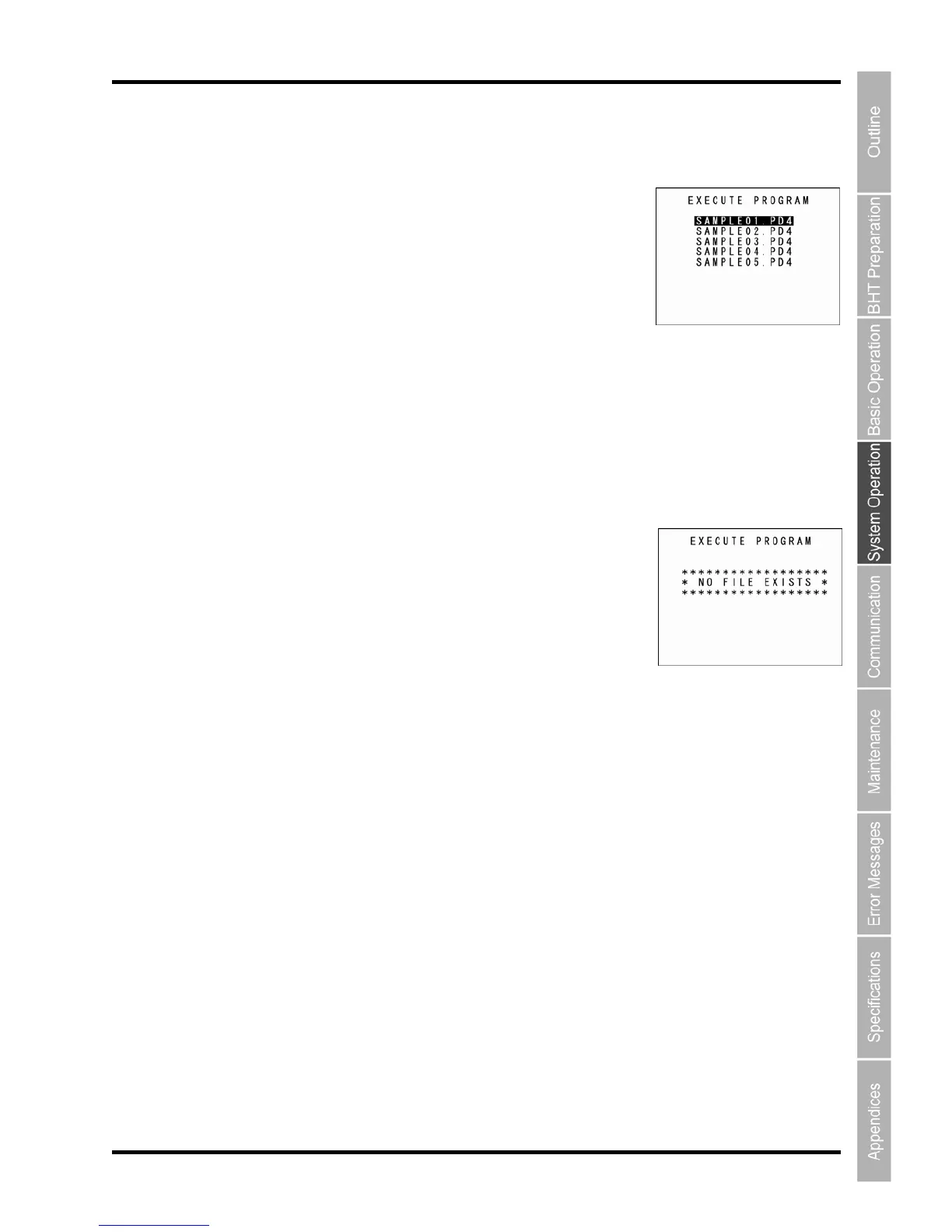
The SET EXECUTE PROGRAM menu screen displays as show
right.
The highlighte
d program will
ex
ecution program.
▲] [▼]) to highlight the target program.
ess the ENT key.
e selected program will be set as th
ess the Backspace/clear key to return to t
e screen displays as shown on the right if no programs have been
wnloaded.
ess the Backspace/clear key to return to the SET SYSTEM menu.



 To Next Page