17
[ 2 ] Switching from the Computer
Follow the procedure below when switching from one mode to the other from
the computer.
"
STEP 1
Start WINCAPSII on the computer. Log in with Programmer.
Start WINCAPSII according to the procedure given in WINCAPSII GUIDE,
Chapter 3, Section 3.1.
For details on the user level of Programmer, refer to the WINCAPSII
GUIDE, Chapter 1, Section 1.3.
"
STEP 2
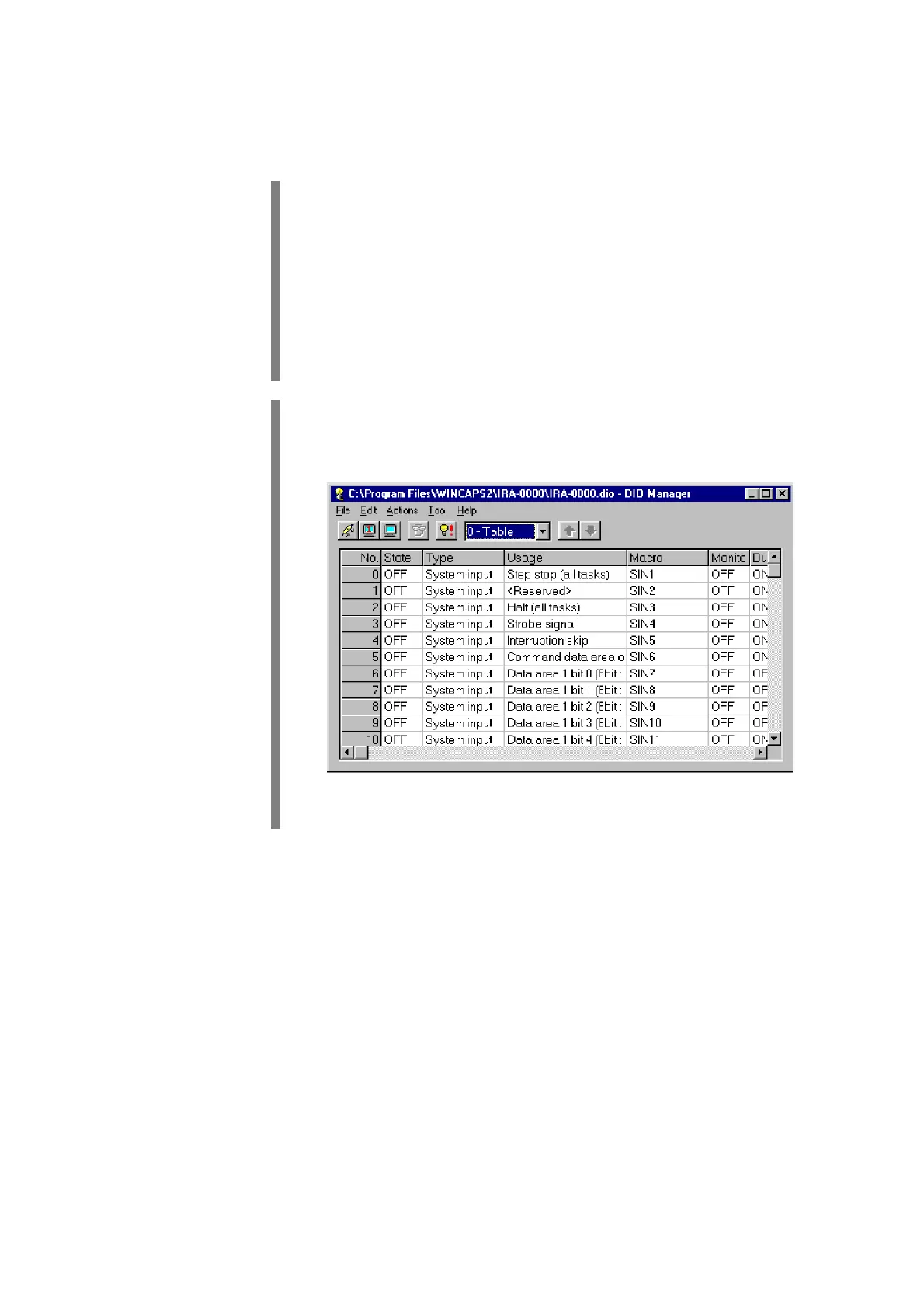
Click on the DIO Manager button in the System Manager.
DIO Manager starts and the DIO Manager window opens.


 To Next Page