DFU Thermaprep Plus Oven – F1902115.X /04/2010 updated 10-2011 5 / 24
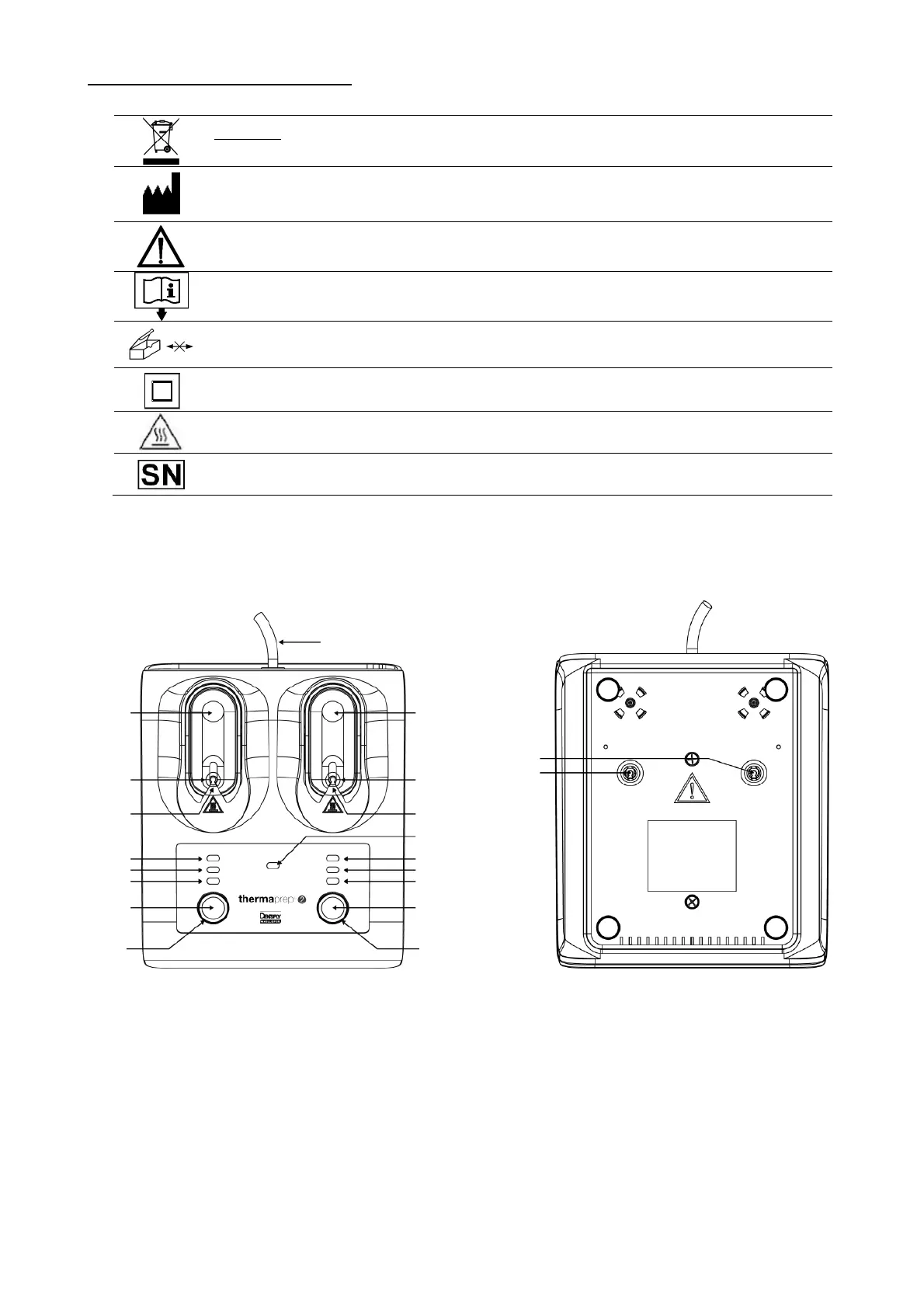
Explanation of Marking Symbols
Recycling : Please do not throw away ! : this product and all its components must
absolutely be recycled through your supplier
Manufacturer
See directions for use
Consult Instructions for use
Opened packages are not replaced
Class II equipment
Hot surface
Serial Number
Top of Unit Bottom of Unit
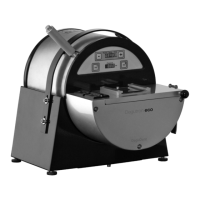
1 After selecting proper size press here to lower the obturator holder and start heating Press here again tostop
heating and raise the obturator holder
2 Place obturator here
3 Heating chamber
4 Sizes 70-90 / 30-60 / 20-25
5 Press button to select obturator size for left obturator heater
6 LEFT heater “ON”indicator light
7 Cleaning mode indicator light
8 Press button to select obturator size for right obturator heater
9 RIGHT heater “ON” indicator light
10 Main cord, disconnect after use
11 Clean heating chambers from here with supplied tool
12 WARNING: Disconnect main power cord before entering heating chambers
1
5
2
3
4
8
9
12
11
10
6
7
1
2
3
4










 To Next Page