1. Instructions
1.1 General Description
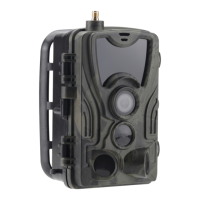
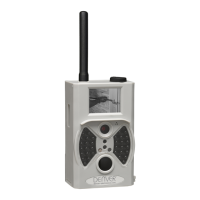
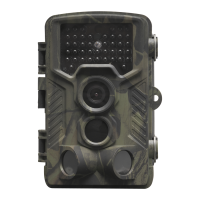
This digital trail camera is a surveillance camera working automatically. It can be
triggered at once by any movement of human (or animals) in a certain region of
interested (ROI) monitored by a high sensitive Passive Infrared (PIR) motion sensor, and
then automatically captures high quality pictures (up to 12M pixels) or records 1080p HD
video clips.
At sunrise the unit begins to take color photos and video until there is insufficient light
(dusk) when it begins to take infrared (monochrome) photos and video.
It is easy to use, there is a 2.0 inch colorful LCD display on camera. It is resistant against
water and snow for outside uses.
1.2 Camera Body Interface
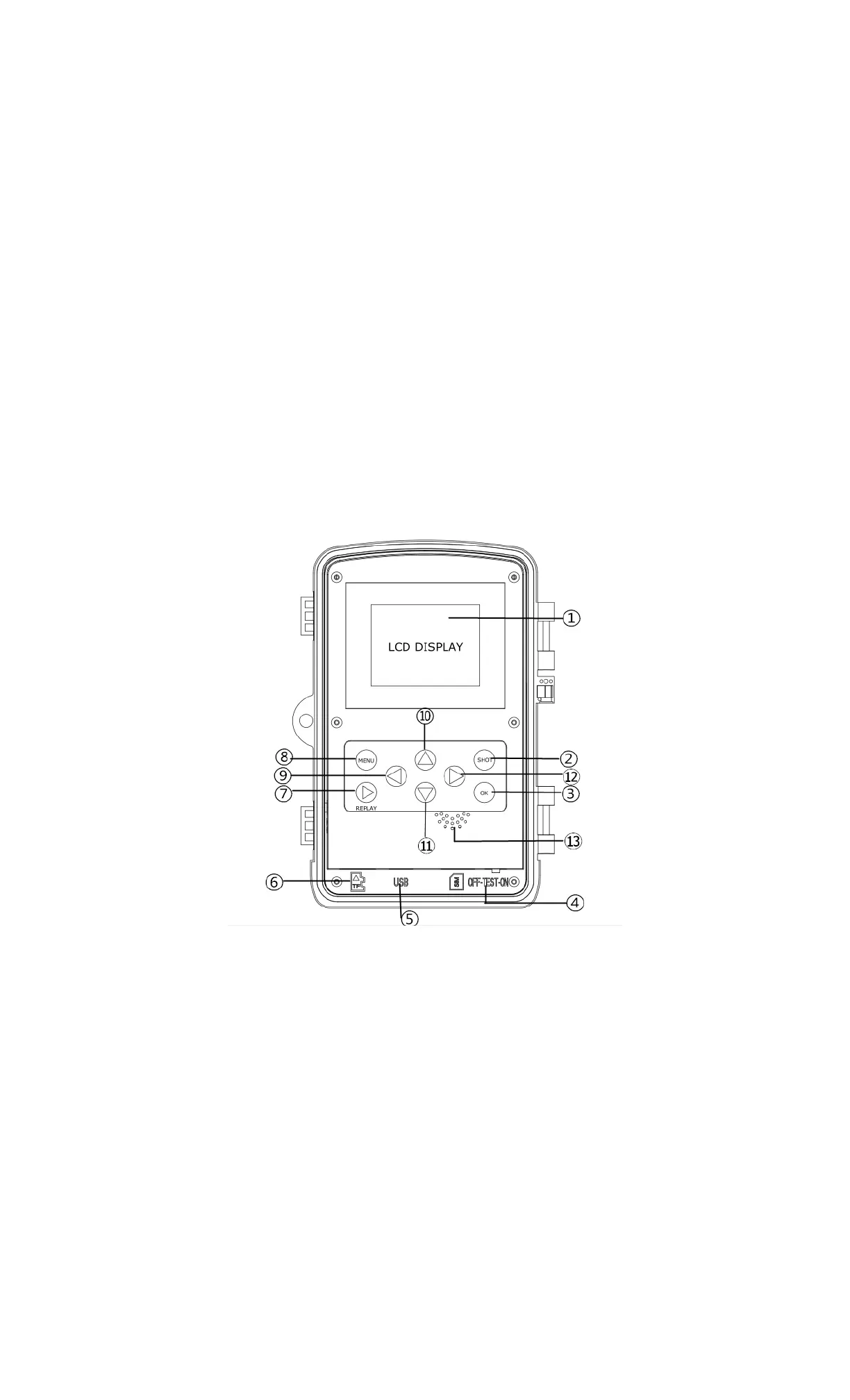
The camera has the following I/O interfaces: USB connector, SD-card slot, TV output.
Take a few moments to familiarize yourself following the camera controls and displays. It
is helpful to bookmark this section and refer to it as you read through the rest of the
manual.
1.3 Camera components and features
2 inch color LCD Display
Shot button
OK button
Power Switch
USB connector
Micro SD card slot
Replay button
Menu button
Left button
10) Up button
11) Down button
12) Right button
13) Microphone
ENG-3


 To Next Page