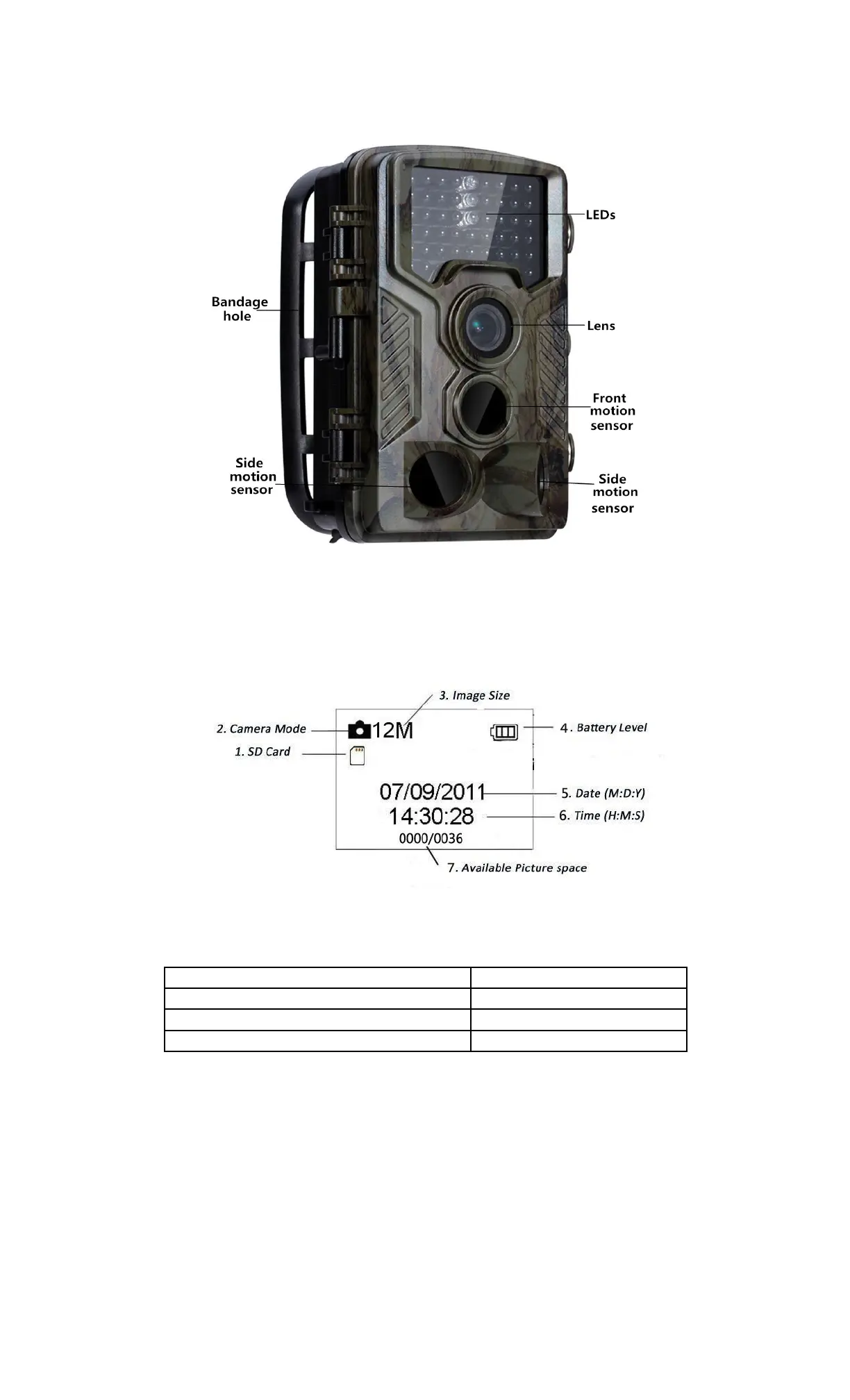
1.4 Shooting Information Display
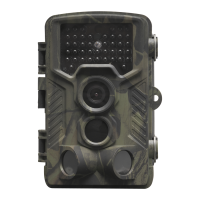
When the camera is turned on (the power switch is slid to TEST position), the shooting
information will be displayed in the monitor.
1.5 Supported Format
Item Format
Photo JPG
Video AVI
File Format FAT32
Here are some important notices. You don’t need to concern about the file system
format of the camera unless you have problems with reading the Micro SD-card by your
other equipment. If this happened, please format the Micro SD-card in the camera or in
a computer at first and then reinsert the card into your camera to make a try.
2. Cautions
The working voltage of the camera is 6.0V. The camera is powered by 4 or 8 AA batteries.
Please unlock the write-protect before inserting the Micro SD-card.
Please insert the Micro SD-card when the power switch is at OFF position before testing
the camera.
Please do not insert or take out the Micro SD-card when the power switch is at ON
ENG-4


 To Next Page