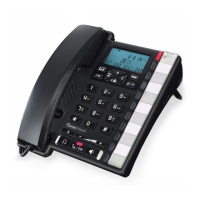
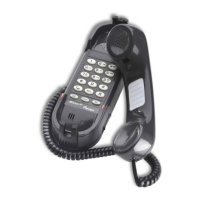
HD2000 IP User Manual
Copyright © 2015 SAS HENRI DEPAEPE Page 17 of 52
7.5. CALL FEATURES (keypad models only)
7.5.1.
Call Features Tables
Following table shows the call features of HD2000IP :
Block Caller ID (for all subsequent calls)
Send Caller ID (for all subsequent calls)
Block Caller ID (per call)
Send Caller ID (per call)
Disable Call Waiting (for all subsequent calls)
Enable Call Waiting (for all subsequent calls)
Disable Call Waiting. (Per Call)
Enable Call Waiting (Per Call)
Unconditional Call Forward.
To use this feature, dial “*72” and get the dial tone. Then dial the forward
number and “#” for a dial tone, then hang up.
Cancel Unconditional Call Forward.
To cancel “Unconditional Call Forward”, dial “*73” and get the dial tone, then
hang up.
To use this feature, dial “*90” and get the dial tone. Then dial the forward
number and “#” for a dial tone, then hang up.
Cancel Busy Call Forward.
To cancel “Busy Call Forward”, dial “*91” and get the dial tone, then hang up.
To use this feature, dial “*92” and get the dial tone. Dial the forward number
and “#” for a dial tone and then hang up.
Cancel Delayed Call Forward.
To cancel this feature, dial “*93”, get the dial tone, and then hang up.
When in conversation without an incoming call, this action will switch to a new
channel to make a new call.


 To Next Page