HD2000 IP User Manual
Copyright © 2015 SAS HENRI DEPAEPE Page 19 of 52
8.1.3.
User Programming and Configuration
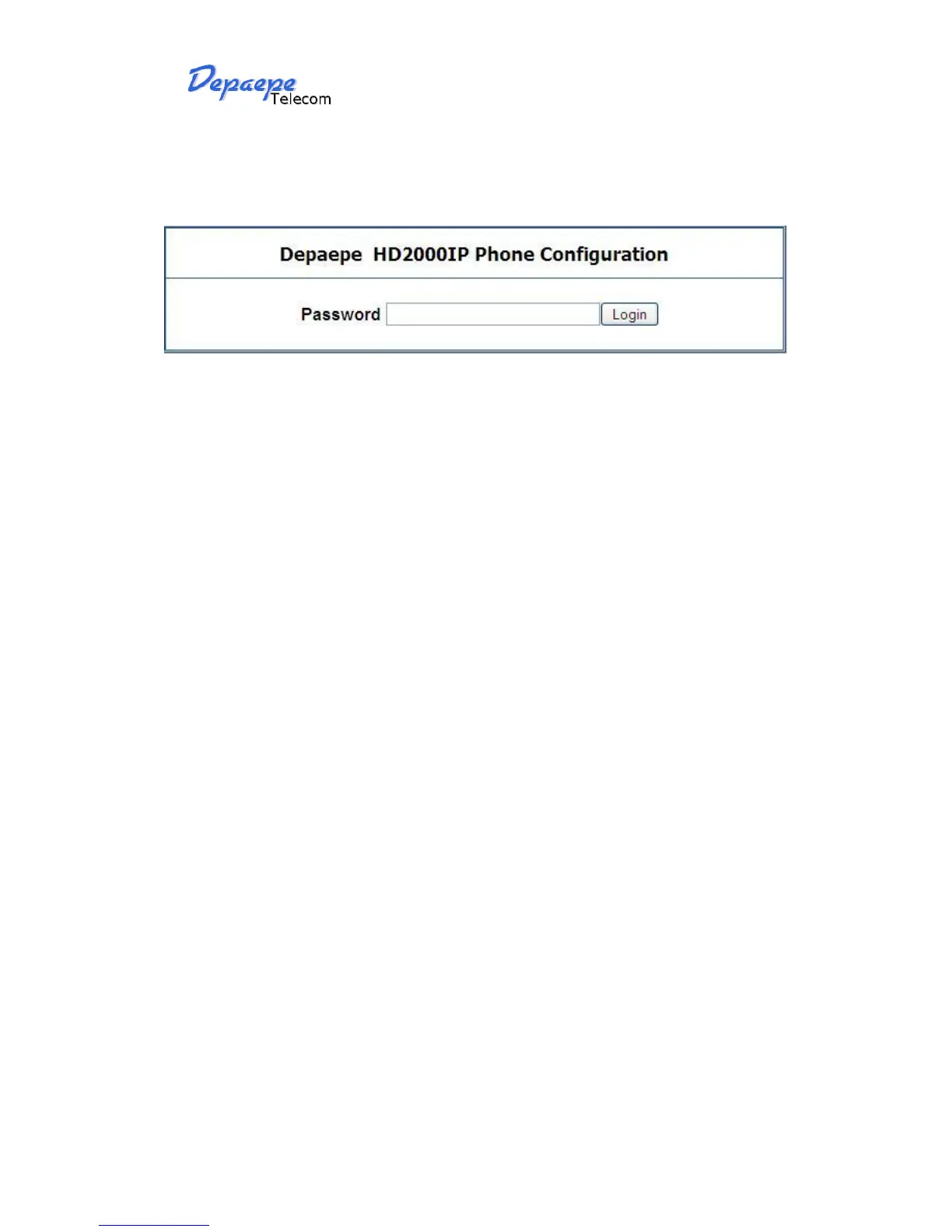
From your web browser, the HD2000IP will show the following login screen:
Enter the password and click on the “Login” button
8.1.4.
Login, Passwords
Password is case sensitive and all Depaepe devices come with factory default password as
indicated below:
Advanced User Password for access to Super User Options: admin
End User Password for access to Basic User Options: 1234


 To Next Page