HD2000 IP User Manual
Copyright © 2015 SAS HENRI DEPAEPE Page 6 of 52
4. Hardware specification.
1x RJ45 100Base-T(PoE supported)
Power consumption 1,600 mW
Current consumption 34 mA
Input: 100-240VAC 50-60 Hz
Output: +5VDC, 1200mA
CE/FCC/UL certification
215 x 165 x 70 mm (L x W x H)
5. INSTALLATIONS
5.1. Power and LAN connection
Following are the steps to install a HD2000IP:
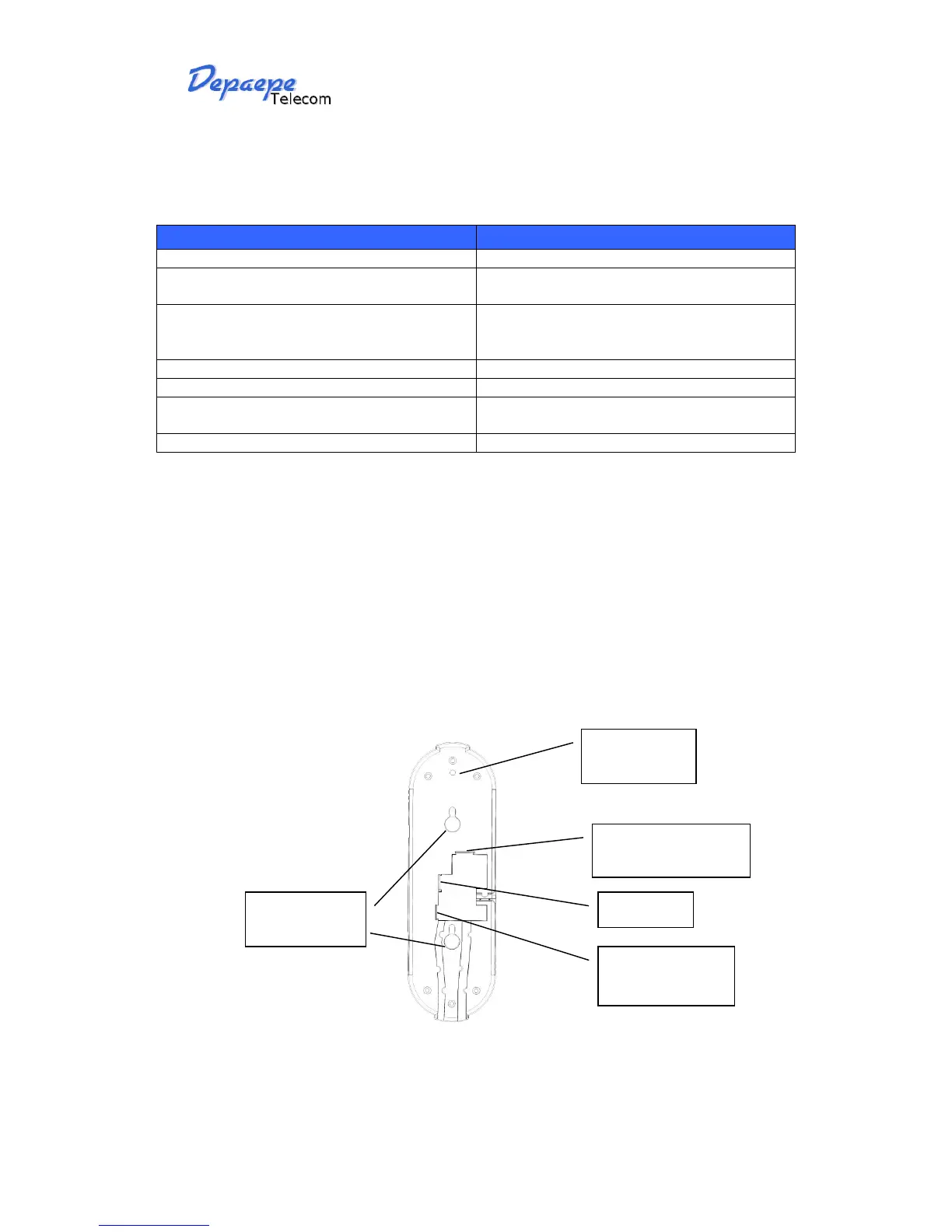
Connect Ethernet cable from back of the phone (LAN Port) to a PoE port of switch or router.
If you don’t have PoE switch or router, please use power adapter (optional) into back of the
phone and connect it to a power outlet.
RJ45 plug network
cord connection
RJ9 plug handset
cord entry



 To Next Page