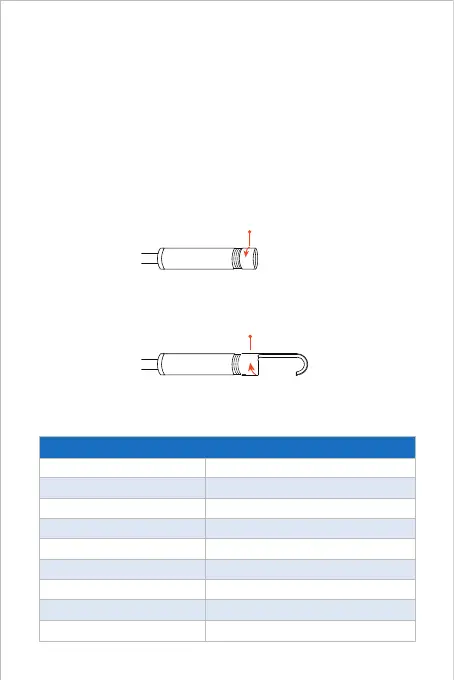
Guide for Accessories Installation
Optical sensor
Resolution
Viewing angle
Depth of field
Diameter of lens tube
Working voltage and current
Wi-Fi frequency bands
WiFi Transmission Distance
Waterproof Grade
CMOS
Max. 1920*1080px
67°±3°
1.96-11.8 inches
8.5mm
DC 5V/2A
2.4G
5m (without any obstacles)
IP67 (for lens/tube only)
Product parameter
Charging Guide
Connect the device to the DC 5V USB adapter for charging;
During the charging process, the green LED indicator light will be steady on.
When the device is fully charged, the green LED indicator will go out.
Turn counterclockwise-remove
accessories
Turn clockwise-tighten
accessories



 To Next Page