Shenzhen Dericam Technology Co., Ltd. User Manual V1.0.5
Email: support@dericam.com Website: www.dericam.com
38
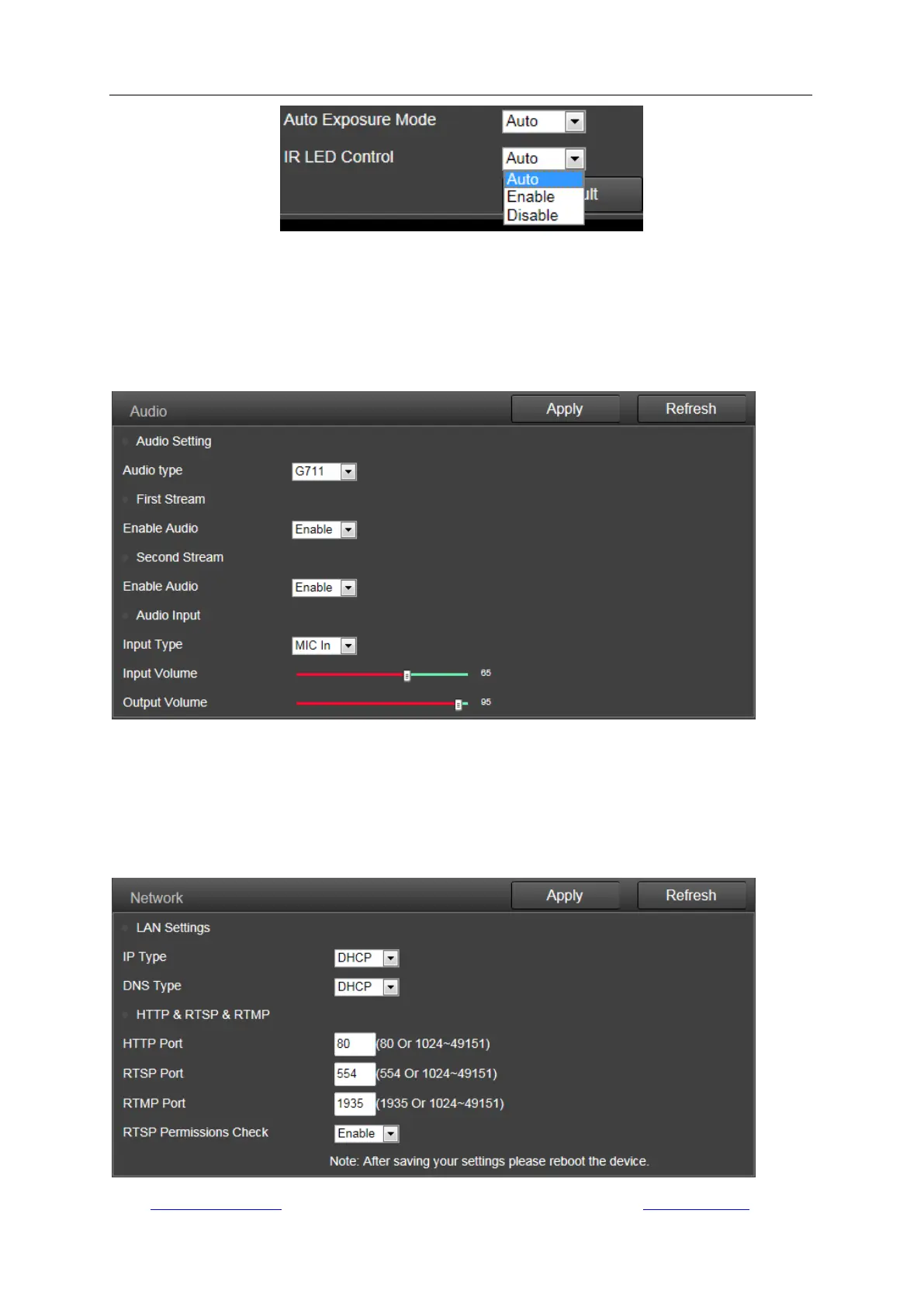
Note: To reset the default settings, please click the button “Default”.
3) Audio
You can set the configurations about audio on this page, including the encoding format for audio,
enable or disable the audio for first stream or second stream, the input type, the volume for input
and output. Please note that two-way audio function is not available on some models.
5.4.2 Network
1) Network
Here you can set up the network configuration like DHCP or Static and the port for
HTTP/RTSP/RTMP.
Note: Please keep the types of the IP and DNS are the same, both are the DHCP or Static.



 To Next Page