Rev 07/04/2015
22
3.8. DISPLAY – TOUCH SCREEN VERSION
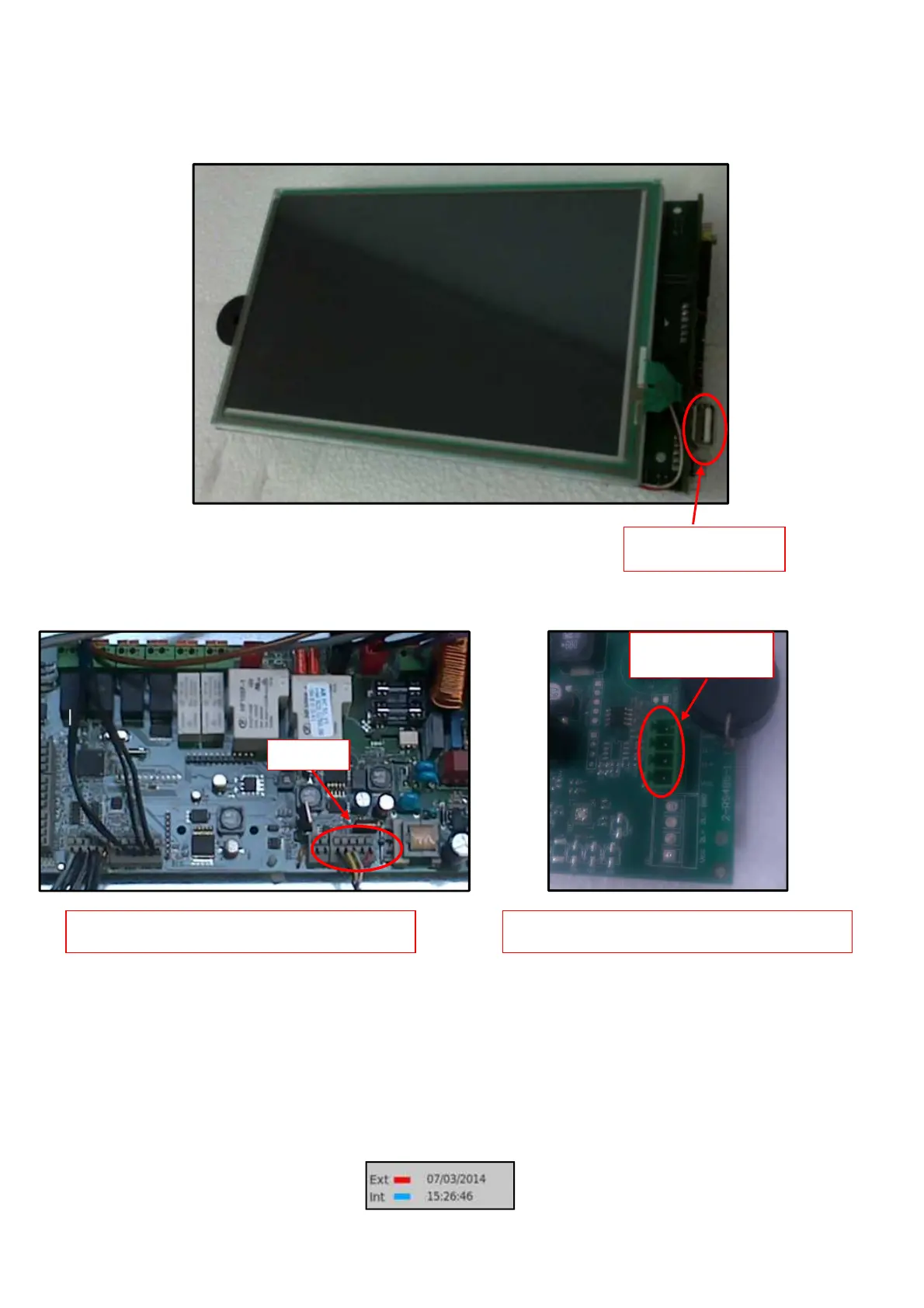
The RS485 port on the relay board is used to connect the keyboard.
3.8.1 Touch Screen Display Troubleshooting
Correct communication between Display and Power Board can be monitored by looking at
signals Ext/Int on the left bottom side of the Display. Both signals are blinking “Blue” if
communication is OK. One or both will blink “Red” if some error is occurring . Check the
connection cable for continuity to find a cable issue, or otherwise perform a
troubleshooting on the Display or Power Boards.
FRONT SIDE
CONNECTION ON RELAY BOARD CONNECTION ON DISPLAY
RS485
BACK SIDE
RS485



 To Next Page