Rev 07/04/2015
48
a) Insert replacement board on clips, press down to snap in place.
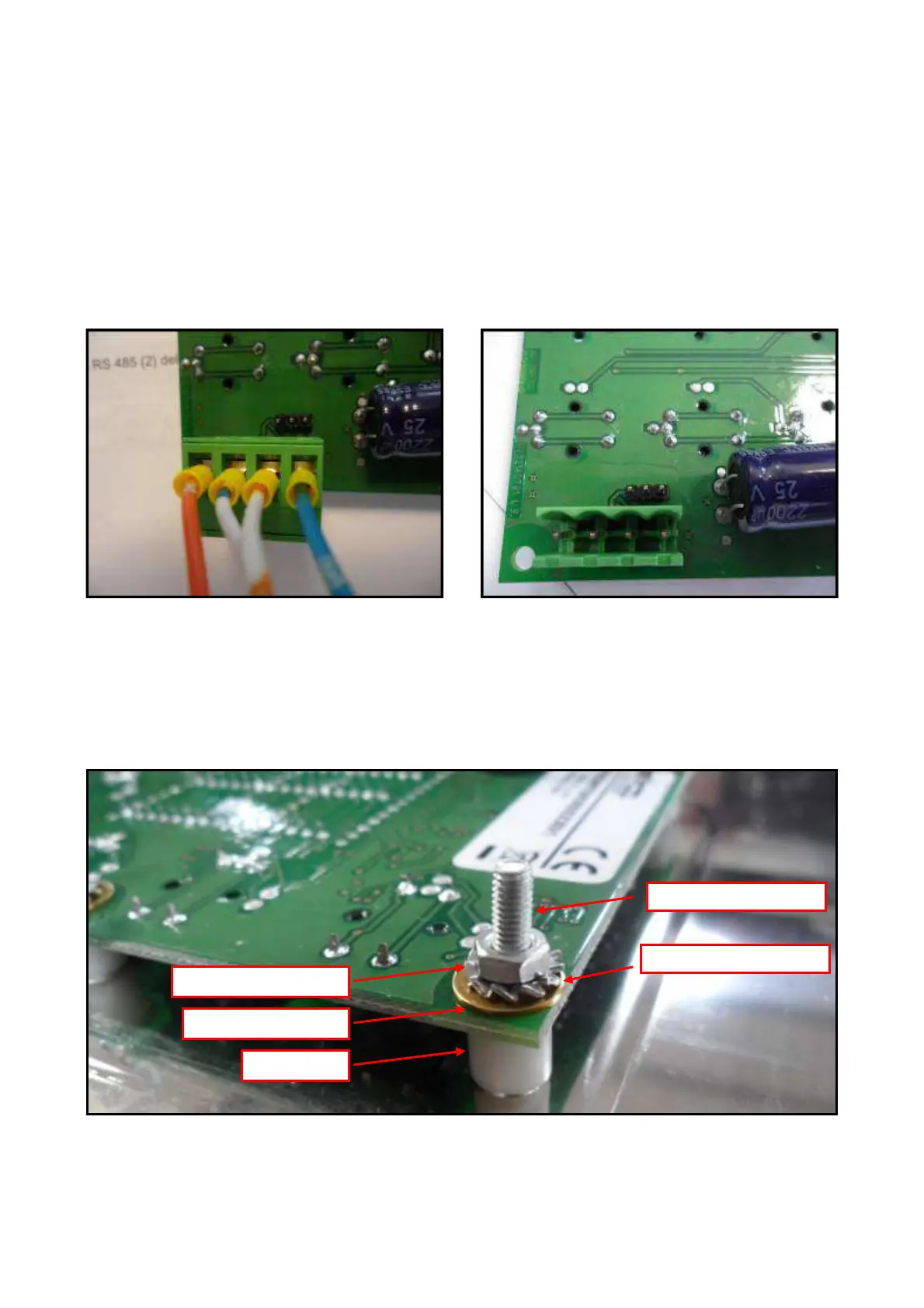
b) Rewire according to the wiring marking and wiring diagram.
c) Ensure all parameters are set correctly (see Parameter List).
4.10 REPLACING THE KEYPAD
a) Remove the front panel (3.1.) and unscrew the keypad
b) Disconnect the wiring harness.
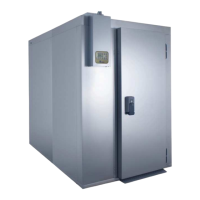
c) Remove the mounting nuts, lock washers and flat washers.
d) Remove the board from the mounting studs.
e) Install replacement board by reversing the above procedure.



 To Next Page