240 Operators Manual
Model 240 Operator Manual Rev. 1.8 Page 23 of 29
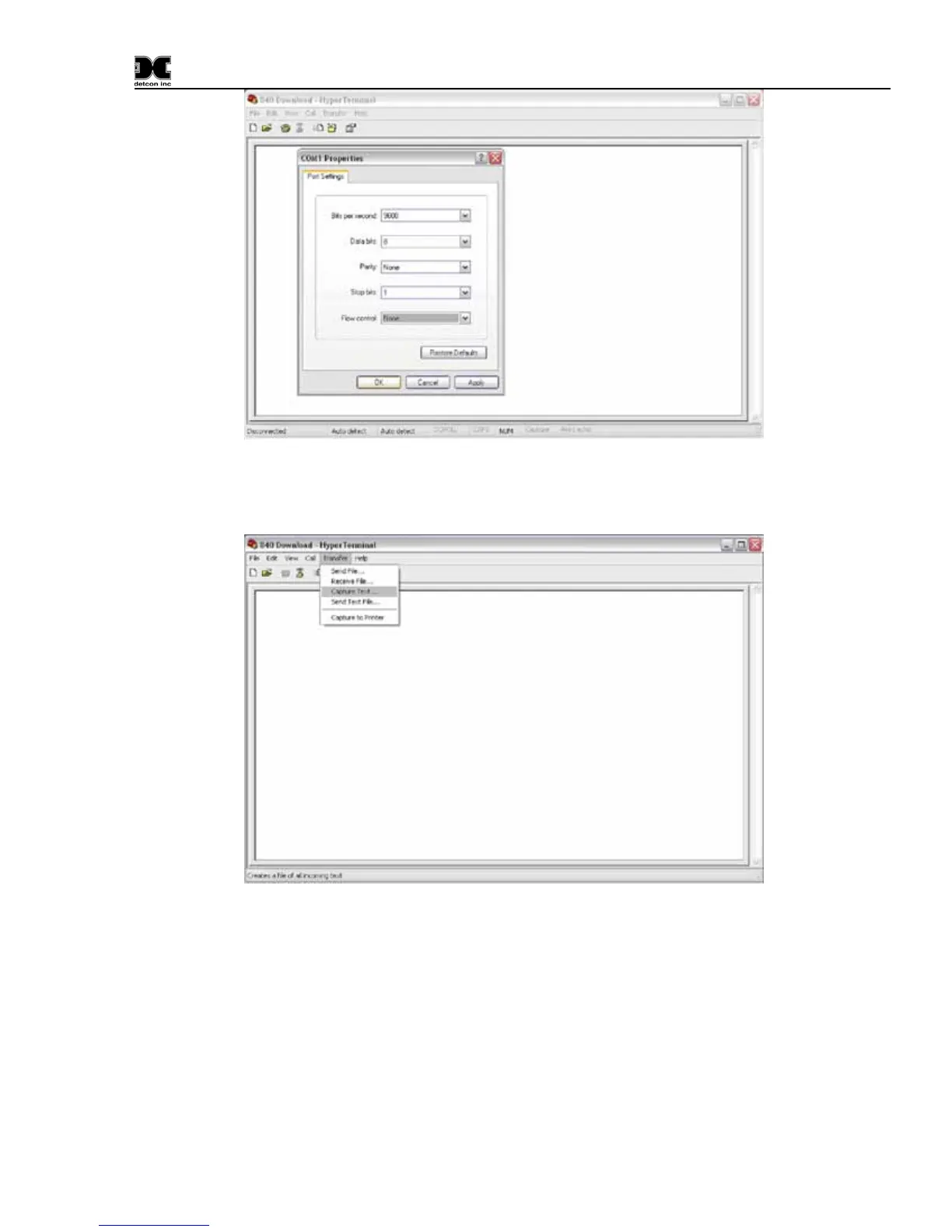
Figure 14 Communications port properties
From the main menu Select: Transfer> Capture Text.
Figure 15 Setting up capture
Select a Name and location where the downloaded data is to be saved, and click “Start”. The file will be
saved as a text file and the file extension of *.txt should be used.


 To Next Page